
Skip to content
OnMSFT.com
  • Home
  • About
  • Contact
  • Windows
  • Surface
  • Xbox
  • How-To
  • OnPodcast
  • Edge
  • Teams
  • Gaming
Menu
  • Home
  • About
  • Contact
  • Windows
  • Surface
  • Xbox
  • How-To
  • OnPodcast
  • Edge
  • Teams
  • Gaming
  1. Home
  2. News
  3. Microsoft Teams adds support for Meetings apps on mobile – onmsft.com

Microsoft Teams adds support for Meetings apps on mobile – onmsft.com

Rabia Noureen Rabia Noureen
July 19, 2021
2 min read

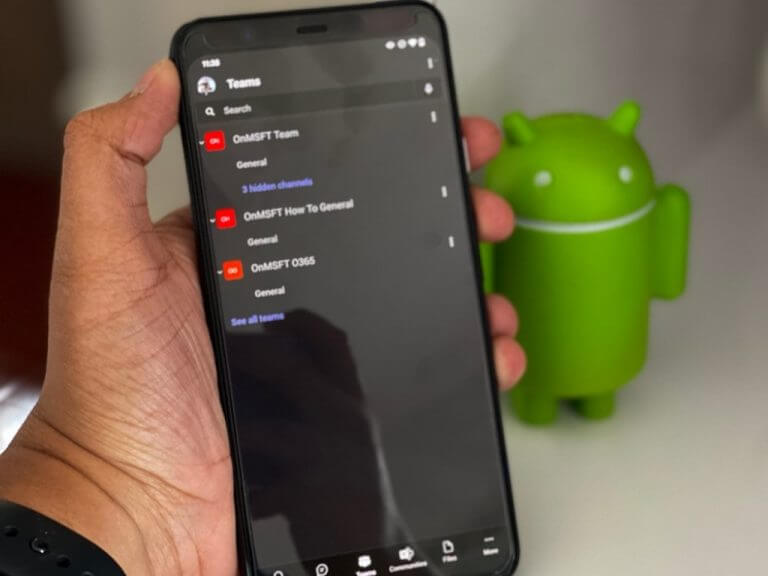
Last year, Microsoft announced the general availability of Teams apps for meetings, allowing organizers to make their meetings more productive and engaging for participants. The company is now starting to roll out this meetings apps experience on both iOS and Android worldwide.

“With the realities of hybrid work in front of us, we’ll be navigating through new experiences where we’ll need to accommodate the needs of workers who will re-enter the office and those who will remain remote. Effective collaboration will be more critical than ever with hybrid work models – evidencing the need for collaborative apps that provide the flexibility to work from anywhere, on any device,” the company explained.

This release will allow organizers to improve their collaboration experience by adding third-party apps to Teams meetings from PCs, and attendees will be able to interact with these apps directly from their mobile devices. Just like its desktop counterpart, the Microsoft Teams mobile apps for iOS and Android will provide an option to access the meeting app via a tab before and after a meeting.

Microsoft teams adds support for meetings apps on mobile - onmsft. Com - july 19, 2021

Once a meeting begins, Teams meeting participants will be able to pull the content of these apps into the ongoing meetings via the in-meeting panel. The Microsft Teams mobile app will also show an in-meeting notification at the top of the mobile screen to notify participants about the new activity. They will need to click on the “View” option to see and interact with the apps’ content.

Thumbnail image 3 captioned gif showing an in-meeting notification within a meeting on teams mobile.

Microsft says that all third-party apps may not be available on mobile at this point, and the company will keep listening to the feedback to refine the functionality of this feature. It’s one of the much-anticipated features which will help presenters ask questions and get instant feedback from within the meeting. If you haven’t done it yet, you can download the latest update for Microsoft Teams with the links below.

‎microsoft teams
‎microsoft teams
Download
QR-Code
‎Microsoft Teams
Developer:
Microsoft Corporation
Price:
Free

Microsoft teams
Microsoft teams
Download
QR-Code
Microsoft Teams
Developer:
Microsoft Corporation
Price:
Free

Share This Post:

Share this article:
Tags:
Microsoft 365 Microsoft Teams
Previous Article Amazon’s App Store “actively working” to support Google’s new App bundles, will work on Windows 11 Next Article Nvidia Showcases RTX Graphics on ARM Chip

Related Articles

Chrome and Gemini icons representing Gemini Live voice assistant integration in Chrome

Chrome tests Gemini Live voice assistant in a floating overlay panel

March 14, 2026

Chrome’s Organizer feature may sync Gemini and AI conversations across devices

March 14, 2026

After Chrome, Edge tests launching the browser automatically when you sign into Windows

March 13, 2026

Leave a Comment Cancel reply

Your email address will not be published. Required fields are marked *

Recent Posts

  • Chrome tests Gemini Live voice assistant in a floating overlay panel
  • Chrome’s Organizer feature may sync Gemini and AI conversations across devices
  • After Chrome, Edge tests launching the browser automatically when you sign into Windows
  • iPhone Fold Latest Rumors: Display, Cameras, RAM and Price Details Revealed
  • Samsung fears first mobile operating loss due to memory price surge

Recent Comments

No comments to show.
OnMSFT.com

OnMSFT.com covers Microsoft news, reviews, and how-to guides. Formerly known as WinBeta, we have been your source for Microsoft news since 1998.

Categories

  • Windows
  • Surface
  • Xbox
  • How-To
  • OnPodcast
  • Gaming
  • Edge
  • Teams

Recent Posts

  • Chrome tests Gemini Live voice assistant in a floating overlay panel
  • Chrome’s Organizer feature may sync Gemini and AI conversations across devices
  • After Chrome, Edge tests launching the browser automatically when you sign into Windows
  • iPhone Fold Latest Rumors: Display, Cameras, RAM and Price Details Revealed
  • Samsung fears first mobile operating loss due to memory price surge

Quick Links

  • About OnMSFT.com
  • Contact OnMSFT
  • Join Our Team
  • Privacy Policy
© 2010–2026 OnMSFT.com LLC. All rights reserved.
About OnMSFT.comContact OnMSFTPrivacy Policy