Skip to content
OnMSFT.com
  • Home
  • About
  • Contact
  • Windows
  • Surface
  • Xbox
  • How-To
  • OnPodcast
  • Edge
  • Teams
  • Gaming
Menu
  • Home
  • About
  • Contact
  • Windows
  • Surface
  • Xbox
  • How-To
  • OnPodcast
  • Edge
  • Teams
  • Gaming
  1. Home
  2. Feature
  3. Windows To Go (Windows on a USB stick for enterprise) – how does it stack up against laptops?

Windows To Go (Windows on a USB stick for enterprise) – how does it stack up against laptops?

Dilraj Singh Dilraj Singh
November 29, 2020
2 min read

Windows To Go

Windows To Go is a Microsoft solution to the enterprise workforce on the move. Basically, it puts a bootable copy of Windows 8.1, along with all your settings, apps, security tools and policies on a USB 3.0 flash drive.

For companies, it offers another way to provide a device for their employees or contractors than actually giving them a PC. Fairfax County, VA has been issuing drives to employees that work remotely, and comment, “There’s nothing to install or configure. Employees simply plug the drives into their Windows 7– or Windows 8–compatible PCs or other devices, connect to the county network via a virtual private network, and work anytime, anywhere.” 

Microsoft points out five areas of advantage Windows To Go has over the traditional laptop approach. It costs considerably less, is more secure than most laptops (as most are not encrypted), is easy to manage, easy to deploy (portable, easy to ship, etc.), and is very resilient.

Now, there are obvious flaws. For one, you need a laptop or a computer already to use Windows To Go. But, in certain situations, like with employees working remotely or contractors, your employees will already have PCs. With Windows To Go you are offering them flexibility and convenience. You can read more about it here, but keep in mind this is for enterprise, not consumers.

What do you think about Windows To Go in a world where the emphasis seems to be with either Ultra-Portable Laptops or Cloud based enterprise solutions (for example, Office 365 enables you to do work on another computer without needing anything)?  

Share This Post:

Tags: Microsoft
Share this article:
Tags:
Microsoft
Previous Article Windows new companion travel app tripwolf receives a significant update Next Article Expansys USA is temporarily offering the Lumia 640 XL for $199

Related Articles

Welcoming a New Chapter: Transition to WindowsReport

October 26, 2023

Is Assassin’s Creed Mirage a return to form or a big step back? – our review roundup

October 5, 2023

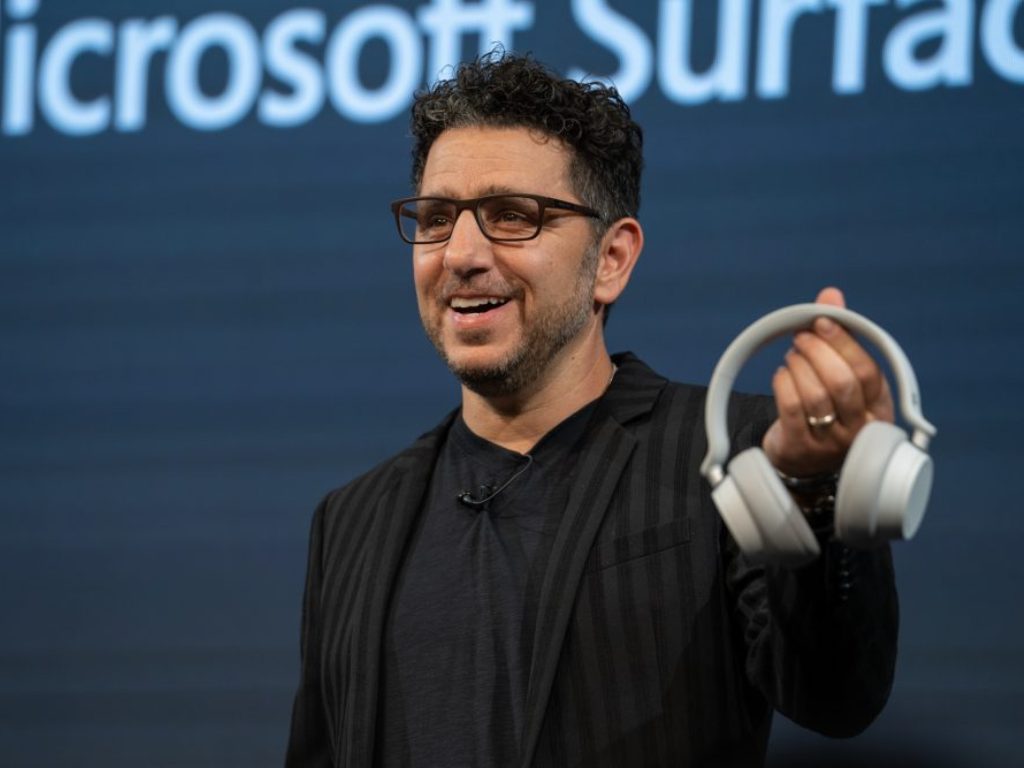
Opinion: Panos is gone but Surface will remain

September 20, 2023

Leave a Comment Cancel reply

Your email address will not be published. Required fields are marked *

Recent Posts

  • Nvidia CEO Jensen Huang sees $1 trillion demand for Blackwell and Rubin AI chips
  • Nvidia introduces DLSS 5 to improve game realism with generative AI
  • Dictionary Publisher Files Copyright Lawsuit Against OpenAI
  • Shopify exec says AI shopping agents are the future of e-commerce
  • WhatsApp beta introduces guest chats for messaging without an account

Recent Comments

No comments to show.
OnMSFT.com

The Tech News Site

Categories

  • Windows
  • Surface
  • Xbox
  • How-To
  • OnPodcast
  • Gaming
  • Edge
  • Teams

Recent Posts

  • Nvidia CEO Jensen Huang sees $1 trillion demand for Blackwell and Rubin AI chips
  • Nvidia introduces DLSS 5 to improve game realism with generative AI
  • Dictionary Publisher Files Copyright Lawsuit Against OpenAI
  • Shopify exec says AI shopping agents are the future of e-commerce
  • WhatsApp beta introduces guest chats for messaging without an account

Quick Links

  • About OnMSFT.com
  • Contact OnMSFT
  • Join Our Team
  • Privacy Policy
© 2010–2026 OnMSFT.com LLC. All rights reserved.
About OnMSFT.comContact OnMSFTPrivacy Policy