How to scan a folder for threats using Windows Security
How to scan a folder for threats using Windows Security To scan a folder using Windows Security, right-click the folder…
How to import data from a PDF in Microsoft Excel To import PDF table data into Excel: Click the Data…
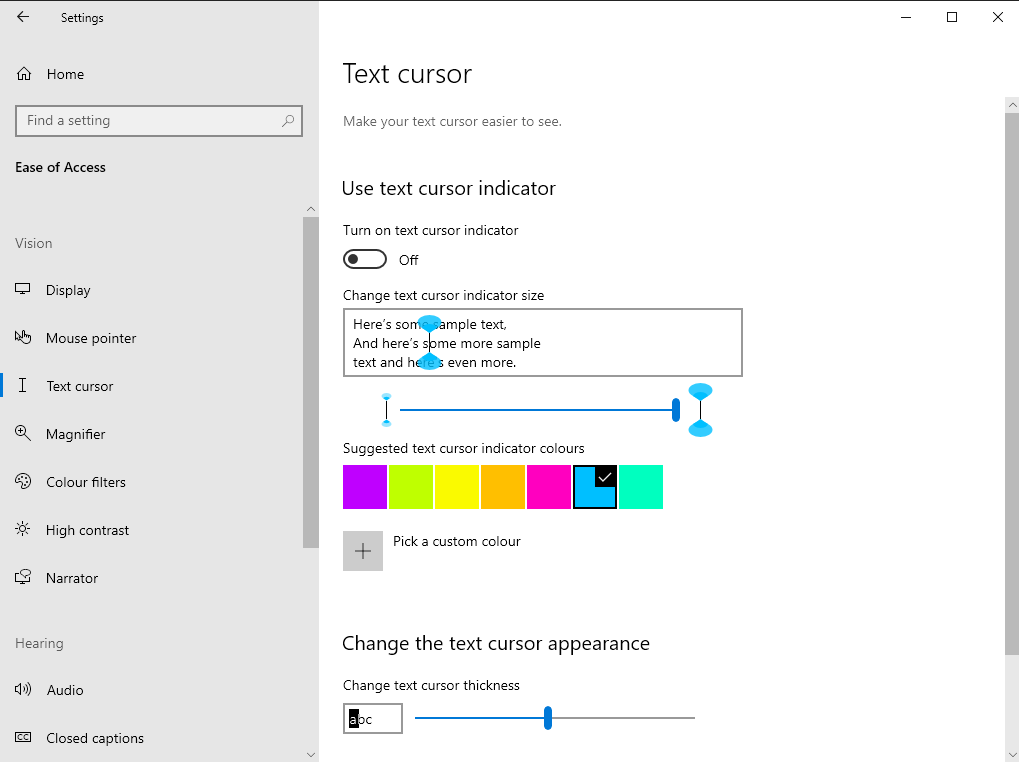
How to customise the text input cursor in Windows 10 To set cursor highlight colour and thickness: Launch Settings. Click…
How to dictate text on Windows 10 To dictate text on Windows 10: Focus any text input field. Press the…
How to set a Windows Update bandwidth cap To set a Windows Update bandwidth cap in the May 2020 update:…
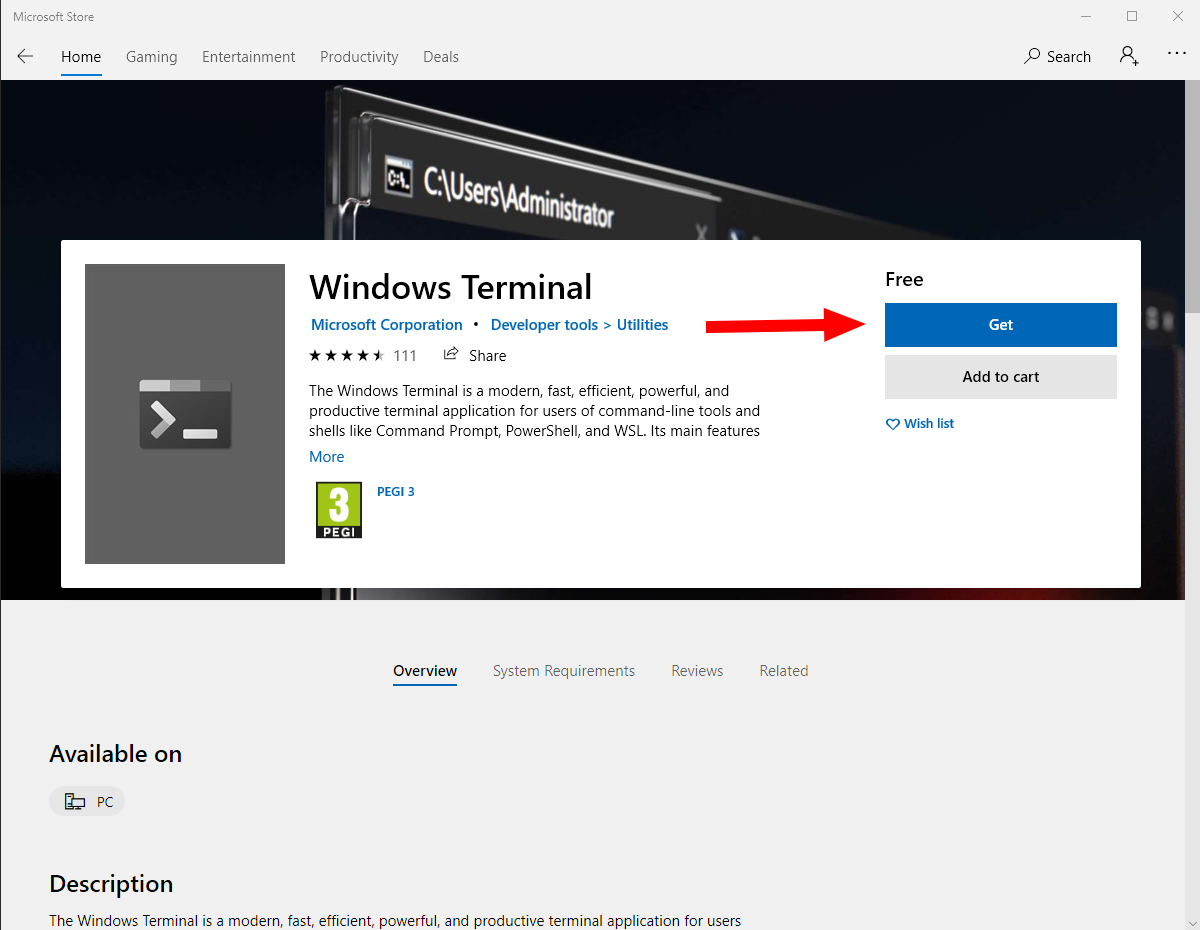
How to install the Windows Terminal today To install Windows Terminal: Launch the Microsoft Store. Search for Windows Terminal. Press…
How to completely uninstall the Cortana app in Windows 10's May 2020 update You can uninstall the Cortana app in…
How to reset a misbehaving app in Windows 10 To reset an app in Windows 10: Right-click the app in…
How to customise the Office 365 Admin Centre homescreen To customise the Office 365 Admin Centre homescreen: Add cards by…
How to view and report Office 365 service advisories using the admin centre To view Office 365 service advisories: Login…