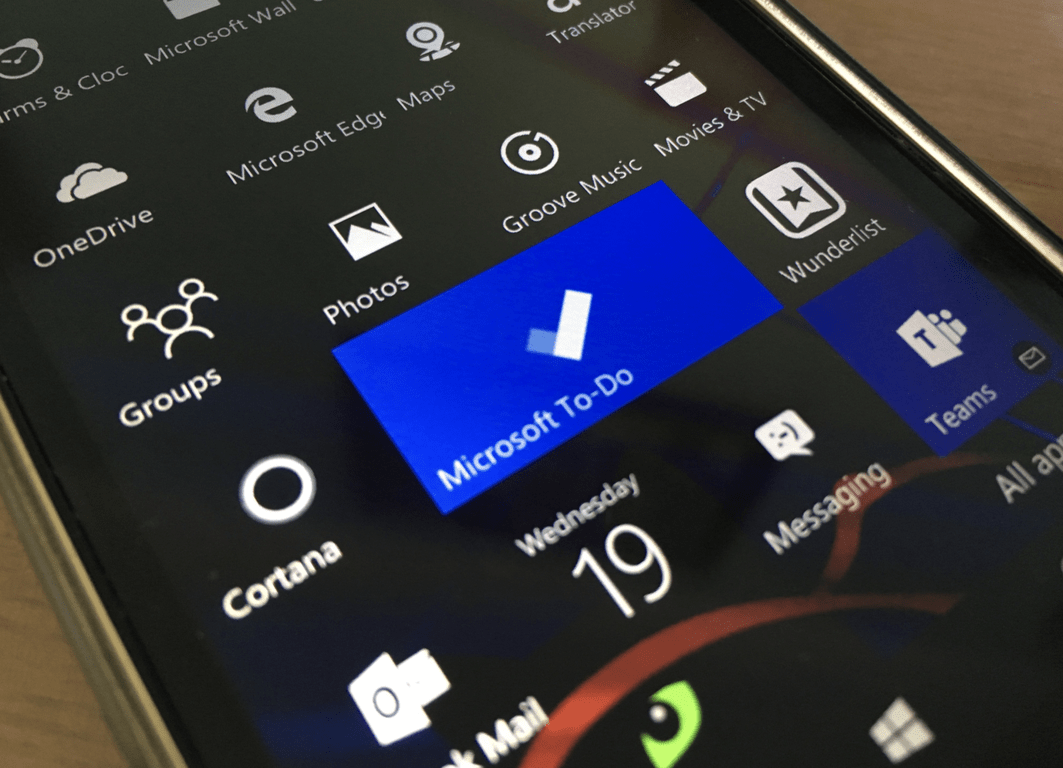
How to use Smart Lists in Microsoft To-Do
How to use Smart Lists in Microsoft To-Do To manage Smart Lists in Microsoft To-Do: Click your profile picture in…
1,083 articles
How to use Smart Lists in Microsoft To-Do To manage Smart Lists in Microsoft To-Do: Click your profile picture in…
Tips and Tricks for Office 365: OneDrive Here’s an overview of our favorite tips and tricks for OneDrive Share files…
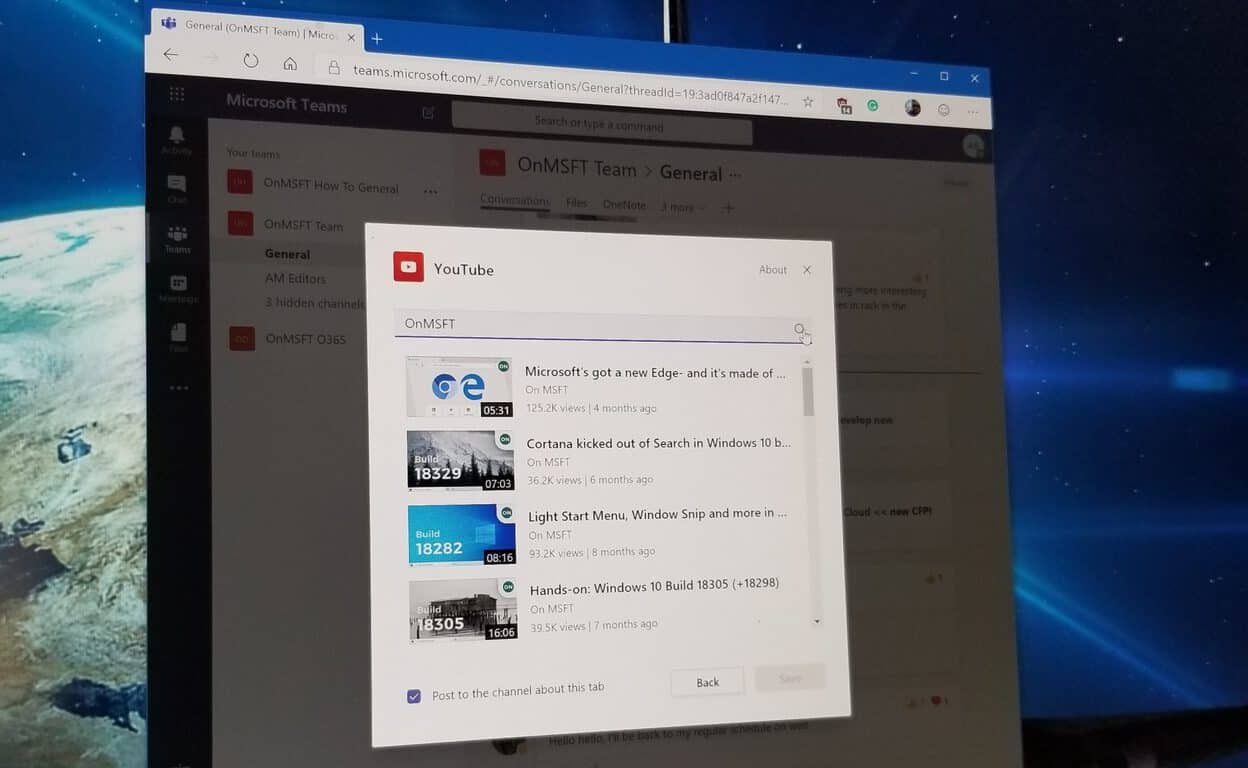
How to use the YouTube app in Microsoft Teams Here’s how you can add the YouTube app in Microsoft Teams…
How to clear recent files and folders from File Explorer To clear recent and frequently used files and folders from…
How to rename your Windows 10 PC To rename your Windows 10 PC: Launch the Settings app. Click System >…
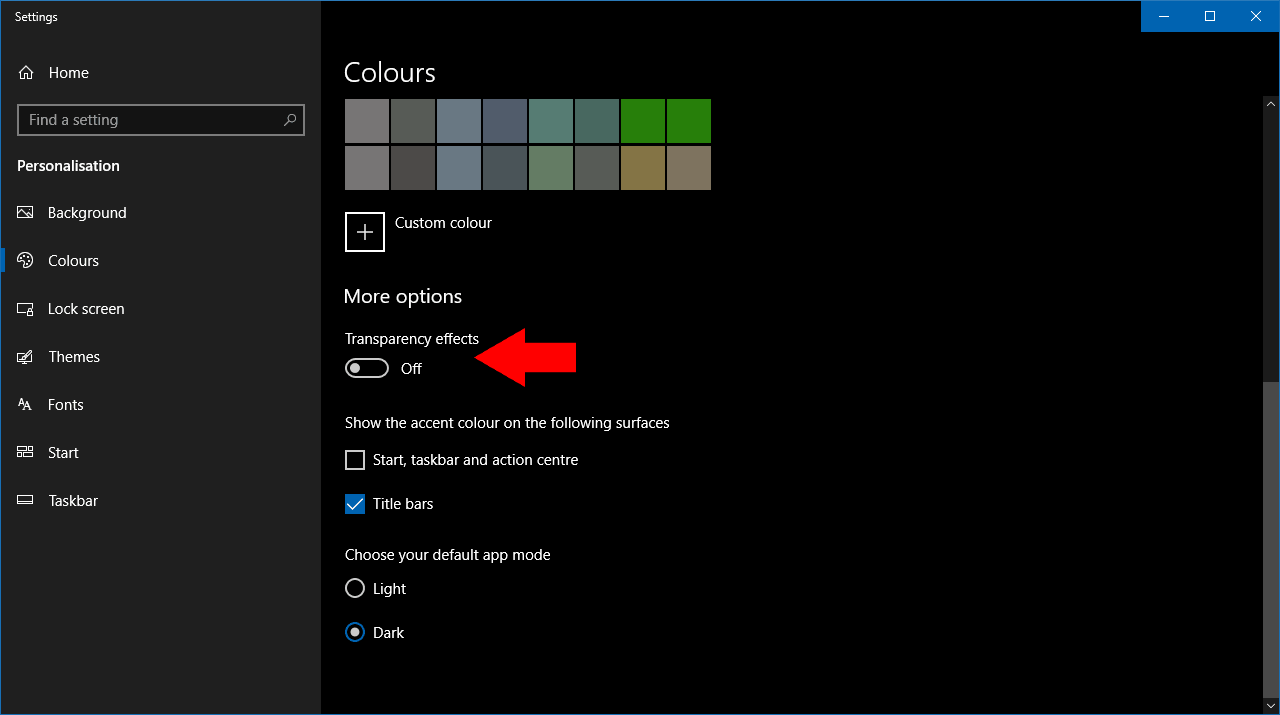
How to disable the login screen's Fluent Design "Acrylic" blur in the Windows 10 May 2019 update To disable Fluent…
How to set an environment variable in Windows 10 To set an environment variable in Windows 10: Search for “edit…
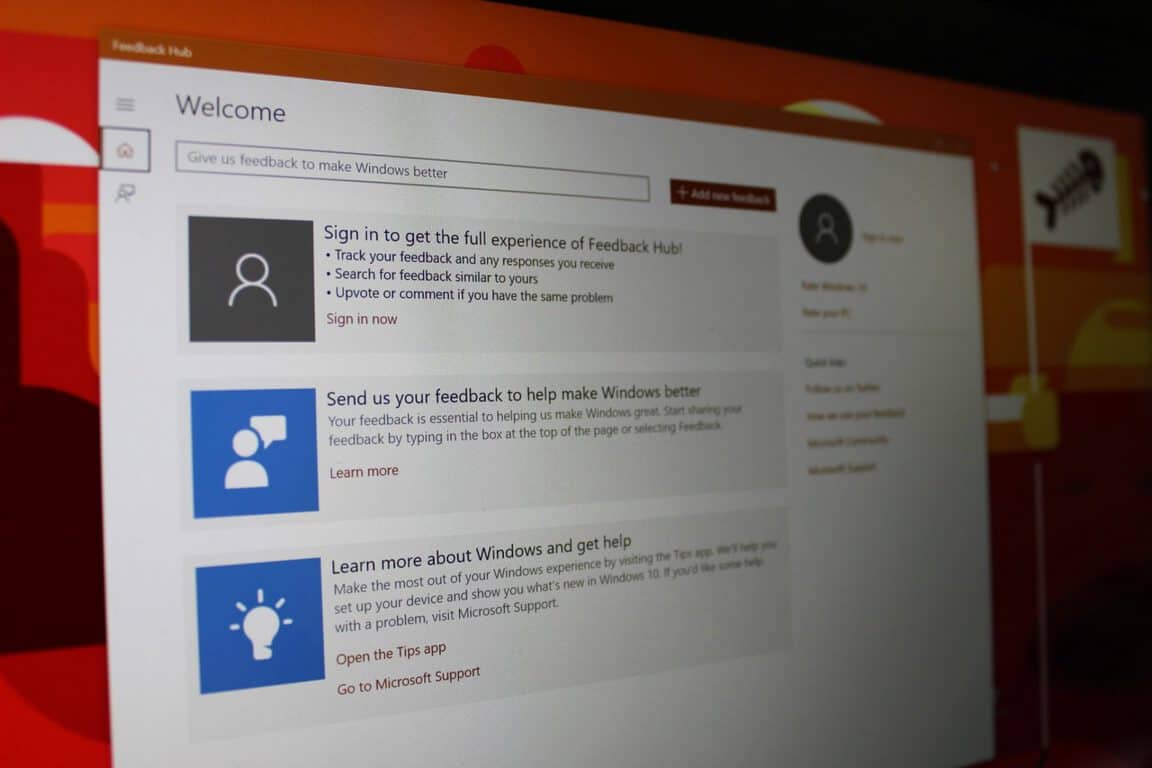
How to send feedback about Windows 10 To send feedback about Windows 10, use the Feedback Hub app from the…
Need to know which processor is inside your computer? With recent hardware issues making the headlines, you might be keen…
You will see many different sources telling you to use a CD, DVD, or even a USB drive. But forget…
Check your Xbox One Controller battery level on Windows 10 Here’s how to connect your Xbox One Wireless controller (or…
How to find a job using LinkedIn LinkedIn has a number of tools to help you find your dream job.…