How to attach a file to tasks in Microsoft To-Do
How to attach a file to tasks in Microsoft To-Do To attach a file to a task in To-Do: Click…
I'm a web developer and technology journalist with a particular interest in Microsoft innovations. I'm the founder of Heron Web (heron-web.com), a UK digital agency for web design and development. When I'm not working, I'm a PC gamer and passionate transport enthusiast.
How to attach a file to tasks in Microsoft To-Do To attach a file to a task in To-Do: Click…
How to assign tasks to users in Microsoft To-Do To assign a task in Microsoft To-Do: Click a task. Click…
How to create and use shared lists in Microsoft To-Do To create a shared list in Microsoft To-Do: Click “New…
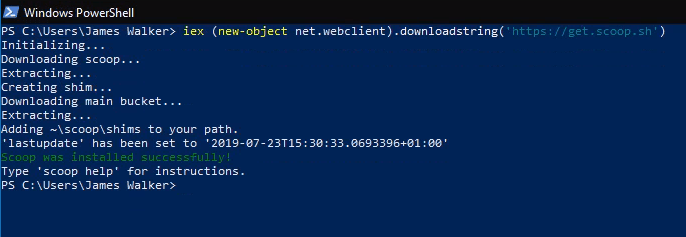
How to install the Scoop package manager in Windows 10 To install the Scoop package manager, we recommend running the…
How to install and update Windows software with Scoop To use Scoop: Install Scoop. Run “scoop install program” to install…
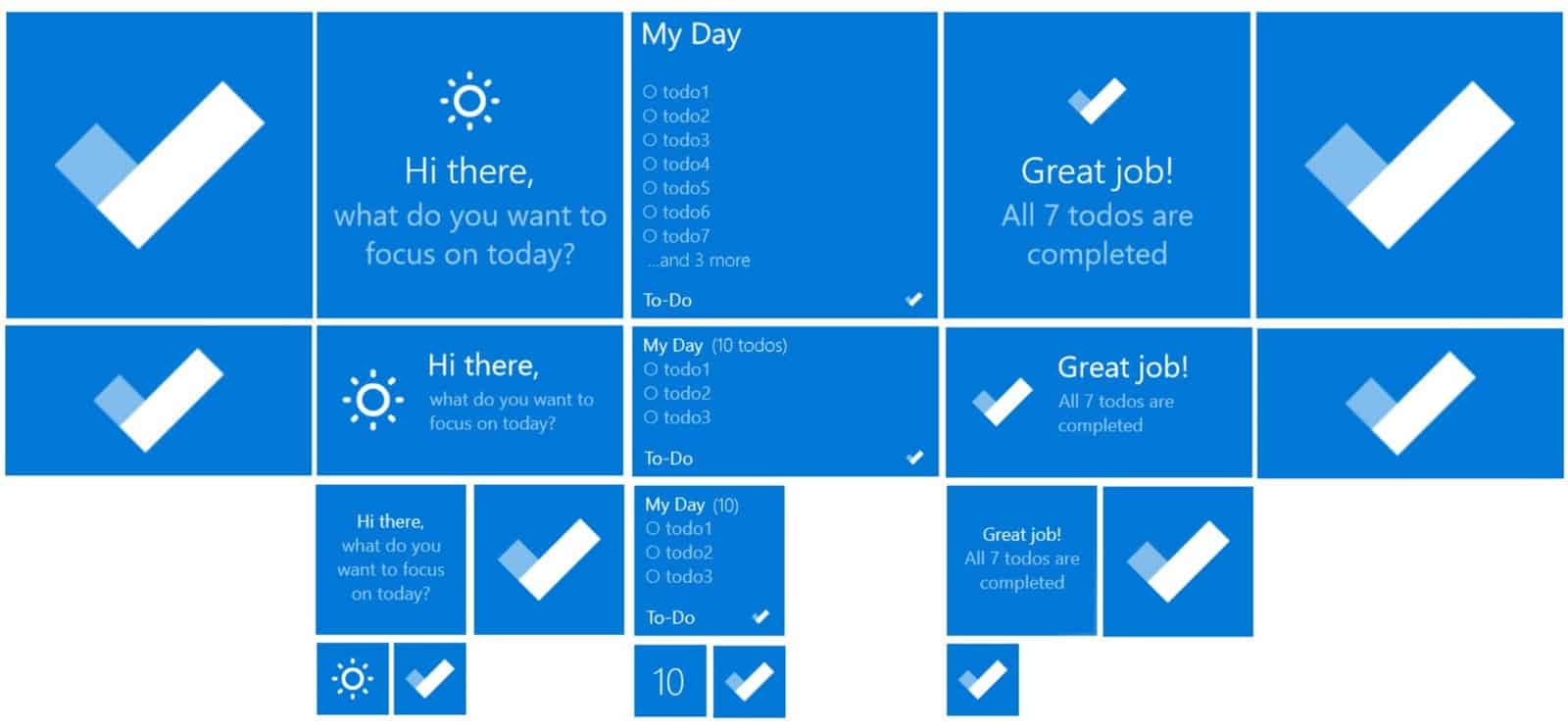
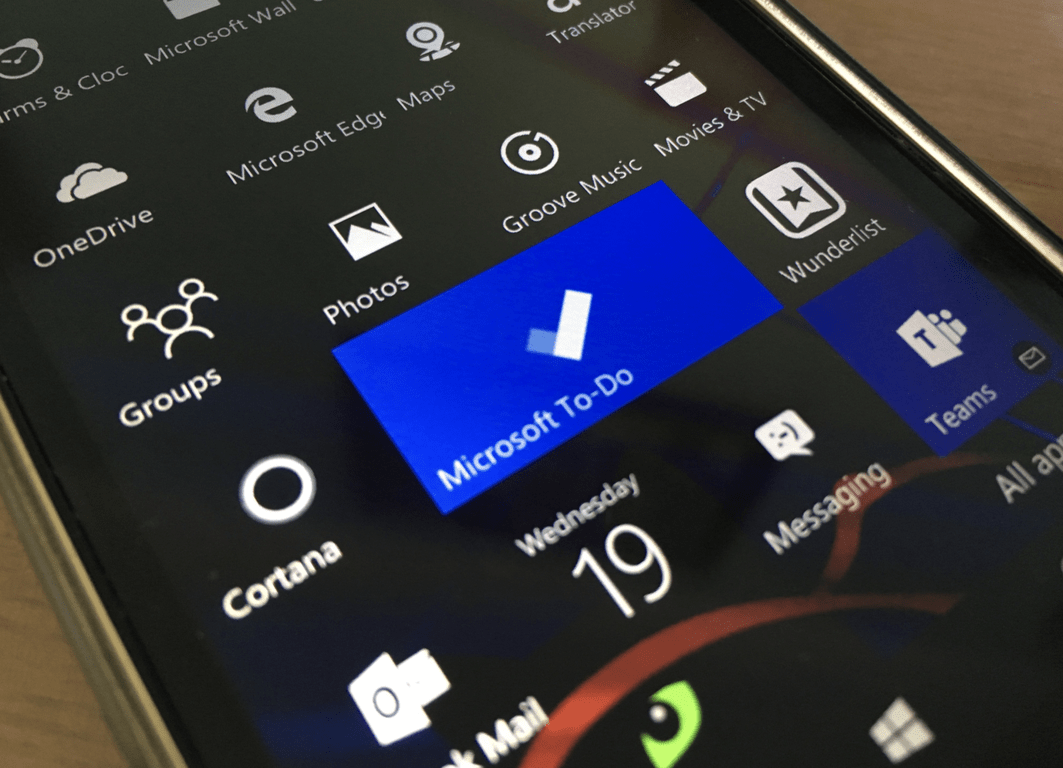
How to pin a Microsoft To-Do list to the Windows 10 Start menu To pin a Microsoft To-Do list to…
How to generate an SSH key in Windows 10 To generate an SSH key in Windows 10: Ensure the Windows…
How to use Smart Lists in Microsoft To-Do To manage Smart Lists in Microsoft To-Do: Click your profile picture in…
How to clear recent files and folders from File Explorer To clear recent and frequently used files and folders from…
How to rename your Windows 10 PC To rename your Windows 10 PC: Launch the Settings app. Click System >…