Skip to content
OnMSFT.com
  • Home
  • About
  • Contact
  • Windows
  • Surface
  • Xbox
  • How-To
  • OnPodcast
  • Edge
  • Teams
  • Gaming
Menu
  • Home
  • About
  • Contact
  • Windows
  • Surface
  • Xbox
  • How-To
  • OnPodcast
  • Edge
  • Teams
  • Gaming
  1. Home
  2. How-to
  3. How to enable the ‘Very High’ Xbox One to Windows 10 streaming quality setting

How to enable the ‘Very High’ Xbox One to Windows 10 streaming quality setting

Fahad Al-Riyami Fahad Al-Riyami
August 13, 2015
1 min read

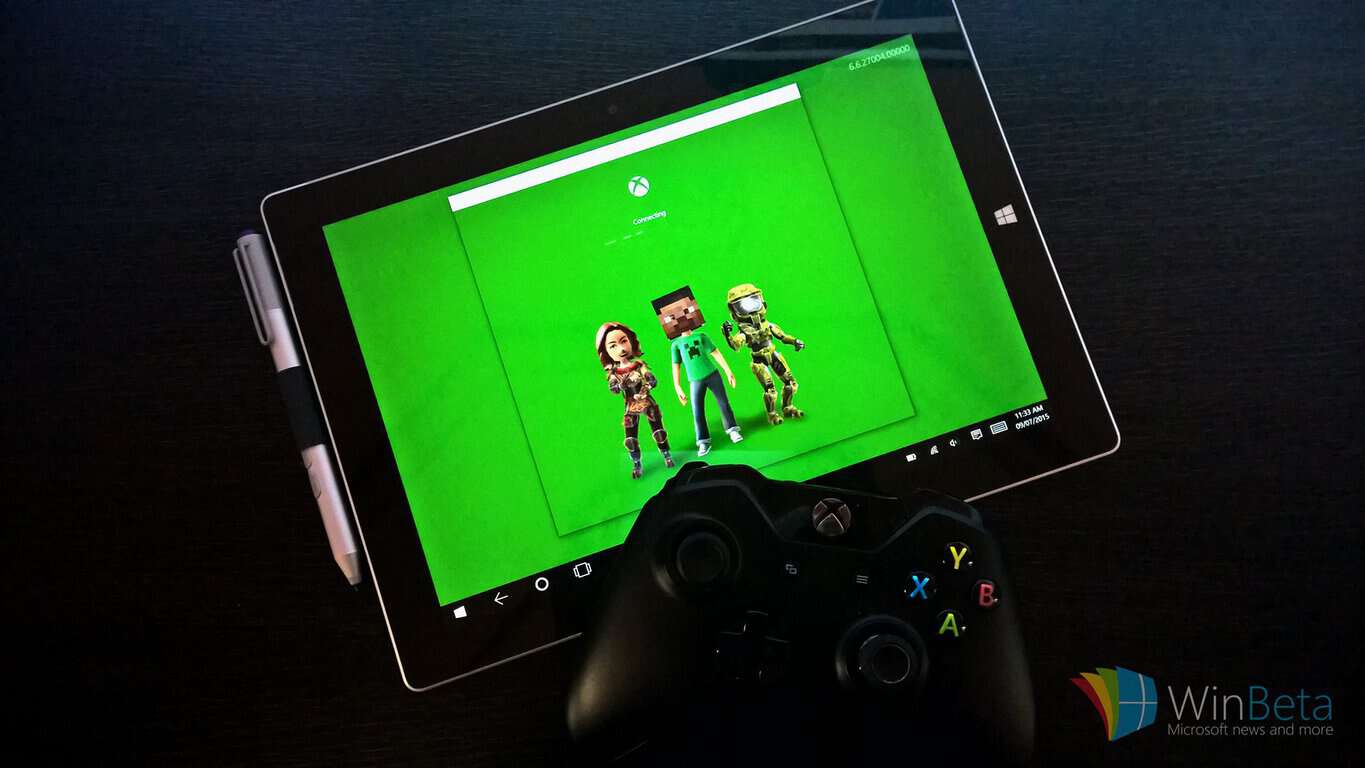
Streaming games from the Xbox One to Windows 10 works almost flawlessly in its current state. The feature can be very convenient if you plan on gaming away from the living room.

Currently, there are three streaming quality options to choose from; low, medium, and high. You can select the one that best fits the strength of your network connection. As it turns out, you can enable a ‘very high’ setting with a simple file edit.

Close the Xbox app if it’s already running

Go to C:\\Users\\

Open ‘userconsoledata’ with Notepad

Replace the ‘false’ after with ‘true’ and save the file

Start the Xbox app, click Settings in the hamburger menu

Under the ‘Game streaming’ tab, select ‘Very high’

Streaming quality should now be noticeable better, but according to users on Reddit (via Eurogamer), quality improvements may depend on the game you are playing. Give it a try yourself and let us know in the comments section below whether you noticed improvements.

Since it’s a hidden feature that Microsoft is testing, it wouldn’t be surprising to see the feature enabled via an app update in the near future.

Further reading: Microsoft, Windows 10, Xbox, Xbox One

Share this article:
Tags:
Microsoft Windows 10 Xbox Xbox One
Previous Article Lumia Selfie now supports Bluetooth selfie sticks for Windows 10 users Next Article Apple updates Bootcamp with Windows 10 support

Related Articles

How to Fix the Phone Link App Not Working on Windows 11 – onmsft.com

December 29, 2022

5 easy ways to make desktop shortcuts on Windows 11 – onmsft.com

December 29, 2022

How to customize precision touchpads on Windows – onmsft.com

December 22, 2022

Leave a Comment Cancel reply

Your email address will not be published. Required fields are marked *

Recent Posts

  • Chrome tests Gemini Live voice assistant in a floating overlay panel
  • Chrome’s Organizer feature may sync Gemini and AI conversations across devices
  • After Chrome, Edge tests launching the browser automatically when you sign into Windows
  • iPhone Fold Latest Rumors: Display, Cameras, RAM and Price Details Revealed
  • Samsung fears first mobile operating loss due to memory price surge

Recent Comments

No comments to show.
OnMSFT.com

OnMSFT.com covers Microsoft news, reviews, and how-to guides. Formerly known as WinBeta, we have been your source for Microsoft news since 1998.

Categories

  • Windows
  • Surface
  • Xbox
  • How-To
  • OnPodcast
  • Gaming
  • Edge
  • Teams

Recent Posts

  • Chrome tests Gemini Live voice assistant in a floating overlay panel
  • Chrome’s Organizer feature may sync Gemini and AI conversations across devices
  • After Chrome, Edge tests launching the browser automatically when you sign into Windows
  • iPhone Fold Latest Rumors: Display, Cameras, RAM and Price Details Revealed
  • Samsung fears first mobile operating loss due to memory price surge

Quick Links

  • About OnMSFT.com
  • Contact OnMSFT
  • Join Our Team
  • Privacy Policy
© 2010–2026 OnMSFT.com LLC. All rights reserved.
About OnMSFT.comContact OnMSFTPrivacy Policy
