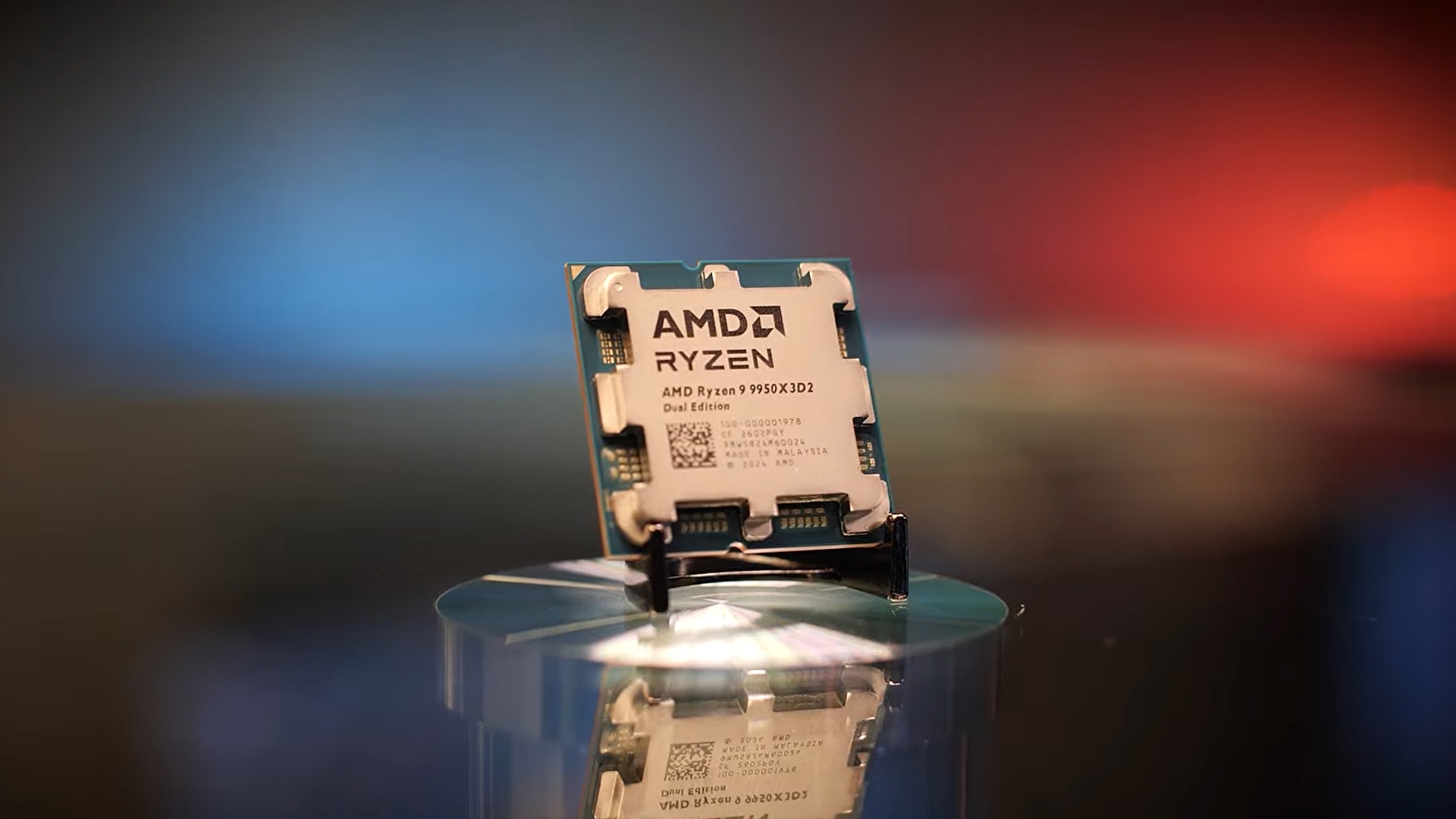

AMD did not expect its Ryzen 9 9950X3D2 launch video to turn into a debate about software support, yet that is exactly what happened as a large portion of the conversation quickly shifted toward FSR 4 availability on older Radeon GPUs. The video gathered over 1,000 comments, and nearly one-third of them focused on FSR 4, showing how strongly users care about feature support beyond new hardware launches.
The discussion highlights a growing frustration among Radeon users who still run RDNA 2 and RDNA 3 GPUs and continue to wait for official confirmation on FSR 4 compatibility. AMD has stayed silent on this topic for months, even though an internal version of FSR 4 for older architectures leaked earlier and remains in use today through community efforts.
Users keep pushing for FSR 4 support
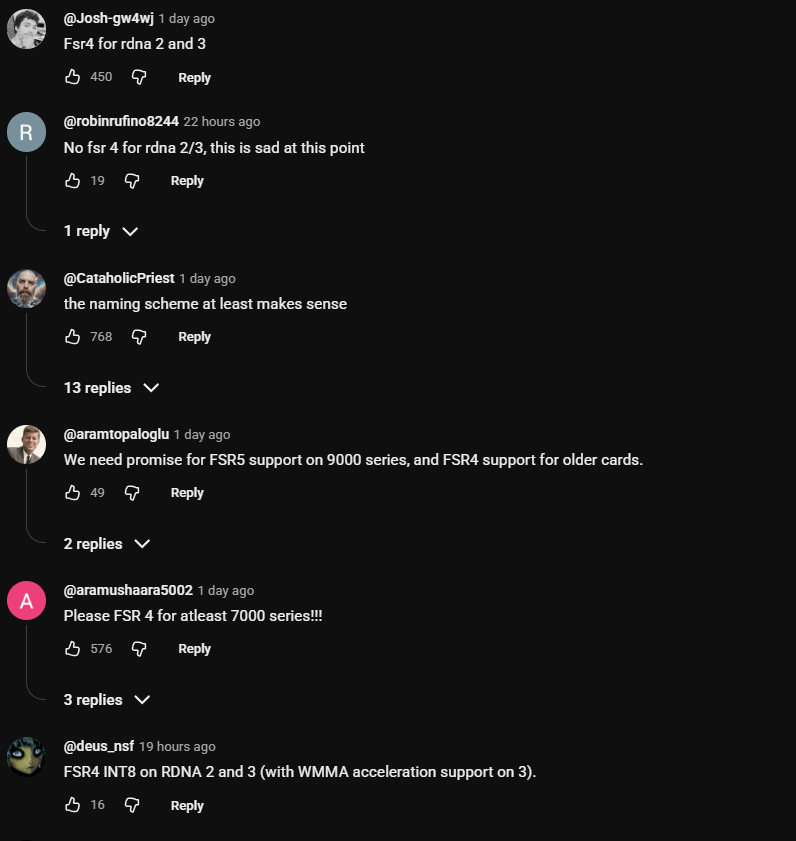

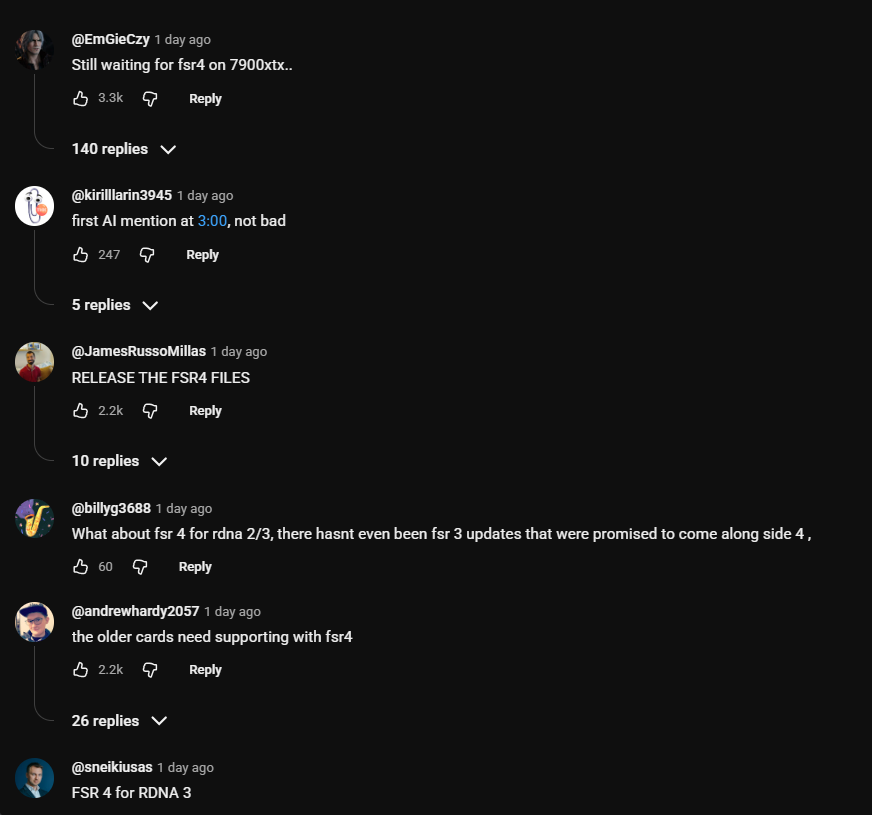
Hardware Unboxed brought attention to this trend, which led to a closer look at the comment section under AMD’s announcement video.
The numbers make the situation clear, with almost one-third of replies asking about FSR 4 support while another large share focused on the CPU itself, and this split shows that software support matters just as much as hardware for many users. Modding teams have already started fixing issues in the leaked version, which further proves that demand exists even if AMD has not addressed it publicly.
AMD has hinted at a possible FSR 4 Lite version, and many expected an update alongside the recent FSR 4.1 release, but that did not happen, which has only added to the confusion. At the same time, Sony confirmed that its updated PSSR uses an INT8 path compatible with RDNA 2 and RDNA 3 class hardware, raising more questions about what is technically possible on older GPUs.
The company’s silence continues despite repeated questions from both users and media, and that lack of response is shaping the narrative around this issue. Many users say they are willing to accept lower performance if it means accessing FSR 4’s improved image quality, but AMD has not acknowledged this demand, leaving the community to rely on unofficial solutions for now.


