Skip to content
OnMSFT.com
  • Home
  • About
  • Contact
  • Windows
  • Surface
  • Xbox
  • How-To
  • OnPodcast
  • Edge
  • Teams
  • Gaming
Menu
  • Home
  • About
  • Contact
  • Windows
  • Surface
  • Xbox
  • How-To
  • OnPodcast
  • Edge
  • Teams
  • Gaming
  1. Home
  2. News
  3. Eyefi Mobi upgraded to universal app on Windows 10

Eyefi Mobi upgraded to universal app on Windows 10

Ken Heslip Ken Heslip
September 28, 2015
1 min read

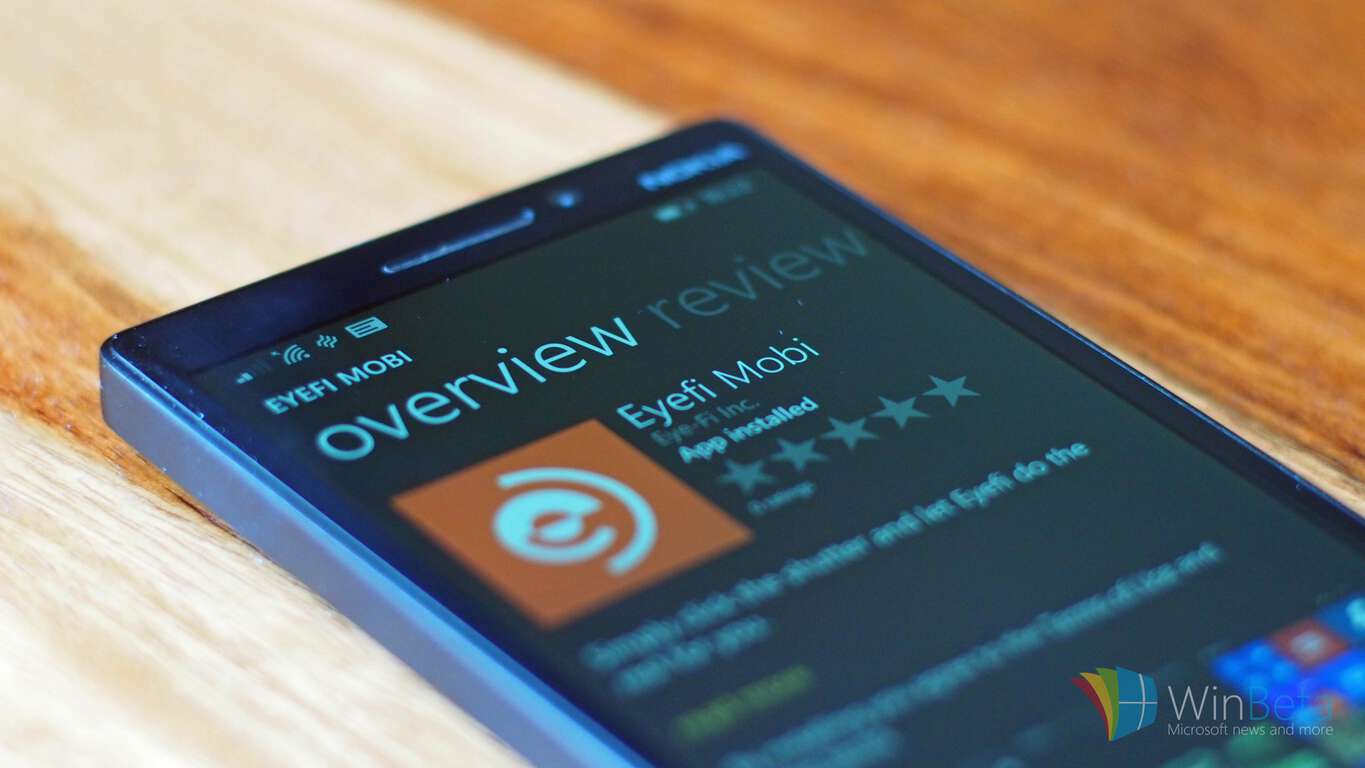
In general, cameras are superior to phones when strictly taking photographs but unlike phones most cameras, particularly older ones, lack the option to share those photos. Eyefi Mobi SD cards can be put in the SD card slot of cameras; giving the camera the ability to connect to other devices. The Eyefi Mobi app for Windows Phone 8.1 was released by Eye-Fi Inc in June and today the developers released an Eyefi Mobi universal app for Windows 10.

The Eyefi Mobi cards can store any photos taken with the camera, but they also have the ability to send (via Wi-Fi) and organise those photos on other devices with the Eyefi Mobi app. This is a pretty nifty function and ensures that photos won’t be lost even if the device is lost or damaged. Eye-Fi also offers a cloud solution as a paid option to store photos.

The latest update also brings with it the following changes:

  • Windows 10 Universal app
  • Automatically connect to the card when the app launches or when photos are available on the card.
  • View photos by camera they were taken with
  • Album view for big screen experiences
  • Various bug fixes and performance improvements

The Windows 10 Eyefi Mobi app can be downloaded from the Store for free via the link below.

Keenai
Keenai
Download
QR-Code
Keenai
Developer: Ricoh Innovations Corporation
Price: unknown

Further reading: App update, Camera, Eye-Fi, Microsoft, Universal Windows App, Windows 10

Share this article:
Tags:
App update Camera Eye-Fi Microsoft Universal Windows App Windows 10
Previous Article Rise of the Tomb Raider Xbox Achievements list revealed Next Article Microsoft invites fans to celebrate October 6th Windows 10 event – onmsft.com

Related Articles

Chrome and Gemini icons representing Gemini Live voice assistant integration in Chrome

Chrome tests Gemini Live voice assistant in a floating overlay panel

March 14, 2026

Chrome’s Organizer feature may sync Gemini and AI conversations across devices

March 14, 2026

After Chrome, Edge tests launching the browser automatically when you sign into Windows

March 13, 2026

Leave a Comment Cancel reply

Your email address will not be published. Required fields are marked *

Recent Posts

  • Chrome tests Gemini Live voice assistant in a floating overlay panel
  • Chrome’s Organizer feature may sync Gemini and AI conversations across devices
  • After Chrome, Edge tests launching the browser automatically when you sign into Windows
  • iPhone Fold Latest Rumors: Display, Cameras, RAM and Price Details Revealed
  • Samsung fears first mobile operating loss due to memory price surge

Recent Comments

No comments to show.
OnMSFT.com

OnMSFT.com covers Microsoft news, reviews, and how-to guides. Formerly known as WinBeta, we have been your source for Microsoft news since 1998.

Categories

  • Windows
  • Surface
  • Xbox
  • How-To
  • OnPodcast
  • Gaming
  • Edge
  • Teams

Recent Posts

  • Chrome tests Gemini Live voice assistant in a floating overlay panel
  • Chrome’s Organizer feature may sync Gemini and AI conversations across devices
  • After Chrome, Edge tests launching the browser automatically when you sign into Windows
  • iPhone Fold Latest Rumors: Display, Cameras, RAM and Price Details Revealed
  • Samsung fears first mobile operating loss due to memory price surge

Quick Links

  • About OnMSFT.com
  • Contact OnMSFT
  • Join Our Team
  • Privacy Policy
© 2010–2026 OnMSFT.com LLC. All rights reserved.
About OnMSFT.comContact OnMSFTPrivacy Policy

