How to stop sending messages by mistake in Microsoft Teams
How to stop sending messages by mistake in Microsoft Teams The easiest way to stop sending messages by mistake in…
1,083 articles
How to stop sending messages by mistake in Microsoft Teams The easiest way to stop sending messages by mistake in…
Here's how to use Snapchat Camera on Windows 10 with Microsoft Teams Here’s a guide on how you can use…
How to use Microsoft Planner to keep track of tasks when working remotely How to use Microsoft Planner to keep…
How IT admins can delete Office 365 accounts Here’s how IT admins can delete old Office 365 accounts and also…
How to use Microsoft Stream to share video content with remote workers To share videos on Microsoft Stream: Login to…
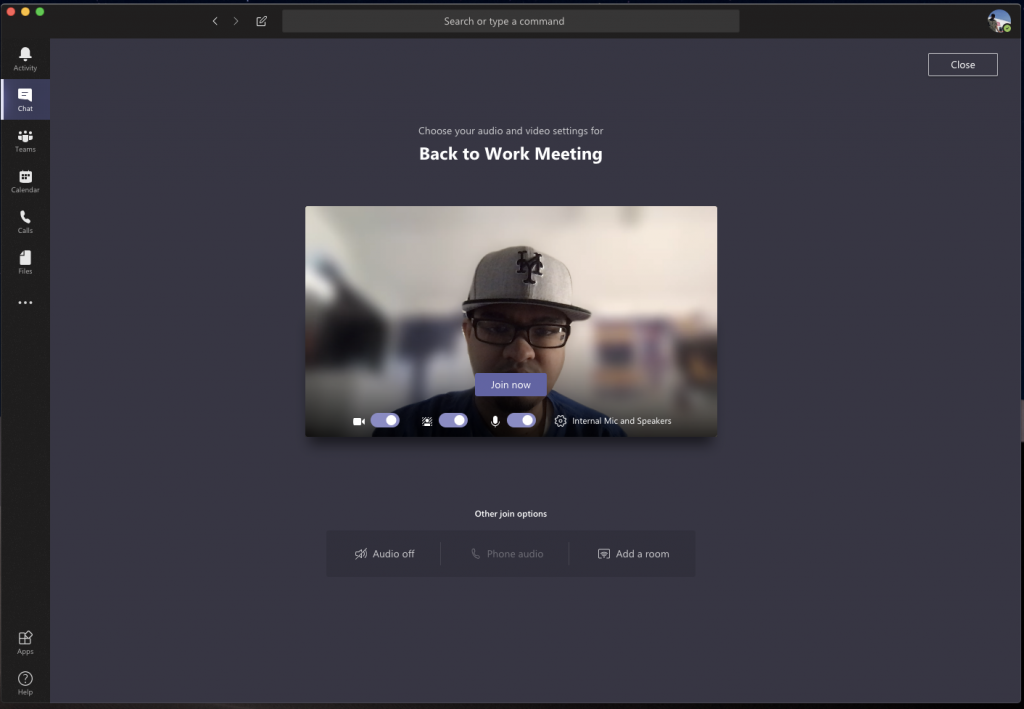
Top tips for video conferencing in Microsoft Teams In this guide, we’ll give you a look at some of our…
Microsoft OneNote is a powerful digital notebook. You can use it to take notes, organize your thoughts into a journal,…
How to use Microsoft Teams chat commands To use a chat command in Microsoft Teams: Press Ctrl+E to focus the…
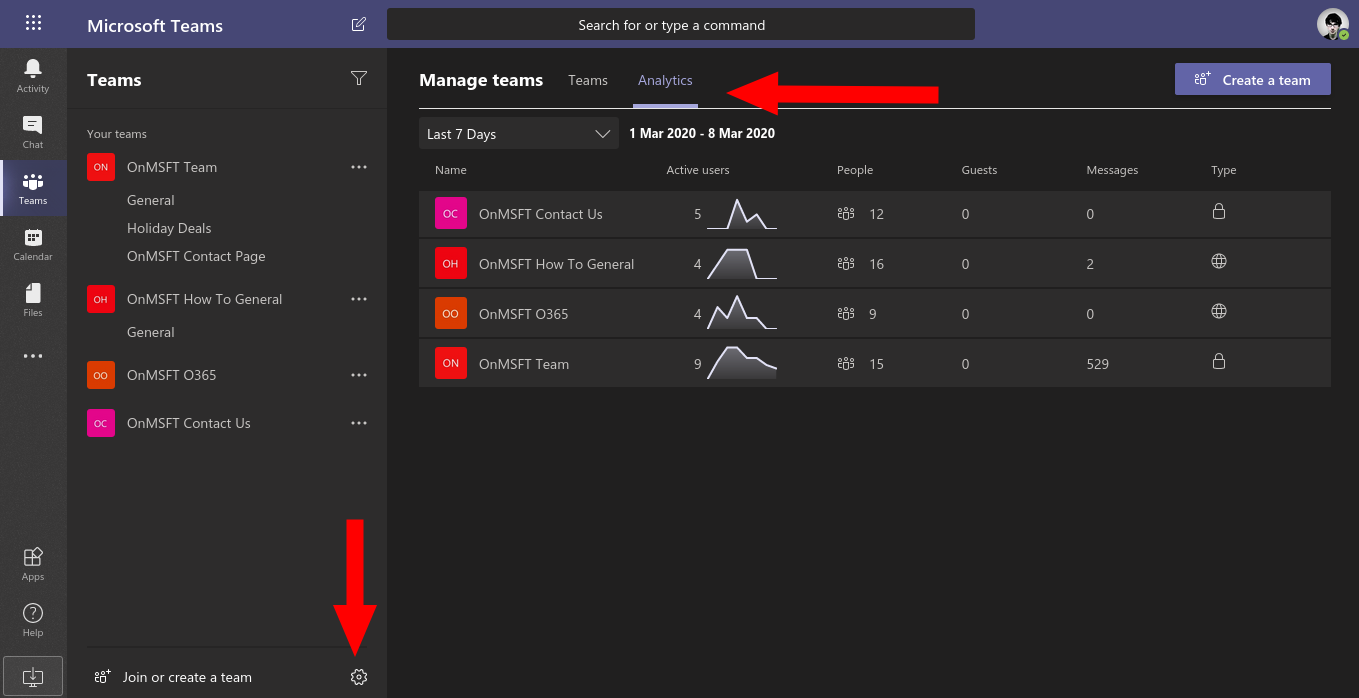
How to use insights in Microsoft Teams to analyse how your team communicates To view team-level analytics in Microsoft Teams:…
How to blur the background in Microsoft Teams Microsoft Teams has a feature where you can blur your background, putting…
How to collaborate with Office 365 for remote work using more than just Teams Did you know that you can…
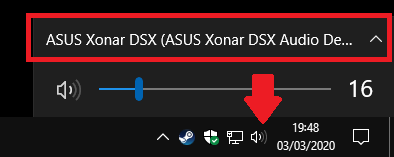
How to switch and rename audio output devices in Windows 10 To switch between audio output devices in Windows 10:…