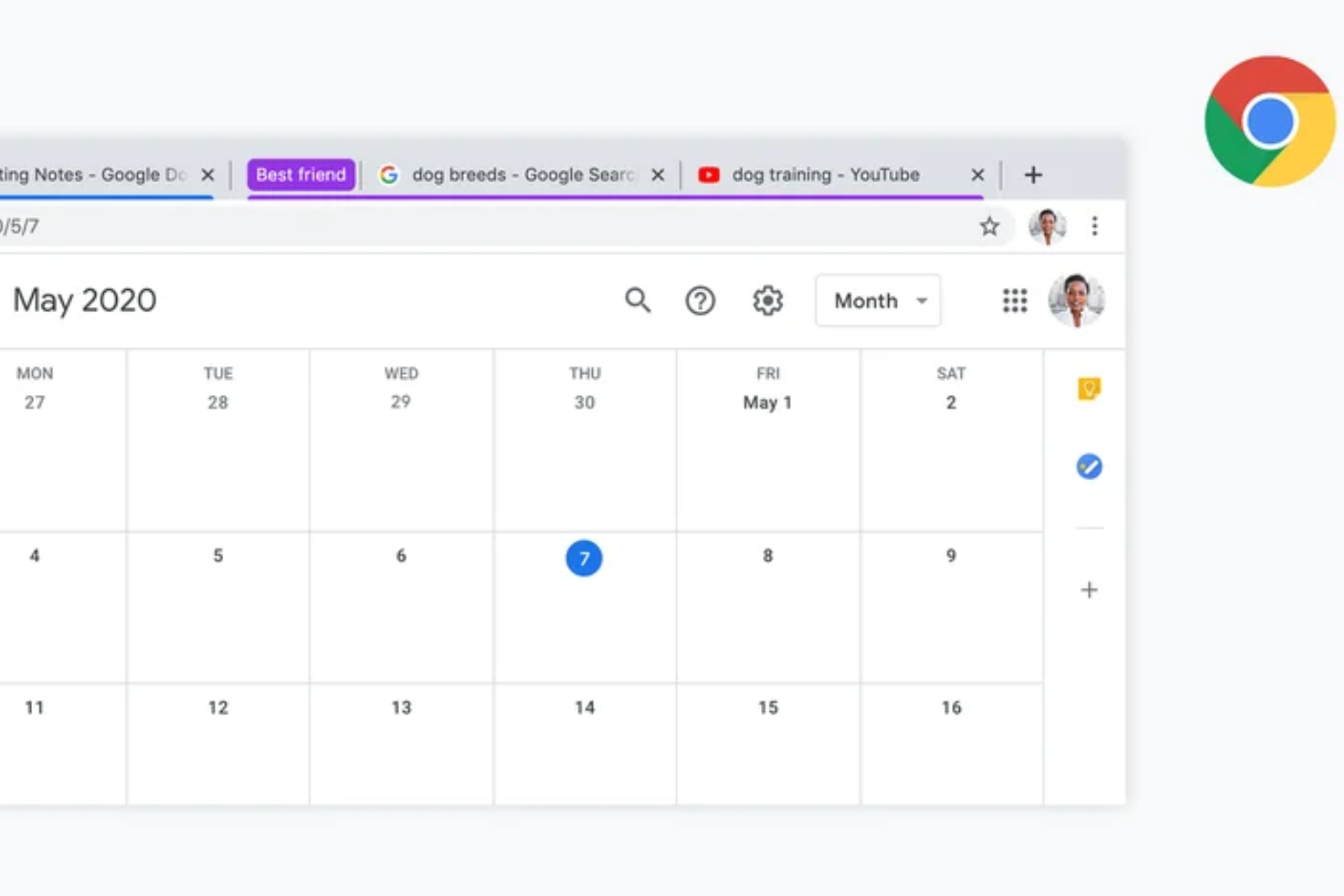

Move your cursor over a tab group header in Chrome’s tab strip, and a preview shows what’s inside without opening it.
Chrome shows a hover card when you point at a group header. It lists the tabs in that group, so you can scan titles before deciding to switch. The hover card shows a list of tab titles rather than page thumbnails. This behavior is available in recent Canary builds. In the horizontal tab strip, it is still behind a flag.
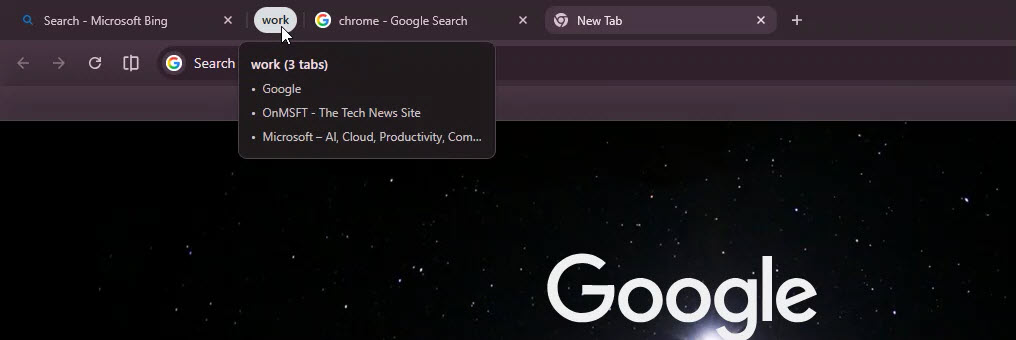
The flag does not mention the horizontal tab strip directly. Recent Chromium changes show that the behavior also applies to tab group headers in the tab strip, not just vertical tabs.

Tab groups in Google Chrome have been around for years. You can group tabs, name them, and assign colors. Chrome saves these groups and syncs them across devices when you sign in. But once a group is collapsed, you only see a color and a label. To check what’s inside, you have to open it.
The hover card makes this easier. You can keep groups collapsed and still preview their contents from the tab strip. This helps when you have many groups or when the tab strip feels crowded.
Chrome already shows this behavior in vertical tabs. The new change brings the same behavior to the horizontal tab strip, which most people use.
Chrome generates the data when you hover over the header, so the list stays in sync with the current tabs in the group.
Google is also testing hover-based expansion for vertical tabs in Chrome. When enabled, the sidebar expands as you move the cursor over it, so you can see tab titles without clicking. Controls for this behavior are available in appearance settings and the tab strip menu.