Skip to content
OnMSFT.com
  • Home
  • About
  • Contact
  • Windows
  • Surface
  • Xbox
  • How-To
  • OnPodcast
  • Edge
  • Teams
  • Gaming
Menu
  • Home
  • About
  • Contact
  • Windows
  • Surface
  • Xbox
  • How-To
  • OnPodcast
  • Edge
  • Teams
  • Gaming
  1. Home
  2. Latest news
  3. Windows 8: Reset PC and Sync Settings

Windows 8: Reset PC and Sync Settings

Ron Ron
July 17, 2019
1 min read

Microsoft is revealing a ton of new information regarding Windows 8. This time, we learn about a feature that will allow you to reset your PC settings and another feature that allows you to sync your settings across all PCs that run Windows 8.

Steven Sinofsky demonstrated the new sync settings feature in Windows 8 during the Build Developer’s conference in California. The settings allow you to sync your PC settings across all Windows 8 PC’s you run. You can sync your background image, lock screen, sounds, themes, ease of access settings, language settings, and app settings across all Windows 8 PCs.

Steven Sinofsky also demonstrated a new feature that allows you to reset your settings in a Windows 8 PC. This feature will remove all personal files and installed apps. The default Windows settings would then be restored to their defaults.

These two new features are intended to make things easier when running Windows 8. With the sync settings feature, a user can sync all their settings across all their Windows 8 PCs and save themselves a ton of time. The reset settings feature also makes things easier when it comes for that time to make Windows 8 run “fresh” again. Rather than re-installing Windows, just use this feature.


Further reading: Microsoft, Windows 8

Share this article:
Tags:
Microsoft Windows 8
Previous Article Malwarebytes Anti-Malware 1.60 Beta released Next Article ‘Smart Toilet’ is Fit for a King

Related Articles

AAA Game Budgets Are Crossing $300 Million and the Industry Feels the Pressure

AAA Game Budgets Are Crossing $300 Million and the Industry Feels the Pressure

March 26, 2026
Chrome vertical tabs expand on hover in the sidebar

Chrome tests hover-to-expand vertical tabs so you can read titles without clicking

March 26, 2026

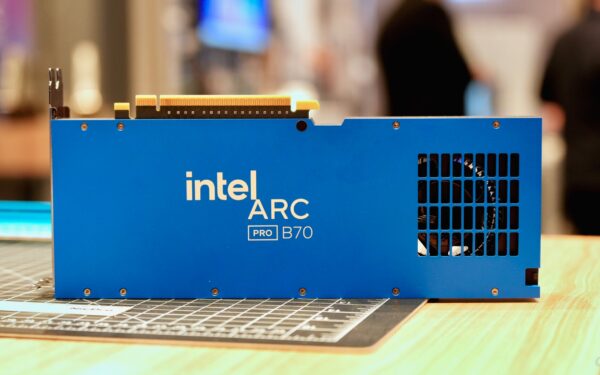
Intel signs ARKN as new Arc Pro partner for B70 GPUs

March 26, 2026

Leave a Comment Cancel reply

Your email address will not be published. Required fields are marked *

Recent Posts

  • AAA Game Budgets Are Crossing $300 Million and the Industry Feels the Pressure
  • Chrome tests hover-to-expand vertical tabs so you can read titles without clicking
  • Intel signs ARKN as new Arc Pro partner for B70 GPUs
  • Intel Releases Q1.26 Arc Pro Driver With Support for B70 and B65 GPUs
  • Windows Laptops Face a Coordination Problem That MacBook Neo Doesn’t Have

Recent Comments

  1. XxRIVTYxX on Intel Says It Tried to Help Before Crimson Desert Dropped Arc Support
OnMSFT.com

The Tech News Site

Categories

  • Windows
  • Surface
  • Xbox
  • How-To
  • OnPodcast
  • Gaming
  • Edge
  • Teams

Recent Posts

  • AAA Game Budgets Are Crossing $300 Million and the Industry Feels the Pressure
  • Chrome tests hover-to-expand vertical tabs so you can read titles without clicking
  • Intel signs ARKN as new Arc Pro partner for B70 GPUs
  • Intel Releases Q1.26 Arc Pro Driver With Support for B70 and B65 GPUs
  • Windows Laptops Face a Coordination Problem That MacBook Neo Doesn’t Have

Quick Links

  • About OnMSFT.com
  • Contact OnMSFT
  • Join Our Team
  • Privacy Policy
© 2010–2026 OnMSFT.com LLC. All rights reserved.
About OnMSFT.comContact OnMSFTPrivacy Policy