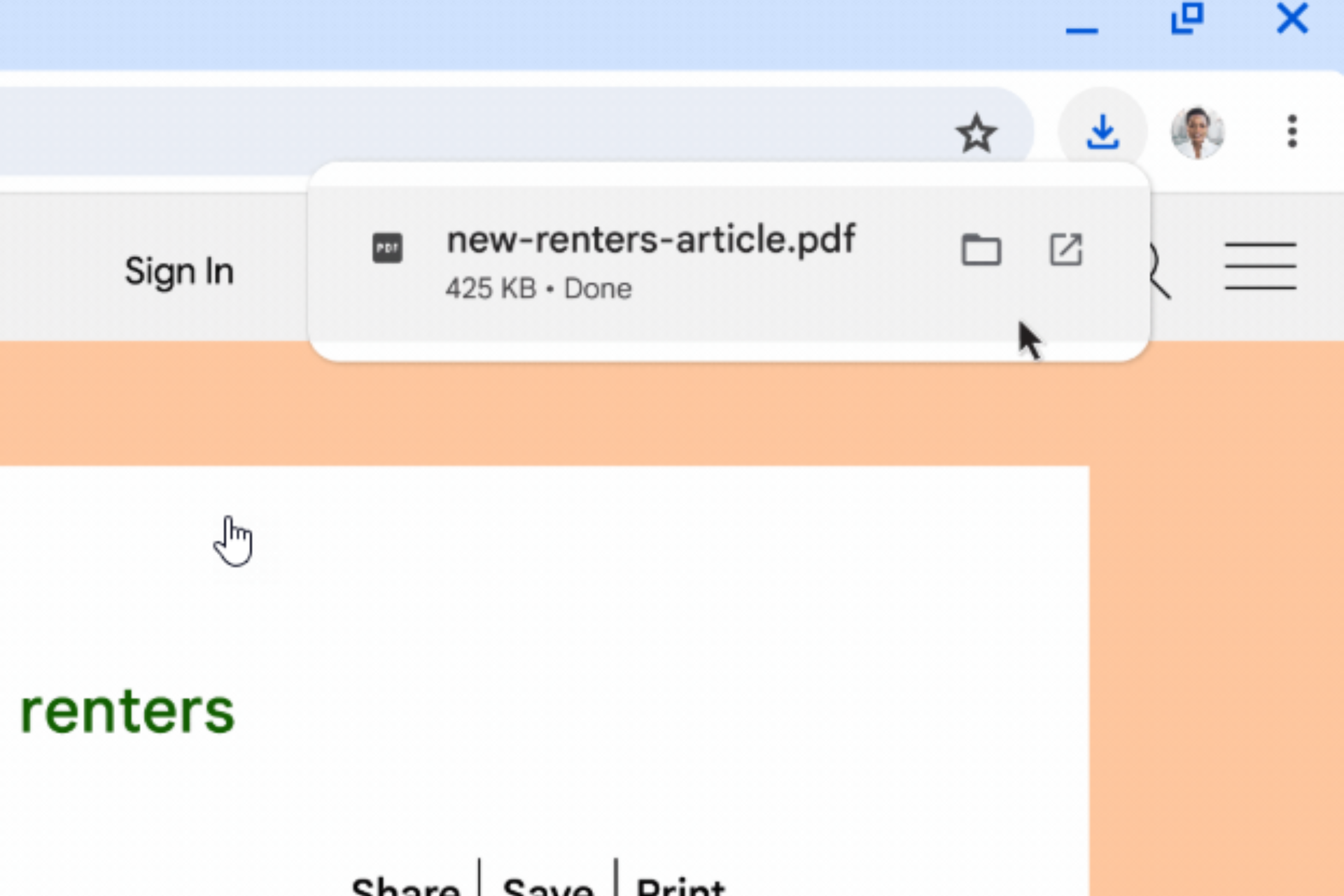

Chrome is adding a visible safety check step to downloads. When the browser flags a file as potentially dangerous, it shows a scanning animation along with a “Checking download for safety…” message until the file is verified.
Chrome already uses Google Safe Browsing to protect users from dangerous sites and suspicious downloads. When a file is detected as potentially risky, the browser checks it before it decides whether to allow or block it.
During that time, the download can pause without any clear explanation. The browser is still verifying the file. Users are left waiting and do not know what is happening.
Why Chrome shows “Checking download for safety”
Google is now changing that in the Chrome download bubble. Instead of a static state, Chrome will show a spinning animation, a small spinner, along with a status message that the file is still under review. Once the process finishes, Chrome either allows the download to continue or blocks it with a warning.
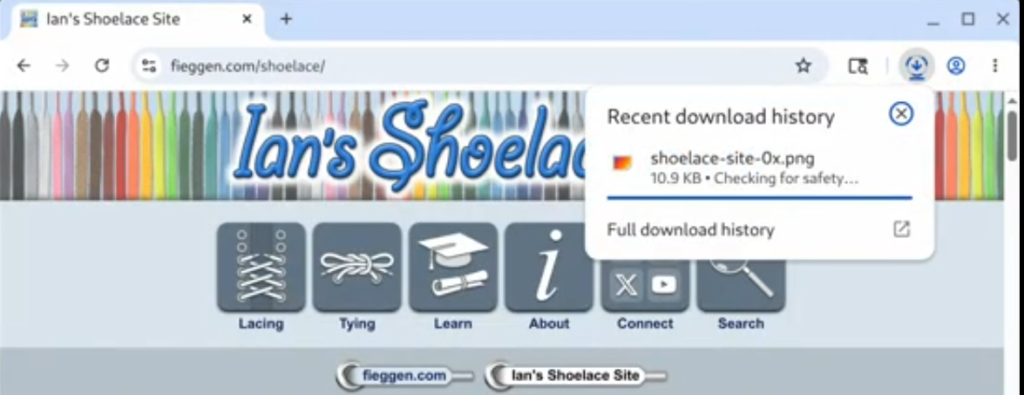
Chrome uses the wording, “checking download for safety” instead of “scanning” because not every file goes through a full deep scan. In many cases, the browser reviews the download before it reaches a decision.
If a download pauses or feels stuck, this change explains the delay. Users can see that Chrome is still checking the file.
Google’s development demos show how the download bubble behaves before and after this change, with the new animation and status message.
A Chromium commit, titled “[SB] Show scanning animation while waiting for content check,” also describes the update. The change adds a visible animation while Chrome reviews a file.
The change has been merged into Chromium and may reach Chrome in a future release.