
\n
\n
Microsoft just held its annual developer conference, Build 2023. This year’s event was quite interesting, with the company making major announcements revolving around its ecosystem bundled up continued heavy investment and commitment to generative AI.
\n
\n
And while we hit a huge chunk of these announcements, we’re now going to recap some of our favorite sessions as well as announcements that you might have missed in the past few days. Here’s everything that you might have missed:
\n
Windows Copilot for Windows 11
\n
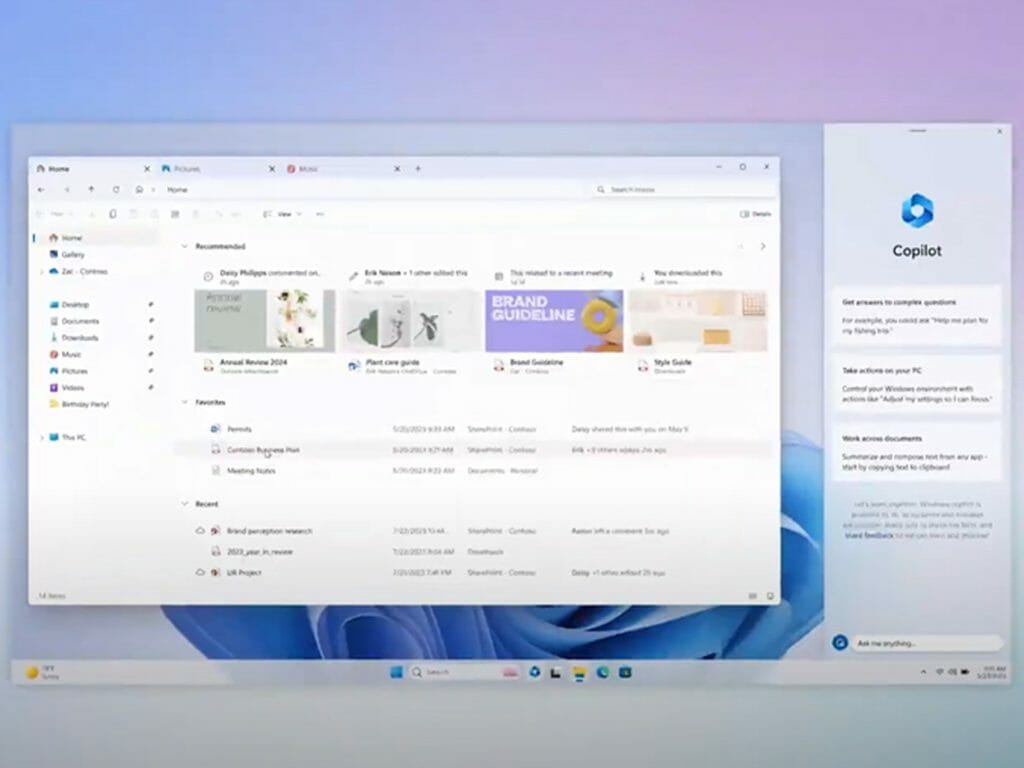
Panos Panay, Microsoft’s executive vice president unveiled that the company is getting ready to unveil Windows Copilot in preview next month. A tool designed to provide centralized AI assistance for customers.
\n
It was further disclosed that the tool will ship with a shortcut in the Windows 11 taskbar, which will feature a pop-up window. Users can ask any questions they might have pertaining to the operating system via this window. Additionally, users will also have the capability to dock the AI-powered assistant in a side pane.
\n
\n
Additionally, the assistant will also be integrated with Bing Chat thus allowing users to access third-party services using ChatGPT plugins. Keeping in mind that Microsoft’s adoption of open plugin standards, which in turn avail ChatGPT plugins across Bing, Microsoft 365 Copilot, as well as Windows Copilot.
\n
Microsoft adopting open plugin standards for Bing and Copilot
\n
During the developer conference, Microsoft announced that it will be transitioning to an open plugin system. As such, users will now be able to use a single platform to build plugins for commercial and consumer artificially led services across Bing, ChatGPT, Dynamics 365, and more.
\n
Essentially, this means that when the developers hit the ground running and start building applications featuring AI capabilities using the new Azure OpenAI Service, they’ll automatically be compatible with the new set plugin standard. As we speak, Microsoft currently expanding its support to services like Kayak, Refin, and more.
\n
AI-powered Microsoft Store
\n
Microsoft is also shipping AI capabilities to its Store app. Per the announcement, the AI Hub will provide users with a curated experience featuring AI-powered apps in the Microsoft Store.
\n
Additionally, Microsoft Store will also feature a new capability that will help users summarize customer reviews for apps. This will in turn make it easier for users to get a general idea of the app’s user experience based on the feedback provided.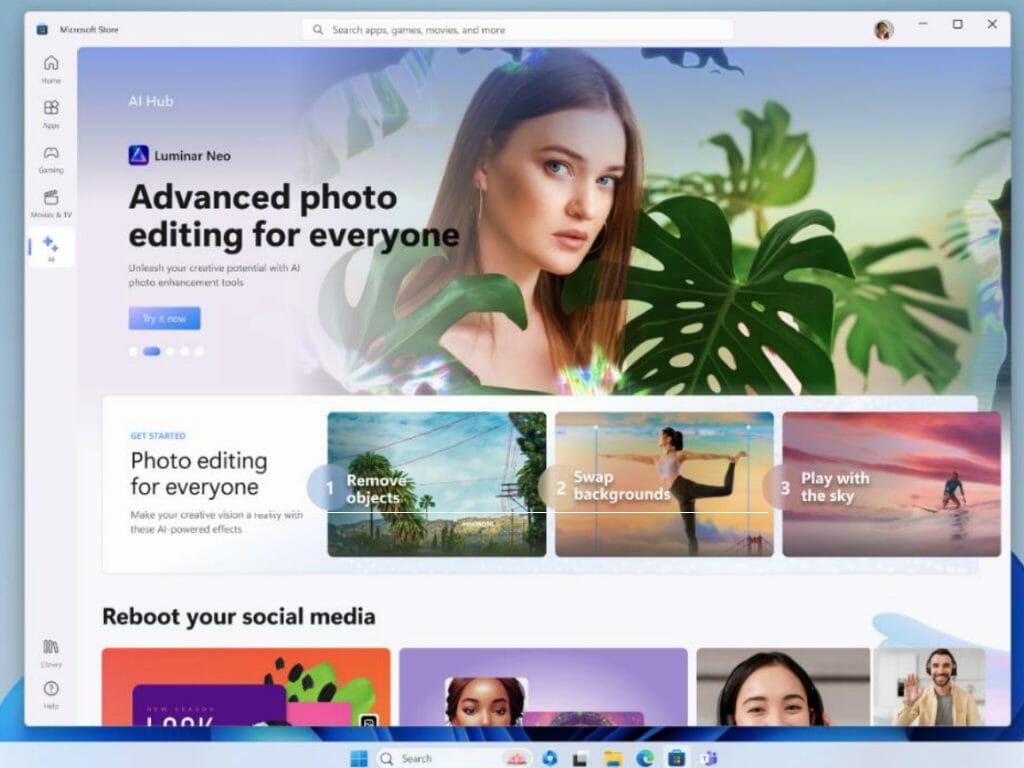
\n
Discoverability for apps in the Microsoft Store will also be enhanced significantly. App developers will soon be able to suggest search tags for their apps. The new improvement will leverage AI capabilities to consume the app’s metadata and signals, ultimately enhancing its discoverability in the Microsoft Store.
\n
Microsoft 365 Copilot integrated into Edge
\n
In March, Microsoft debuted Microsoft 365 Copilot. A tool designed to help people with generating emails, documents, and more. The tool is powered by OpenAI’s GPT-4 and ships with Copilot for Word, Excel, PowerPoint, Outlook, Teams, and the Power Platform. And this week, the company announced that it was incorporating third-party plugin support into the tool.
\n
Alongside this new addition, Microsoft will further integrate the tool in Edge. Essentially, this will help incorporate and enhance work-related functionalities in the browser’s Sidebar. As such, users will have access to powerful tools that will come in handy when it comes to answering questions, and completing tasks ultimately enhancing productivity.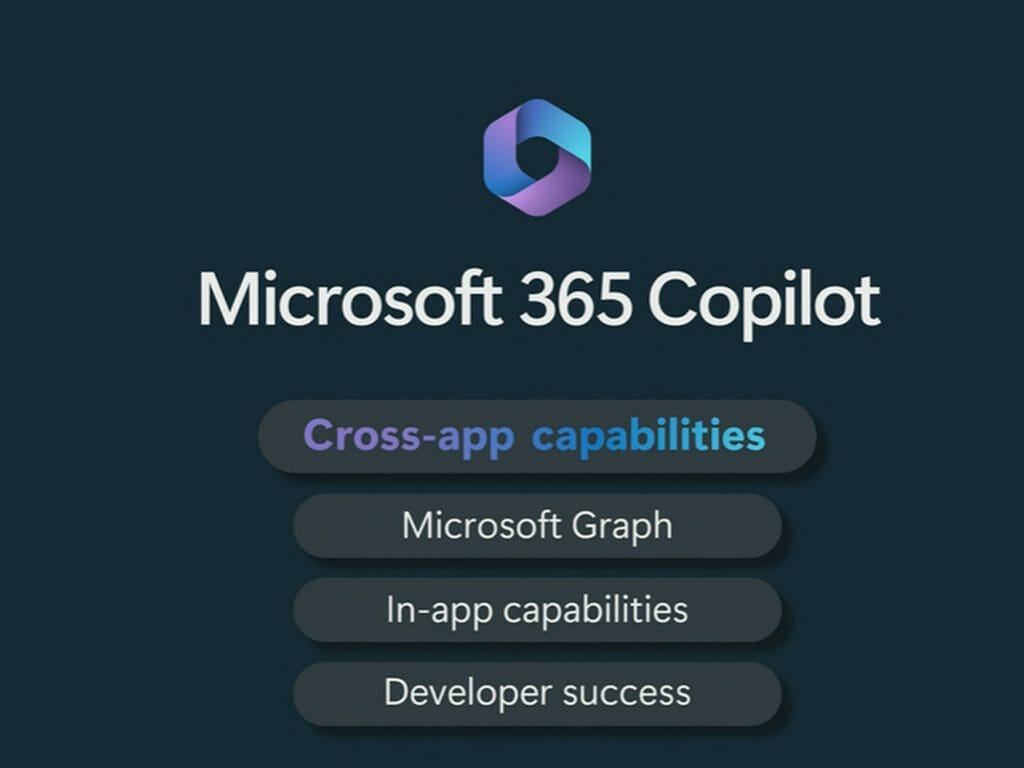
\n
And while the tool is still in private preview, Microsoft recently unveiled a paid early access program earlier this month, thus granting more users access to the tool which in turn will help them reshape and transform work.
\n
Microsoft also announced Edge for Business within the Edge browser in preview for managed devices. The new experience is powered by Azure Active Directory (AAD) and is designed to mitigate issues that arise when it comes to hybrid work by separating personal and work browsing.
\n
Bing Search integrated into ChatGPT
\n
During the developer conference, Microsoft also announced its extended partnership with OpenAI and unveiled that the integration of Bing into ChatGPT as the platform’s default search experience.
\n

\n
Microsoft’s CVP at Modern Life and Devices Group, Yusuf Mehdi, indicated that:
\n
ChatGPT will now have a world-class search engine built-in to provide timelier and more up-to-date answers with access from the web. Now, ChatGPT answers can be grounded by search and web data and include citations so you can learn more—all directly from within chat.
\n
Windows becomes more appealing to Developers with AI
\n
It’s very apparent that Microsoft has been busy at work making efforts to provide a suitable environment for developers across its ecosystem, particularly in Windows. During Build 2023, the company further affirmed its commitment to this cause with AI capabilities.
\n
Microsoft announced notable additions coming to Windows 11 for developers like the ONNX runtime for Hybrid AI Loop, and Dev Home. The company further indicated that it is working towards enabling Hybrid AI Loop in Windows 11 via ONNX runtime. As such, it’ll be possible for third-party developers to make use of the same tools leveraged by the company’s high-ranking engineers to run AI models across Windows, iOS, Android, and Linux.
\n
Additionally, the company also announced that it will be incorporating GitHub Copilot X into Windows Terminal. This way, users will be able to leverage natural language AI in inline and chat experiences right from the command line. In turn, it will be easier for developers to code as they’ll now get command suggestions, explanations for errors, and more.
\n
Wrap up
\n
These are some of the key announcements, we only hit the highlights. We invite you to head over to the Build 2023 website for more information and details pertaining to the announcements made. Do let us know which sessions you like best and what features you’re anticipating most in the comments.
\n
\n