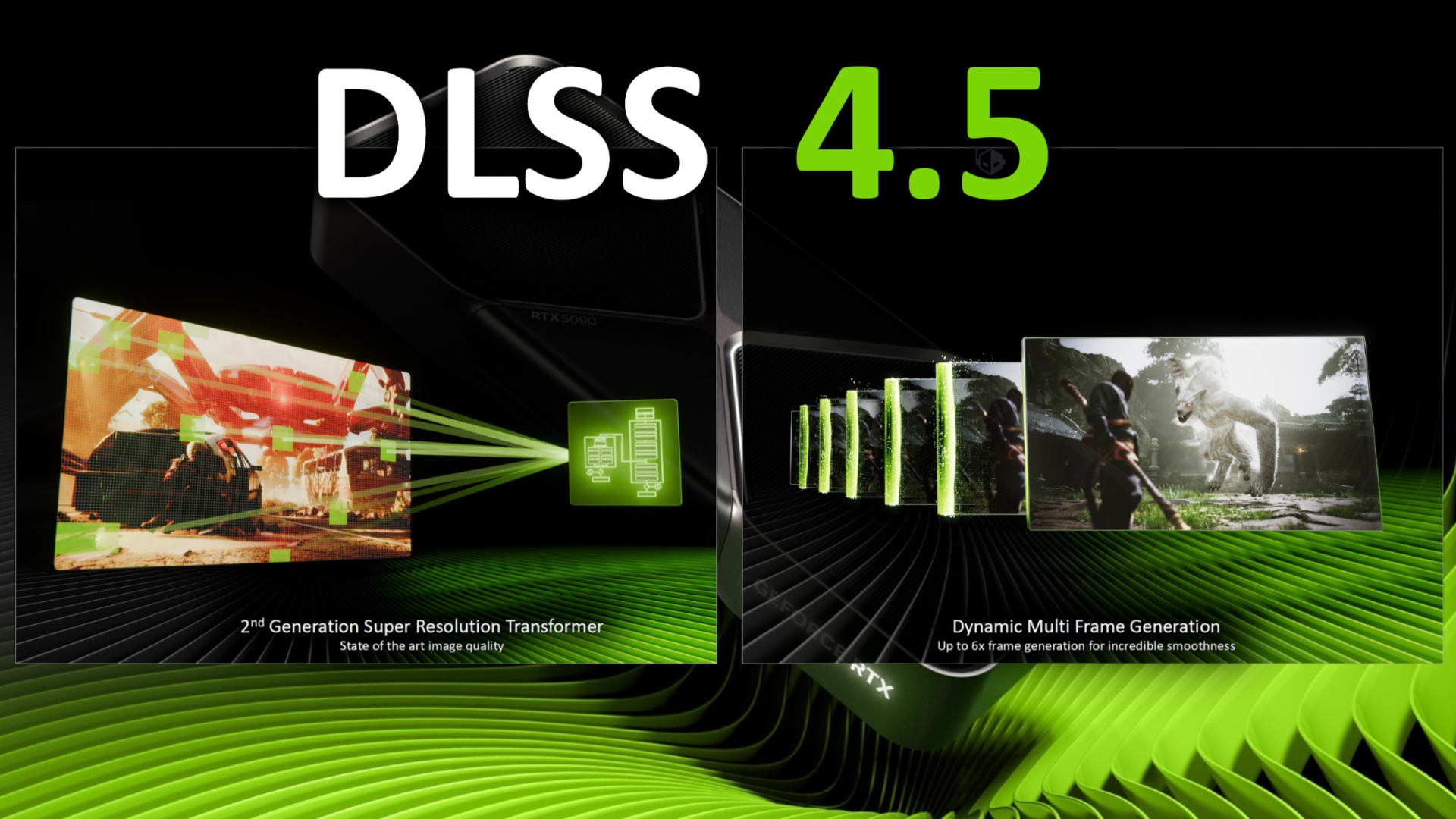

NVIDIA’s DLSS 4.5 Dynamic Multi-Frame Generation is about to roll out officially, but users have already found a way to turn it on through the NVIDIA App using an OTA update path, which gives early access to a feature that dynamically adjusts frame generation based on real-time performance needs.
Users report that NVIDIA is pushing Streamline 2.11 and DLSS version 310.6.0 through over-the-air updates, and once these updates are active, enabling DLSS Overdrive inside the NVIDIA App quietly activates the upcoming Dynamic Multi-Frame Generation feature even though the company has not exposed it in the interface yet.
Workaround that enables Dynamic MFG
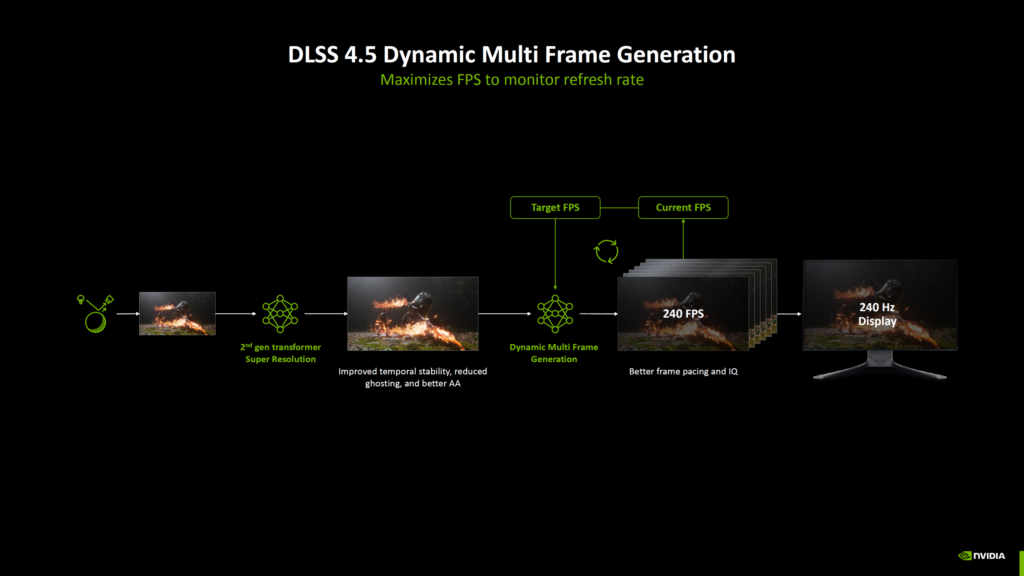
A Reddit thread explains that users can go further by using NVIDIA Profile Inspector, where changing the DLSSG mode to a specific hex value activates Dynamic Multi-Frame Generation manually for supported applications.
This setup allows the system to generate frames dynamically instead of relying on fixed frame multiplication, which means the GPU produces only the number of frames needed to match the display refresh rate, improving smoothness while avoiding unnecessary processing.
Dynamic is MFG different
Traditional Multi-Frame Generation modes such as 4X or 6X insert a fixed number of generated frames between rendered frames, which often leads to visible artifacts when the system pushes too many synthetic frames.
Dynamic Multi-Frame Generation adjusts this behavior by generating between one and five frames depending on demand, so gameplay stays smooth without degrading image quality or introducing noticeable visual issues during fast motion scenes.
This approach helps maintain a balance between performance and clarity, especially on high refresh rate displays where consistent frame pacing matters more than pushing maximum synthetic frames.