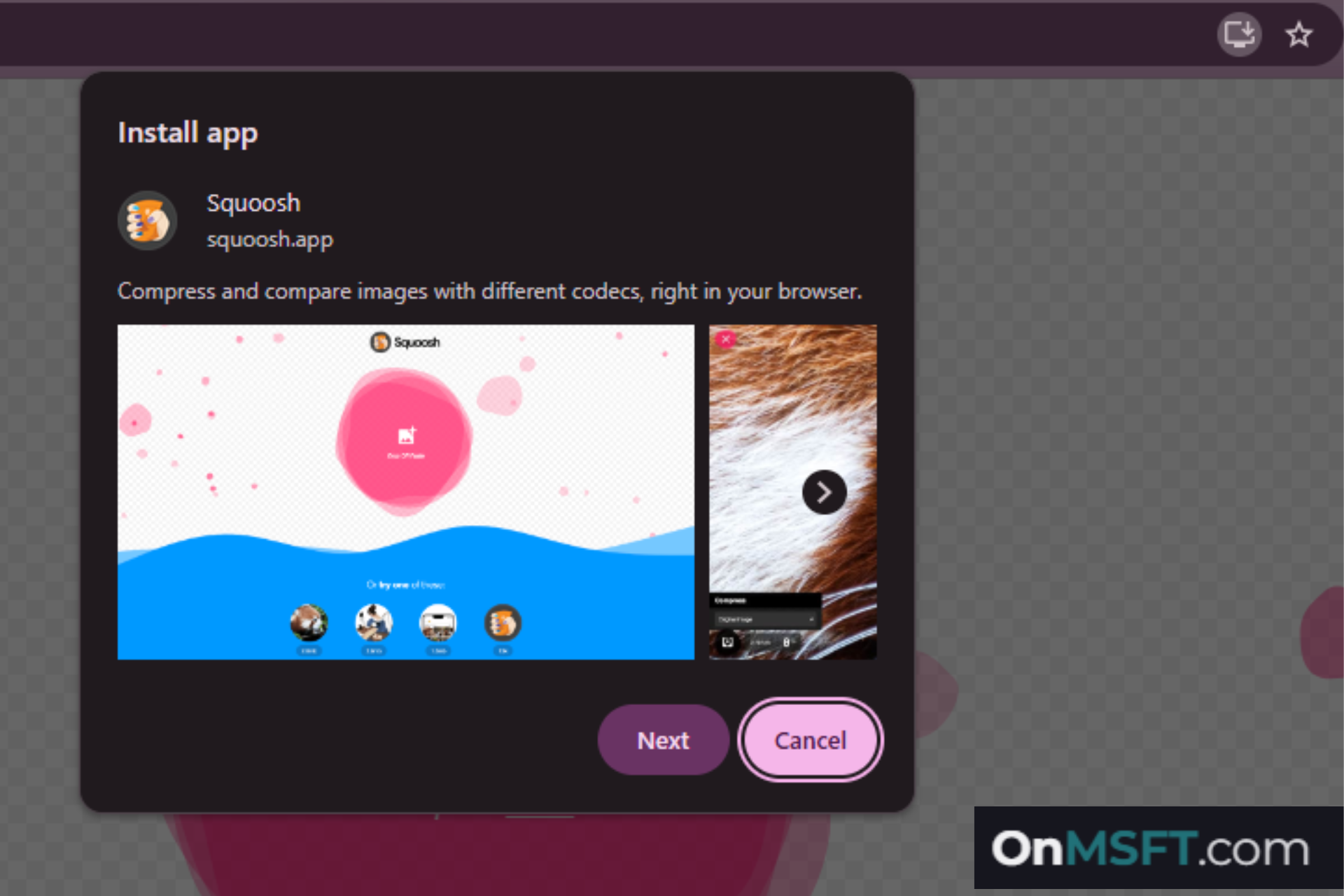

Installing a web app in Chrome could soon involve more than the quick confirmation prompt users see today. Google is testing a “multi-view install” flow that guides users through several screens before the app installs.
The change is currently hidden behind a flag called ” Web App Install Dialog” in Chrome Canary.
Today, Chrome lets users install supported websites as web apps directly from the browser. When a site supports installation, Chrome shows an “Install” button in the address bar.
Selecting that button opens a small dialog showing the app’s name and an Install option. Once confirmed, Chrome installs the web app immediately and opens it in its own window.
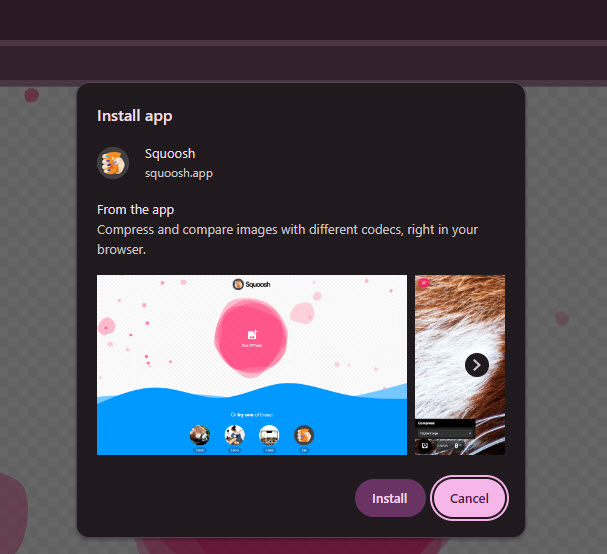
Chrome may show several screens before installing a web app
With the new system being tested, the install dialog can move through several screens before installation finishes. Early testing shows steps such as:
- an introduction screen with the app name, description, and preview images
- an installer options screen
- an installation progress screen
- a final screen confirming the installation
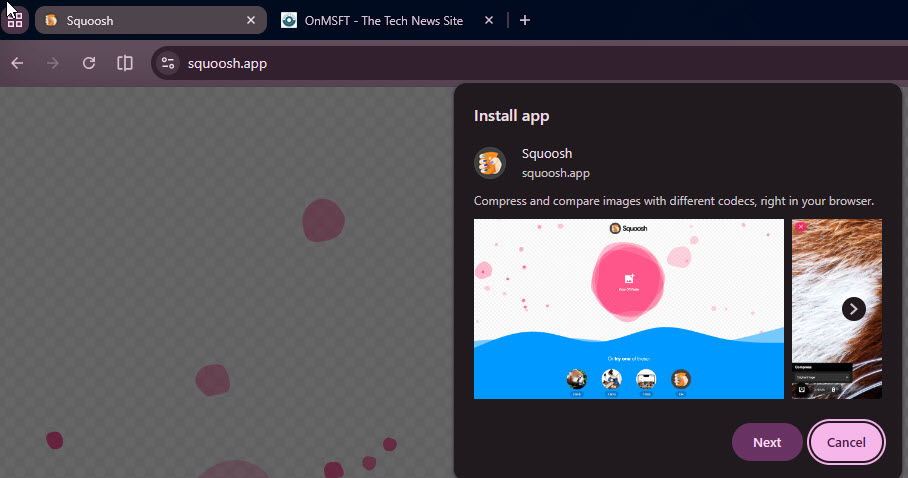
Each screen appears inside the same dialog and advances when the user selects “Next”.
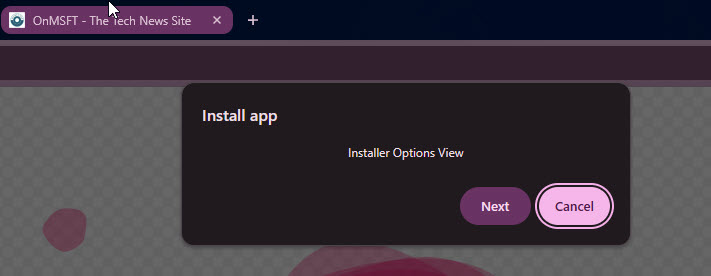
The new flow could add setup options during installation.
The multi-view flow also allows Chrome to present setup choices before a web app installs.
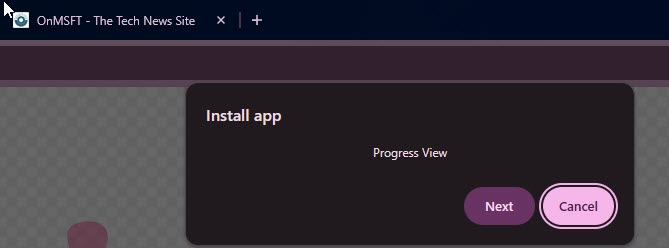
For example, an options screen could include choices such as pinning the app to the taskbar, creating a desktop shortcut, or starting the app when Windows launches. Presenting these choices during installation would give users more control over how the app integrates with the system.
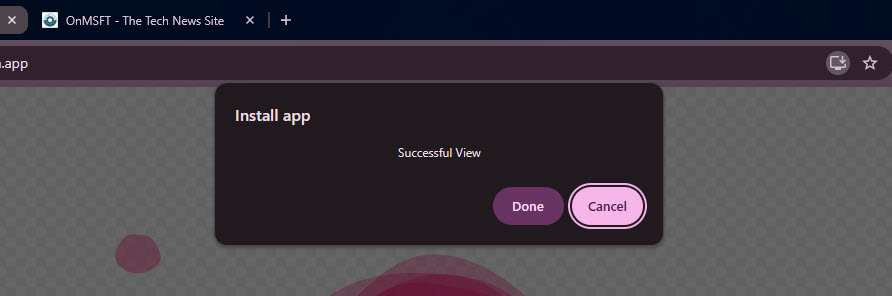
Code changes in Chromium show that developers are creating a “generic install dialog” flow that can display multiple views during installation. This framework allows Chrome to keep the current quick install prompt for simple cases while supporting more detailed install steps when needed.
The new flow is still early in development. Development notes indicate that future updates will improve the screens and add more content to each step.
For now, the final screen in the flow triggers the installation itself.
The feature is currently tested hidden behind the Web App Install Dialog flag in Chrome Canary, so most users will not encounter it yet.



