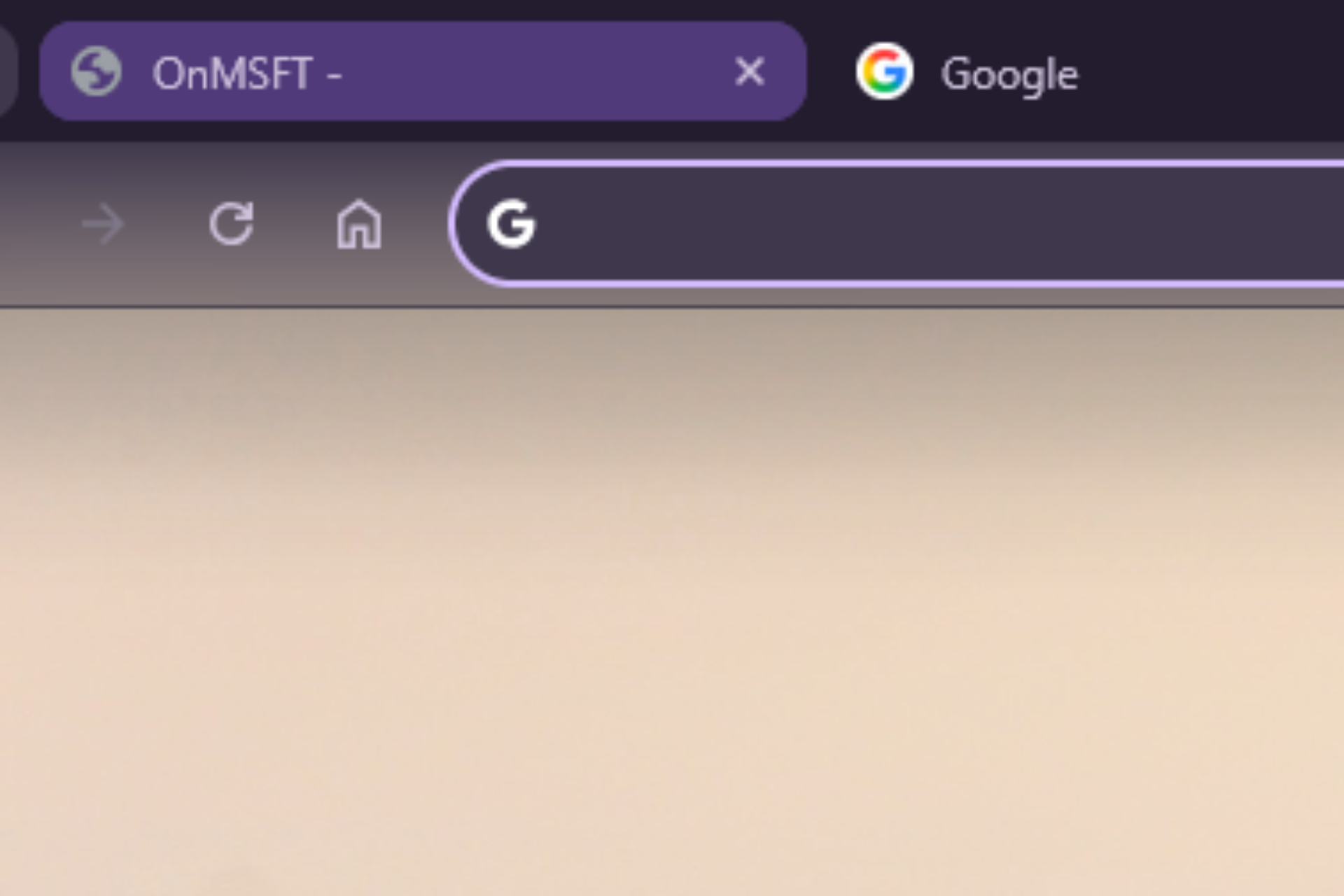

Google is testing a new desktop interface in Chrome internally called “GlowUp.” This Chrome GlowUp design cleans up the tab strip and adds new visual effects across the browser’s top bar, including a glass effect for the toolbar.
Tab Strip Declutter
According to Chromium commits, GlowUp includes several changes to the tab bar and toolbar, with a new Chrome flag now exposing part of the experiment as “Tab Strip Declutter”.

The aim of Tab Strip Declutter is to adjust how the tab strip behaves when many tabs are open. The goal is to reduce visual clutter and give more space to tab titles.
When the feature is active, Chrome removes tab separators once many tabs are open. Close buttons also disappear after a certain tab count. Close buttons still appear when a tab is active or when the cursor hovers over it. Chromium code sets the new threshold at nine tabs.
This allows Chrome to keep close buttons visible longer while still freeing space in crowded tab strips.
The visual update, GlowUp, includes detached tabs, a system that allows tabs to separate visually from the tab strip instead of staying tightly connected in a single row.

This design allows Chrome to apply different visual styles or behaviors to tabs without relying only on the traditional underline indicator.
Another change under the GlowUp work modifies how Chrome highlights certain tabs.
Instead of using the thin underline indicator that Chrome currently shows under a tab, the browser can display a glow effect around the tab.
This visual highlight is tied to contextual tab states and works alongside the detached tabs system in development.
GlowUp changes are not limited to the tab strip. The development also includes work on a glass-style visual effect for the browser toolbar. The design gives the top bar a translucent appearance. Do note this is a prototype and may or may not be permanent. A decision will be taken later by Google at a certain point. This is currently being tested behind a flag.


Both the tab glow effect and tab strip declutter adjustments indicate a visual refresh for the desktop Chrome interface.