
Google is working on a Chrome feature that could change how file uploads work on desktop websites. When a site asks users to upload a photo or recording, Chrome may open its own camera window instead of the system file picker. Users will be able to take a photo, record video, or capture audio directly inside the browser.
Today, desktop Chrome usually opens the operating system’s file picker for uploads. Users must choose a file that already exists on their device.
Google is now adding support for media capture during file uploads on desktop Chrome, according to a Chromium code change and an accompanying design document. When a website requests camera or microphone input, Chrome will open its own capture window with a live preview and recording controls. After capture, the browser attaches the file to the upload form just like a normal file.
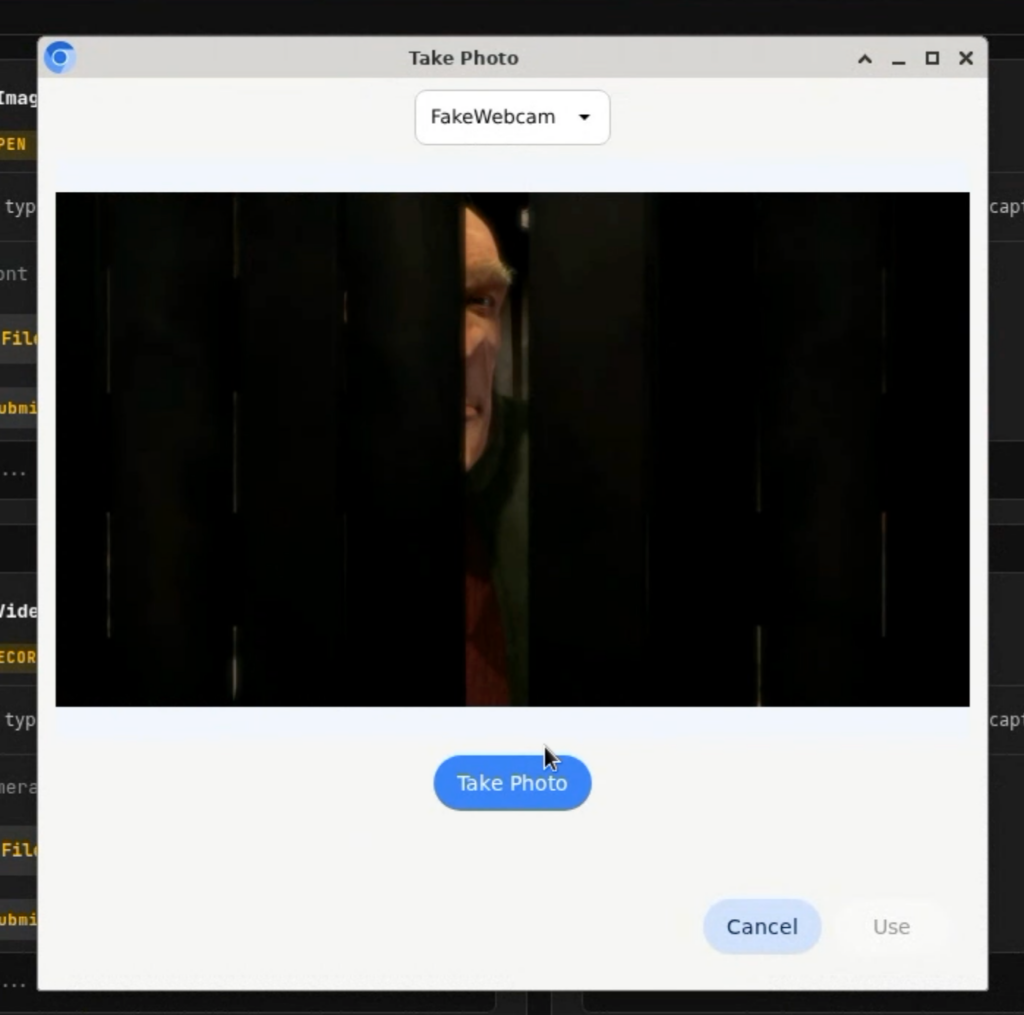
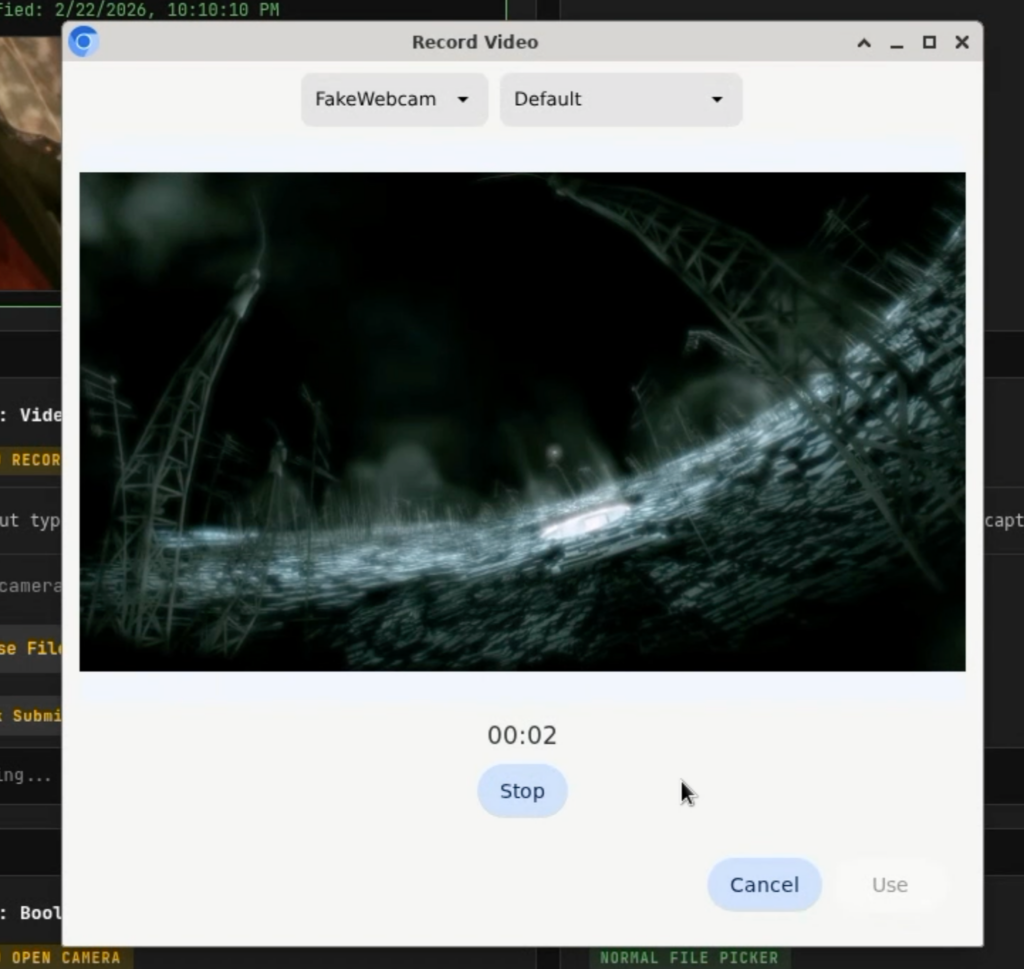
The capture window will support several types of media. Users can take a photo, record a video, or capture audio. Chrome will also let users choose between available cameras or microphones.
Chrome for Android has supported this behavior for many years. On desktop platforms such as Windows, macOS, and Linux, the browser has ignored the request and opened the system file picker instead. Google is now working to bring the same capability to desktop Chrome.
Websites that require photos or recordings may benefit from the feature. Examples include identity verification forms, document uploads, and support requests that ask users to attach a photo or video.