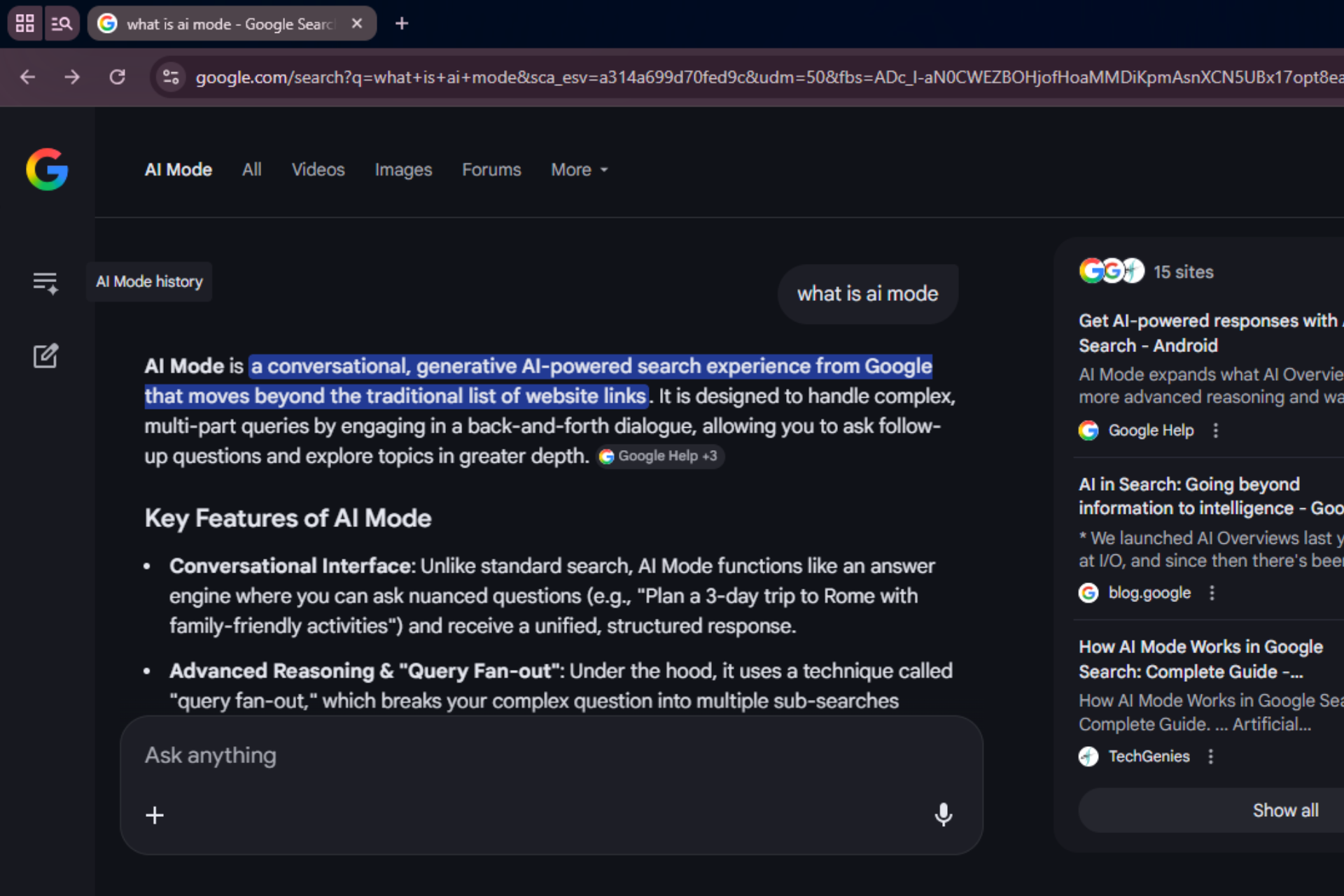

When you open an AI Mode result in Chrome, the browser may show a sign‑in prompt, asking you to log in to keep AI Mode available on the page.
Right now, AI Mode runs inside Google Search. Users ask a question, get an AI-generated response, and open links from the results panel. Once a page opens, the AI conversation stays on the search page.
A new change in Chromium adds a dedicated trigger for that flow. The prompt can appear when a user who is not signed into Chrome clicks a result from AI Mode and the page opens in a new tab.
Updated interface text shows what users may see. The latest string reads:
“To ask AI Mode about your tab without leaving the page, sign in to Chrome. You’ll also get your passwords and more on all your devices.”
The text explains that AI Mode can stay available after you open a result. That could let you ask questions about the page you’re viewing without going back to search. The prompt also highlights standard Chrome sign-in benefits like passwords and sync.
Chrome requires a signed-in browser profile for that interaction. A signed-in profile connects the browsing session with AI features and open tabs. Google has also been working on Organizer, a new name for the earlier Projects panel that connects AI conversations and activity to a user’s account across devices.
Google already requires a login for some AI Mode actions. Image generation in AI Mode does not work unless the user signs in. The same requirement may apply when AI Mode connects to pages opened from search results.
The code also includes a separate message for users whose session has expired. In that case, Chrome asks the user to verify their identity before continuing.
Google hasn’t said when, or if, this prompt will roll out to users.