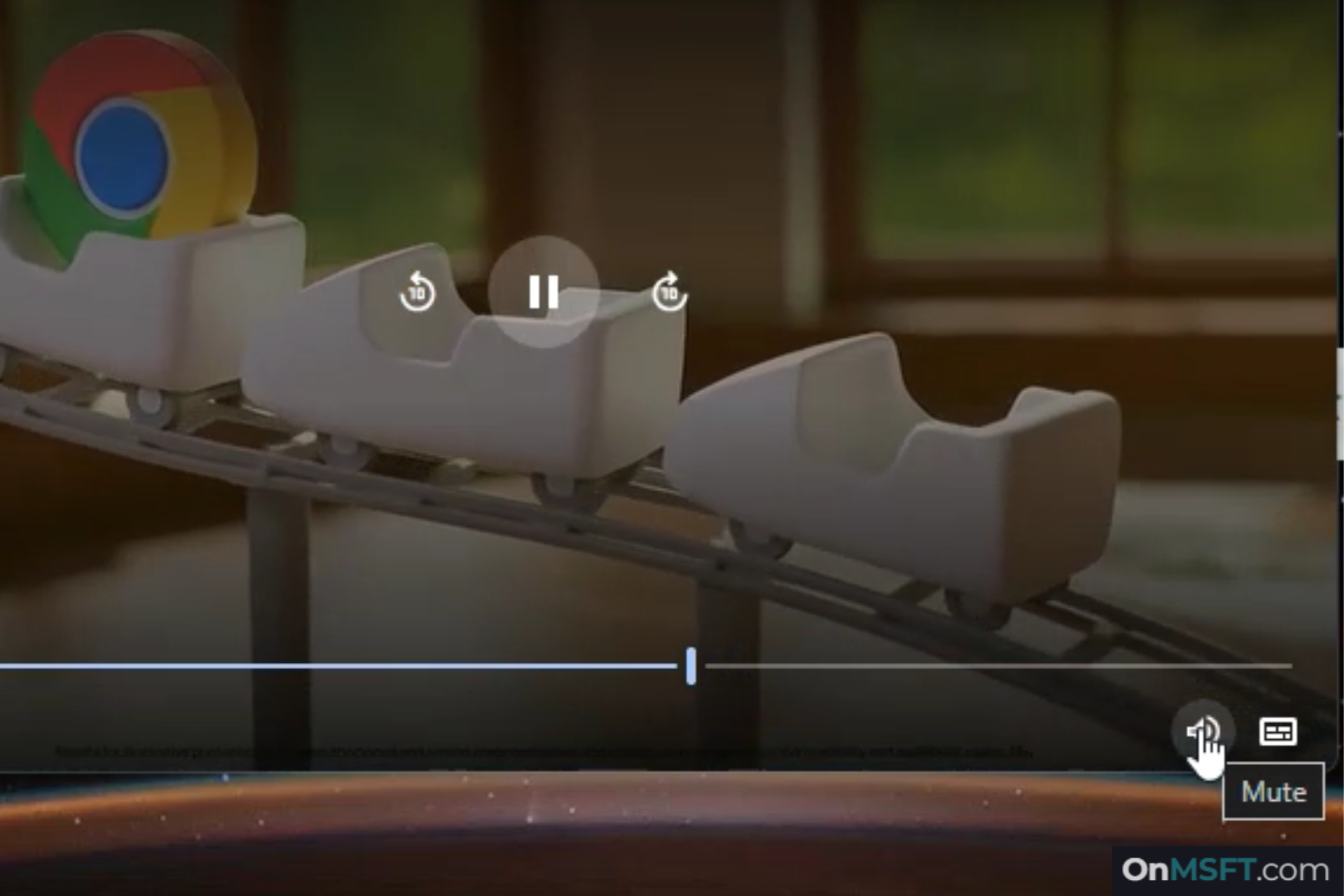

Mute a floating video in Chrome without jumping back to its tab.
In the latest Chrome Canary version, the Picture-in-Picture (PiP) window includes a mute button. Turn on the “Picture-in-Picture Mute Control” flag, and the control appears in the player bar. The button is next to the Live Caption control and toggles audio instantly.
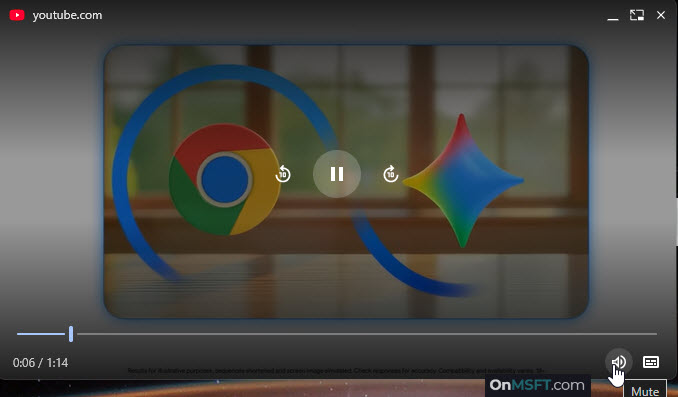
Chrome handles audio at the tab level. When a video moves into PiP, the floating window gives you play, pause, and seek. It does not let you control volume. To mute, you return to the tab or use system controls. That extra step breaks your flow when you keep a video pinned while working in another app.
The PiP window itself handles audio. Click once to silence the video. Click again to restore sound. The control shows “Mute” and “Unmute” on hover, and the icon updates to match the state.

According to Chromium Gerrit, the control does not show during video calls. In that mode, Chrome replaces the playback row with microphone, camera, and call buttons.

Edge and Firefox include a mute toggle in their Picture-in-Picture player. Chrome has relied on tab-level audio controls. Chrome now includes the same control in its PiP player.
The feature is in testing and is off by default.
Chrome is testing new ways to handle tabs. It now shows tab groups on hover and is testing a faster way to switch between recent tabs.