Skip to content
OnMSFT.com
  • Home
  • About
  • Contact
  • Windows
  • Surface
  • Xbox
  • How-To
  • OnPodcast
  • Edge
  • Teams
  • Gaming
Menu
  • Home
  • About
  • Contact
  • Windows
  • Surface
  • Xbox
  • How-To
  • OnPodcast
  • Edge
  • Teams
  • Gaming
  1. Home
  2. Latest news
  3. Bing Maps Preview just got a whole lot better

Bing Maps Preview just got a whole lot better

Vu Anh Nguyen Vu Anh Nguyen
September 17, 2015
1 min read

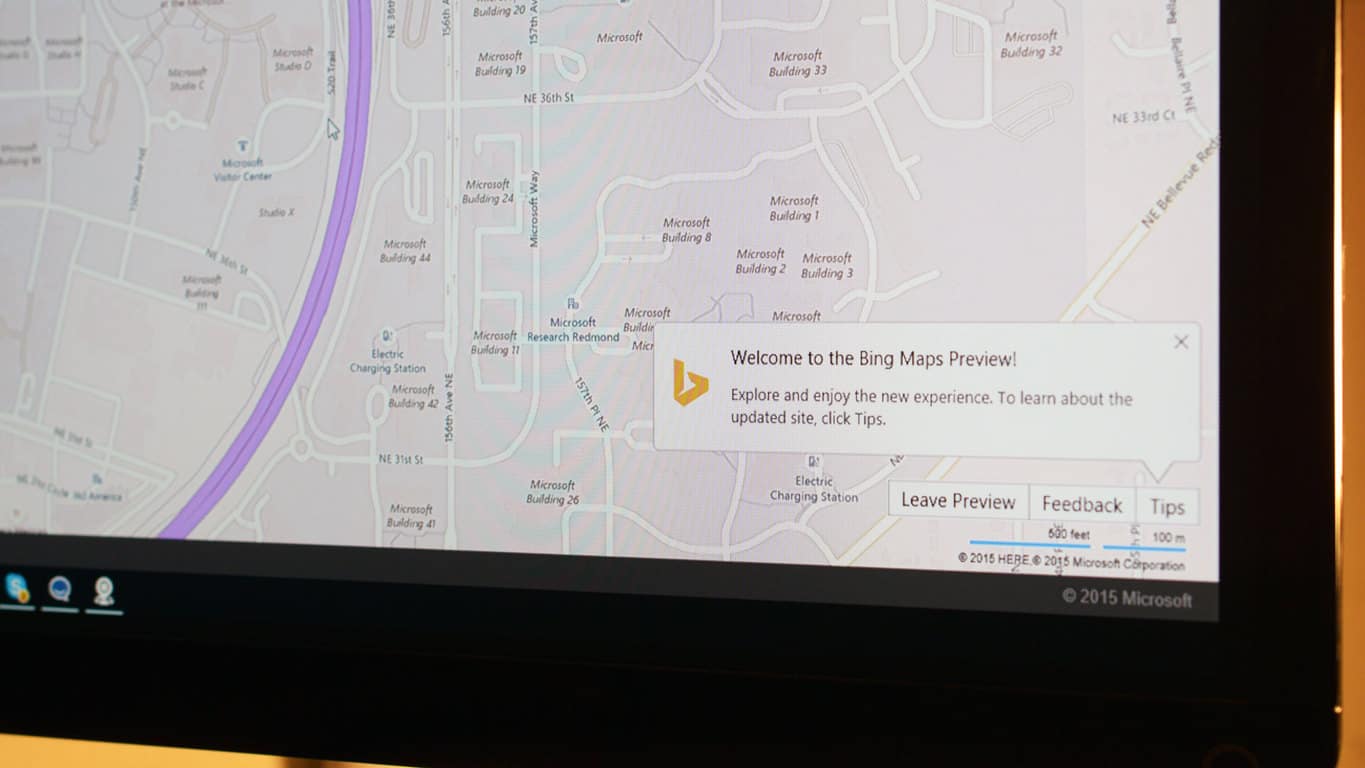
Guys, Bing Maps Preview just got more awesome, and if we can trust the words of the Bing Maps team, it’s all because of you (if you use it and submit feedback).

The improvements to Bing Maps Preview contain all top suggestions from more than 46000 pieces of  feedback sent by users ever since the redesign was unveiled in July this year. Changes include a Hide button for the menu cards and the ability to turn map labels off in aerial and birds-eye modes. Distance and time taken per segment for routes with more than two waypoints have also been added.

One of the most requested feature that should come as a big cheer for UK users, however, is the inclusion of Ordnance Survey maps. The national mapmaker of Britain, Ordnance Survey boasts “the most detailed, current and comprehensive map dataset” for the region, and the availability of their maps on Bing Maps Preview should make the app an absolute essential for the outdoor loving souls; it is, however, currently only available in the UK.

Ordnane Survey mode (only available in the UK)

Ordnane Survey mode (only available in the UK)

Overall, the update improved on both the usability and content of the service, and is also a concrete proof of Microsoft’s increasing collaborations and communications with its customers, and we can expect many more exciting user-backed features in the future.


Further reading: Bing Maps, Feedback, Microsoft, update

Share this article:
Tags:
Bing Maps Feedback Microsoft update
Previous Article Microsoft calls for action on computer science learning for all youth – onmsft.com Next Article New Windows 10 builds on the horizon: Mobile, desktop or both?

Related Articles

Chrome and Gemini icons representing Gemini Live voice assistant integration in Chrome

Chrome tests Gemini Live voice assistant in a floating overlay panel

March 14, 2026

Chrome’s Organizer feature may sync Gemini and AI conversations across devices

March 14, 2026

After Chrome, Edge tests launching the browser automatically when you sign into Windows

March 13, 2026

Leave a Comment Cancel reply

Your email address will not be published. Required fields are marked *

Recent Posts

  • Chrome tests Gemini Live voice assistant in a floating overlay panel
  • Chrome’s Organizer feature may sync Gemini and AI conversations across devices
  • After Chrome, Edge tests launching the browser automatically when you sign into Windows
  • iPhone Fold Latest Rumors: Display, Cameras, RAM and Price Details Revealed
  • Samsung fears first mobile operating loss due to memory price surge

Recent Comments

No comments to show.
OnMSFT.com

OnMSFT.com covers Microsoft news, reviews, and how-to guides. Formerly known as WinBeta, we have been your source for Microsoft news since 1998.

Categories

  • Windows
  • Surface
  • Xbox
  • How-To
  • OnPodcast
  • Gaming
  • Edge
  • Teams

Recent Posts

  • Chrome tests Gemini Live voice assistant in a floating overlay panel
  • Chrome’s Organizer feature may sync Gemini and AI conversations across devices
  • After Chrome, Edge tests launching the browser automatically when you sign into Windows
  • iPhone Fold Latest Rumors: Display, Cameras, RAM and Price Details Revealed
  • Samsung fears first mobile operating loss due to memory price surge

Quick Links

  • About OnMSFT.com
  • Contact OnMSFT
  • Join Our Team
  • Privacy Policy
© 2010–2026 OnMSFT.com LLC. All rights reserved.
About OnMSFT.comContact OnMSFTPrivacy Policy
