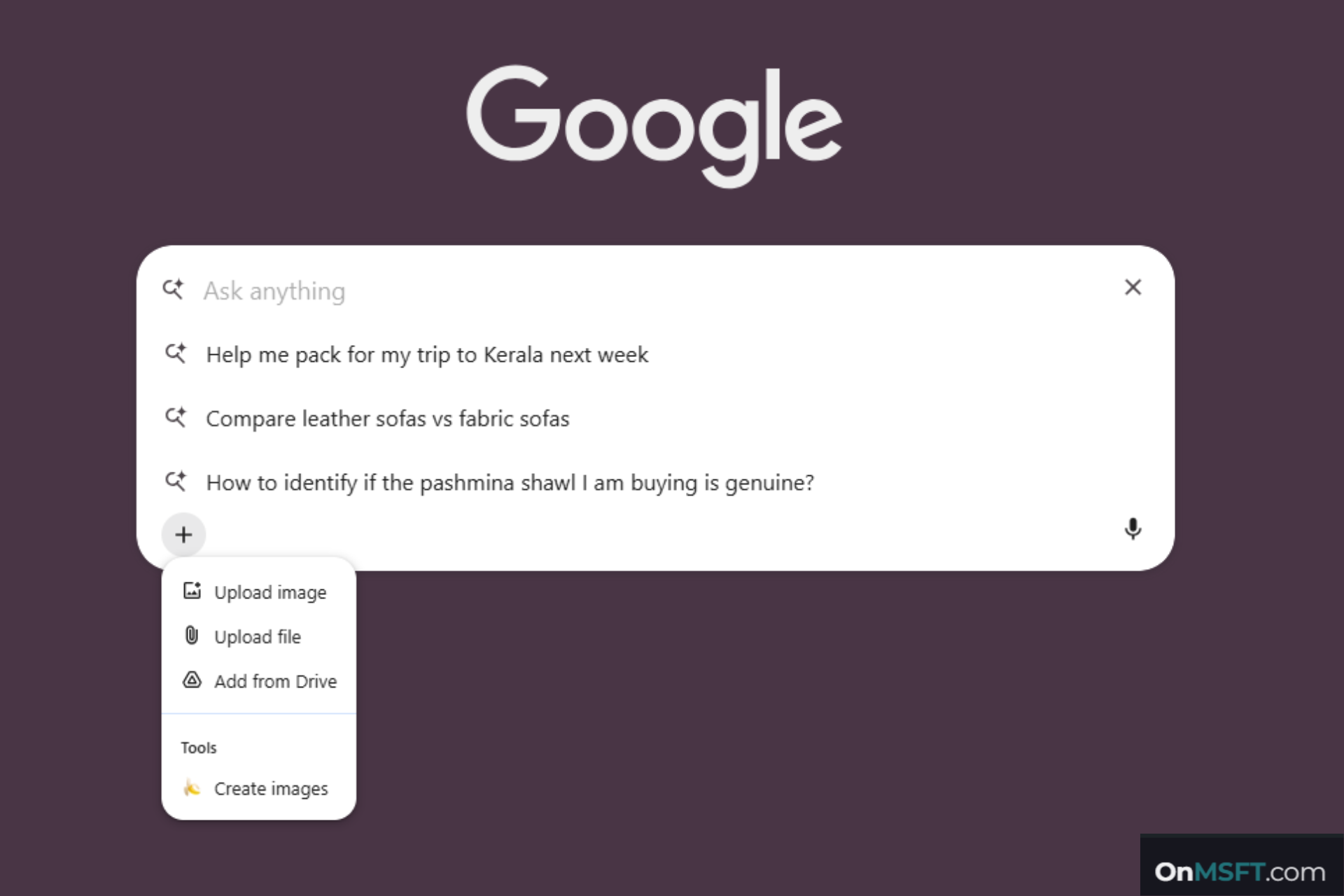

Google is testing a new option in Chrome that lets users attach files directly from Google Drive inside the AI Mode compose box. The change is now visible in the input menu. A new “Upload from Drive” entry appears alongside existing upload options.
The option appears in the menu opened through the “+” button in the compose box. It appears next to “Upload image” and “Upload file.” This adds Google Drive as an option in the same menu.
The AI Mode compose box interface shows the Drive entry, but the full selection flow is not visible yet. It is not clear how files are picked or attached after selecting the option. The current view confirms the entry point, not the full interaction.
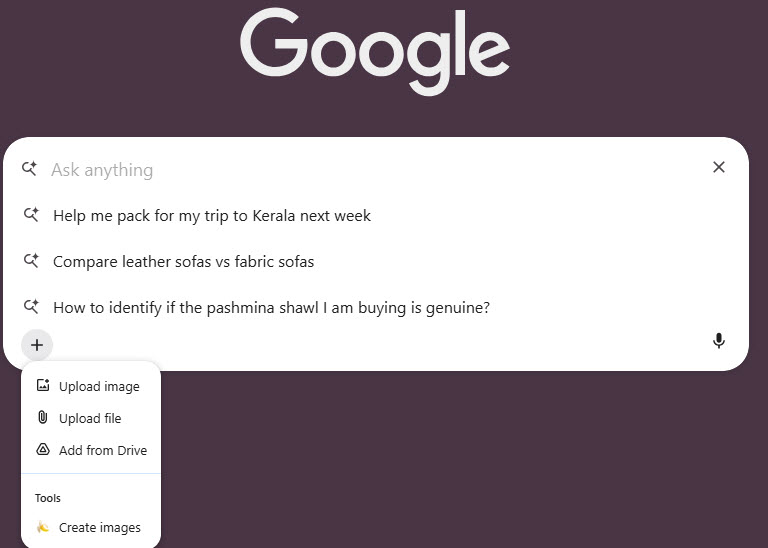
Currently, the AI Mode compose box supports uploads from local storage. Users can add images or files saved on their device. With this experiment, Chrome is extending input to cloud storage. Users can pick files from Google Drive without downloading them first.
The feature is linked to a Chrome flag named “composebox drive context menu option”. It is available on desktop platforms, including Windows, macOS, Linux, and ChromeOS.

Chrome has been adding new ways for users to input content into AI Mode beyond text. Other AI tools already support files from cloud storage. With this test, Chrome moves closer to that model by adding Google Drive as a direct source.
The feature is still in testing. The option is visible in the UI, but its full behavior has not been confirmed.


