
Microsoft has released Visual Studio Code version 1.113 with a focus on AI controls, design updates, and better workflow tools. The company continues its weekly release cycle, and this update brings meaningful improvements without changing the core experience developers rely on.
The biggest change centers on AI behavior inside the editor. You can now control how much the model thinks before responding, which helps you balance speed and accuracy depending on your task.
VS Code 1.113 lets you adjust AI thinking effort directly from the model picker. You can choose between low, medium, and high reasoning levels.
- Low gives faster responses for quick tasks
- Medium balances speed and depth
- High delivers detailed output but uses more credits
You can also review visual context without leaving the chat, which keeps your workflow inside a single editor window.
Another key addition is nested subagents. Subagents can now call other subagents, which allows more advanced multi-step workflows. This feature stays optional and you can enable it through the chat settings.
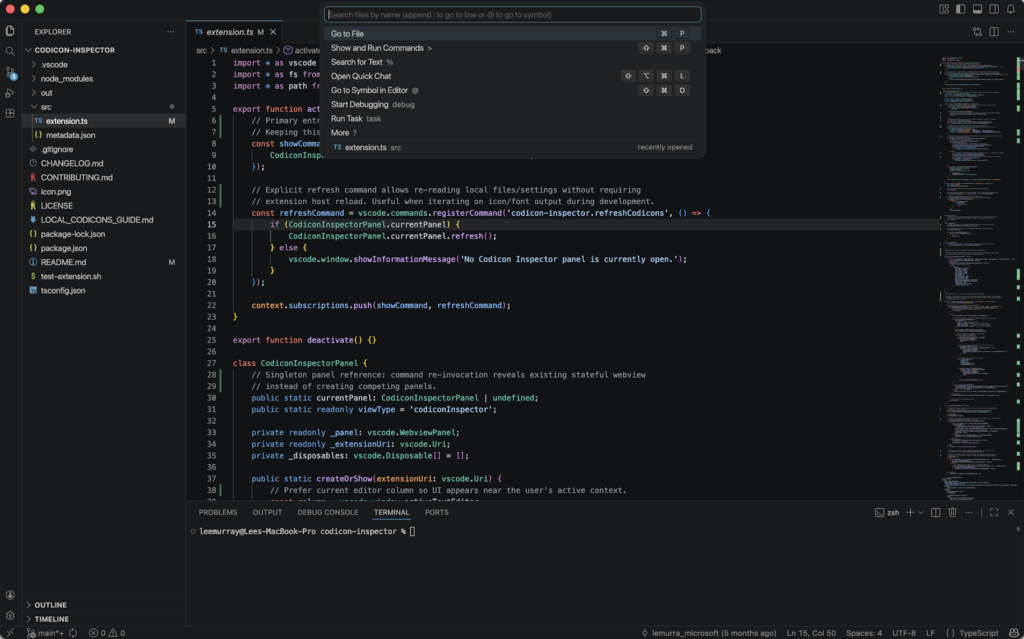
Microsoft has introduced two new default themes called VS Code Light and VS Code Dark. These themes refresh the editor’s look while keeping it familiar for existing users.
- Cleaner visuals with better contrast
- Automatic syncing with your system theme
- Set as default for new users
How to update
To get the latest version, open VS Code, go to the Help menu, and click Check for Updates. You can also download it from the official website if you are installing it for the first time.