
Microsoft Edge Canary is changing how Copilot handles tasks and customization. “Actions” is now called Auto Browse, and the Copilot new tab page gets a larger Customize panel. Microsoft also groups “Copilot and AI” settings into a single section, so they are no longer split across different menus.
Auto Browse replaces Actions
In Edge Canary settings, “Actions in Edge Preview” is now called Auto Browse. Copilot can carry out tasks on webpages, such as navigating steps or completing tasks based on a prompt.
The earlier name was vague. “Auto Browse” clearly describes how the feature works. Similar terms are used in Google Chrome, where Gemini can handle browsing tasks automatically.
Copilot is not limited to browsing tasks. Microsoft Edge PDF to podcast feature lets users turn PDFs into podcast-style audio summaries directly in Edge.
All AI features are now grouped under a single Copilot and AI section in settings. This includes the Copilot new tab page, Journeys, Auto Browse, and Copilot Vision. The layout puts all AI features in one place.
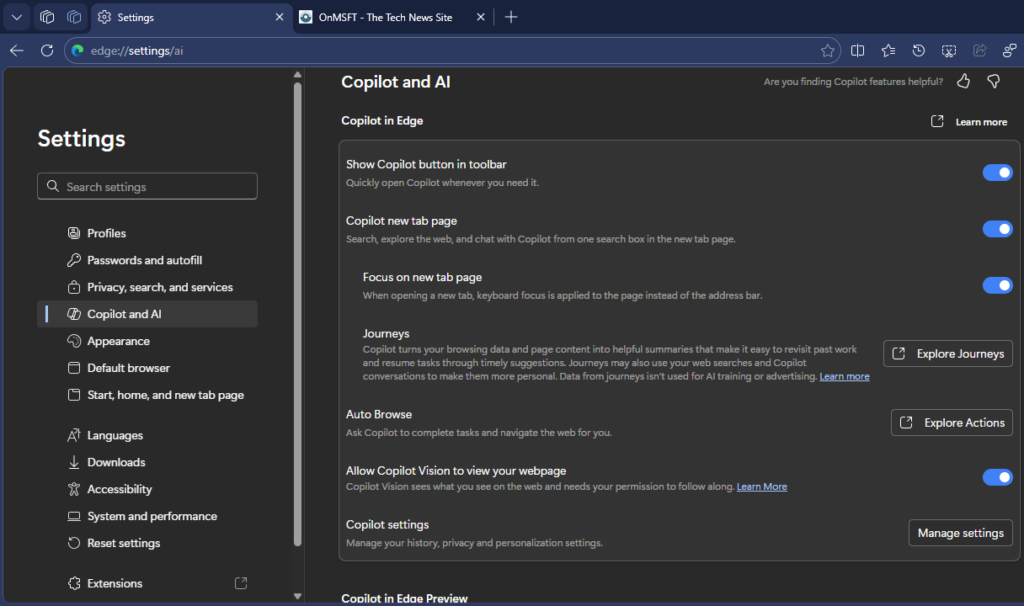
A new Manage membership option appears at the bottom under Copilot in Edge Preview within Copilot and AI settings.
Selecting it opens the Copilot Mode page instead of a separate membership or account screen. For now, it takes you directly to Copilot Mode inside the browser.
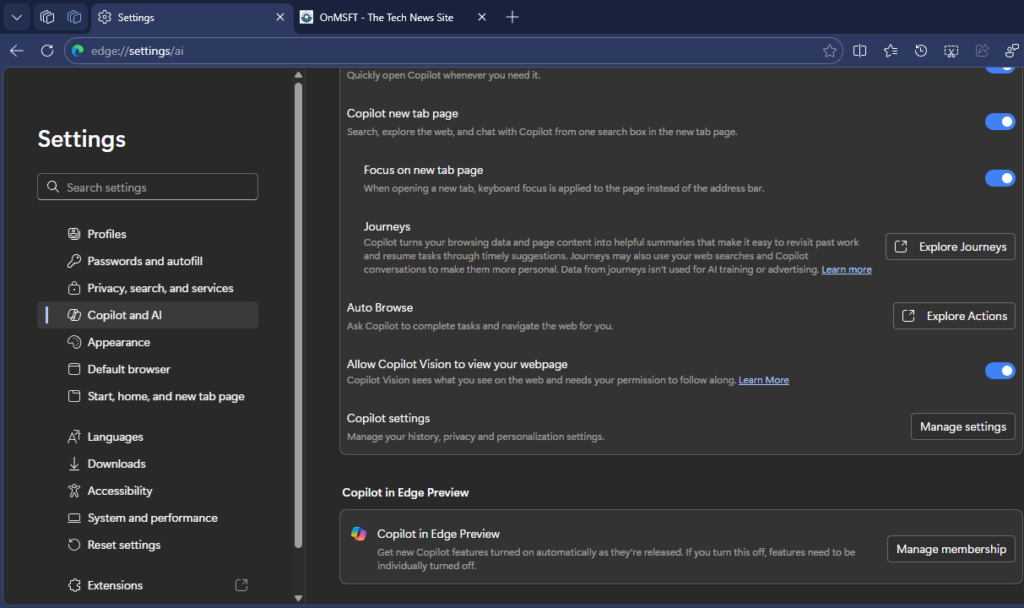
Copilot Mode now brings together task handling through Auto Browse, context-based features like Journeys, and new tab integration.
Customize panel replaces Page settings in Edge
The Copilot new tab page uses a “Customize Edge” panel instead of the earlier Page settings menu.
It opens from the side and includes controls for themes, background, and appearance options, along with a live preview of the changes. Additional options, including toolbar settings, are available further down the panel.
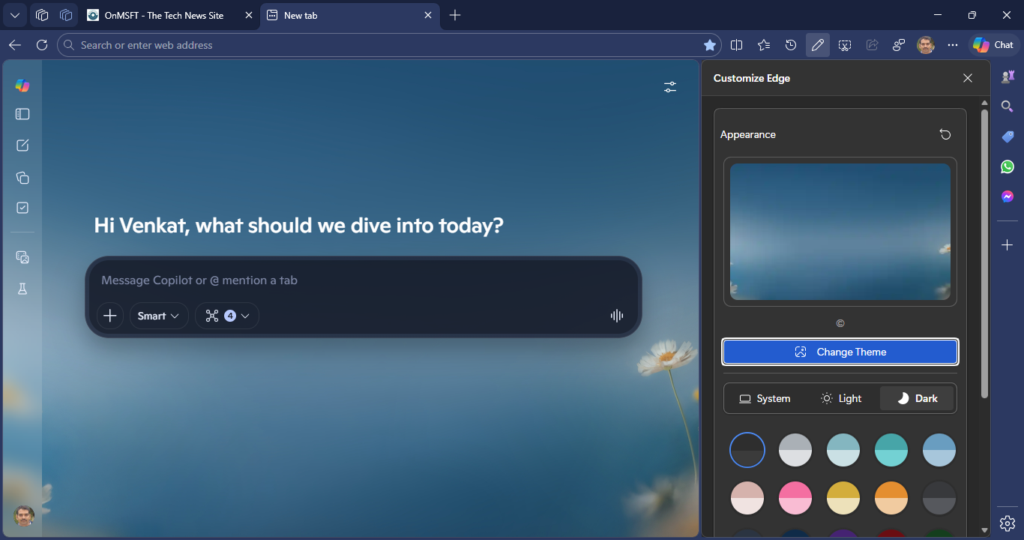
Instead of a small dropdown, the browser uses a side panel with more controls. Page and toolbar customization now appear in the same place.
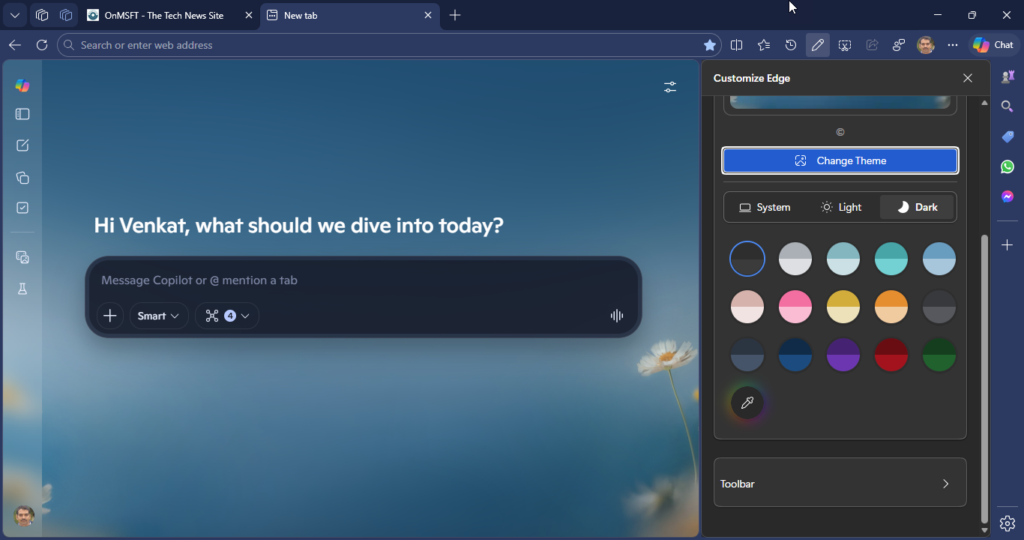
These changes are available in the latest Edge Canary version and have not yet reached the stable release.