

Google Chrome on Windows is testing a new “Process Isolation” setting that could block other apps from interfering with the browser.
Chrome already isolates tabs and sites in the background, but there is no switch to control how the browser itself is protected.
The new option, currently behind a flag, appears in chrome://settings/system next to graphics acceleration. Chrome labels it “Enable Process Isolation,” and the description says it “prevents other applications from tampering with Chrome.”
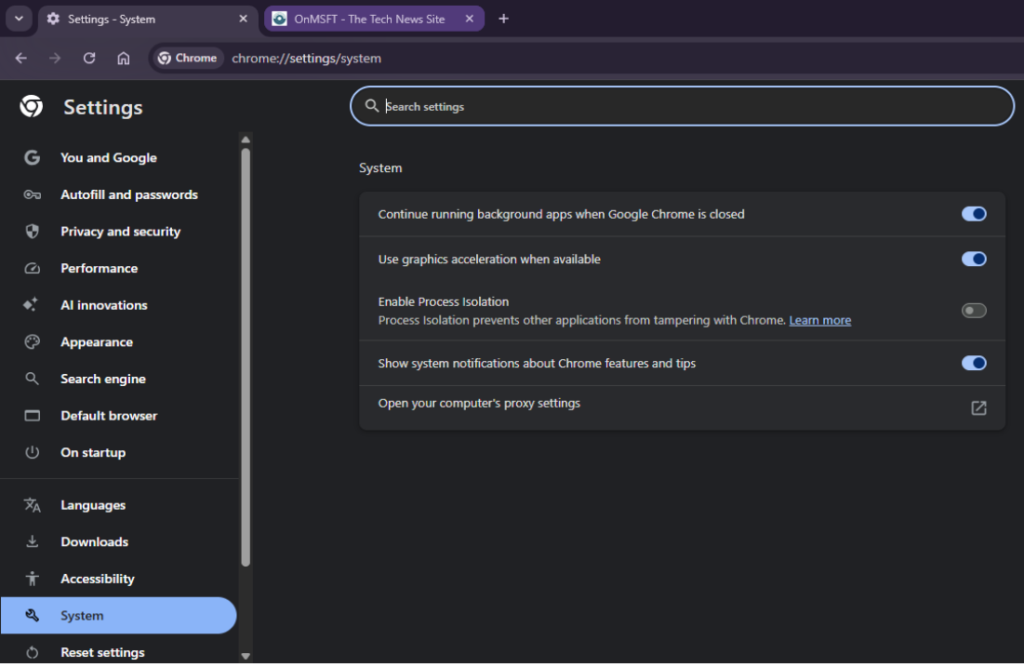
Turning it on prompts a relaunch. After restart, it stays enabled. The change persists across sessions.
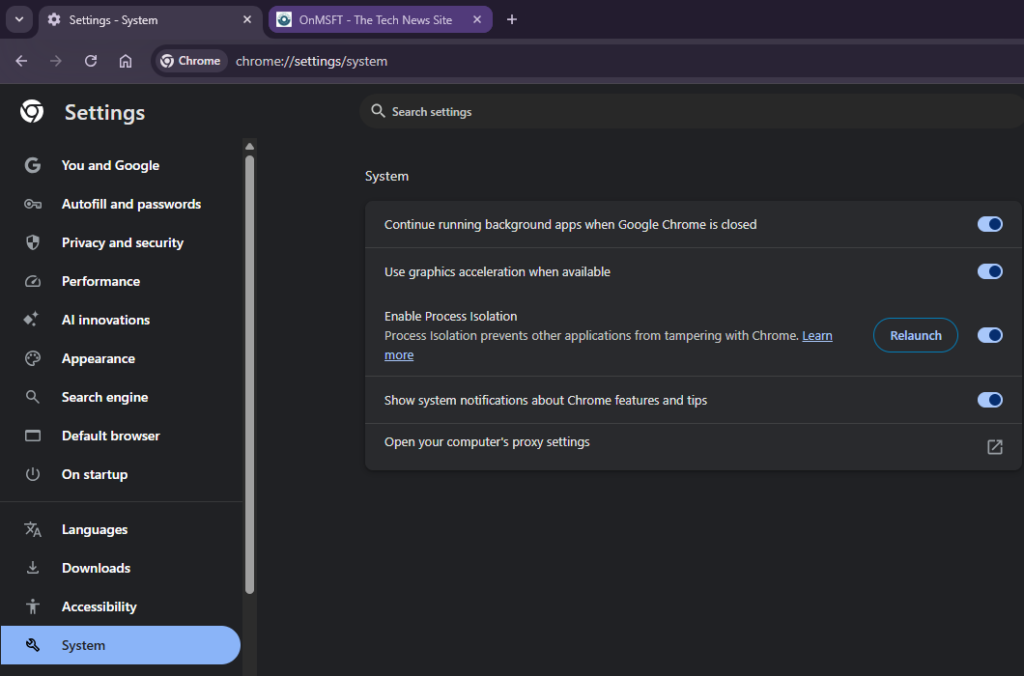
Chrome is no longer limiting this to command-line testing. Chrome stores the setting at the system level on Windows, so it remains active after relaunch. It may take a moment to apply as Chrome updates how its data is protected on the device.

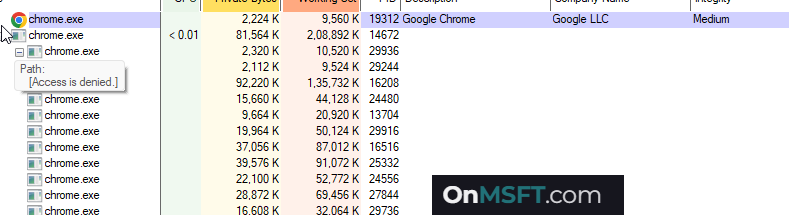
In testing on Windows 11, we at OnMSFT found that inspecting Chrome processes with tools like Process Explorer can return “Access is denied.” That points to tighter restrictions on how other applications can interact with the browser.
Windows uses process isolation to run apps in a restricted environment. It limits how other programs can access their data or interact with them. Browsers like Chrome and Microsoft Edge already rely on this internally, and apps such as Microsoft Office use similar protection when opening files in a secure mode.
A tracking issue refers to this work as “browser isolation” and mentions plans for a Help Center article. For now, the Process Isolation toggle is limited to Chrome’s Canary builds on Windows and is hidden behind a flag. The planned documentation shows it as a user-facing protection, not just a behind-the-scenes experiment.