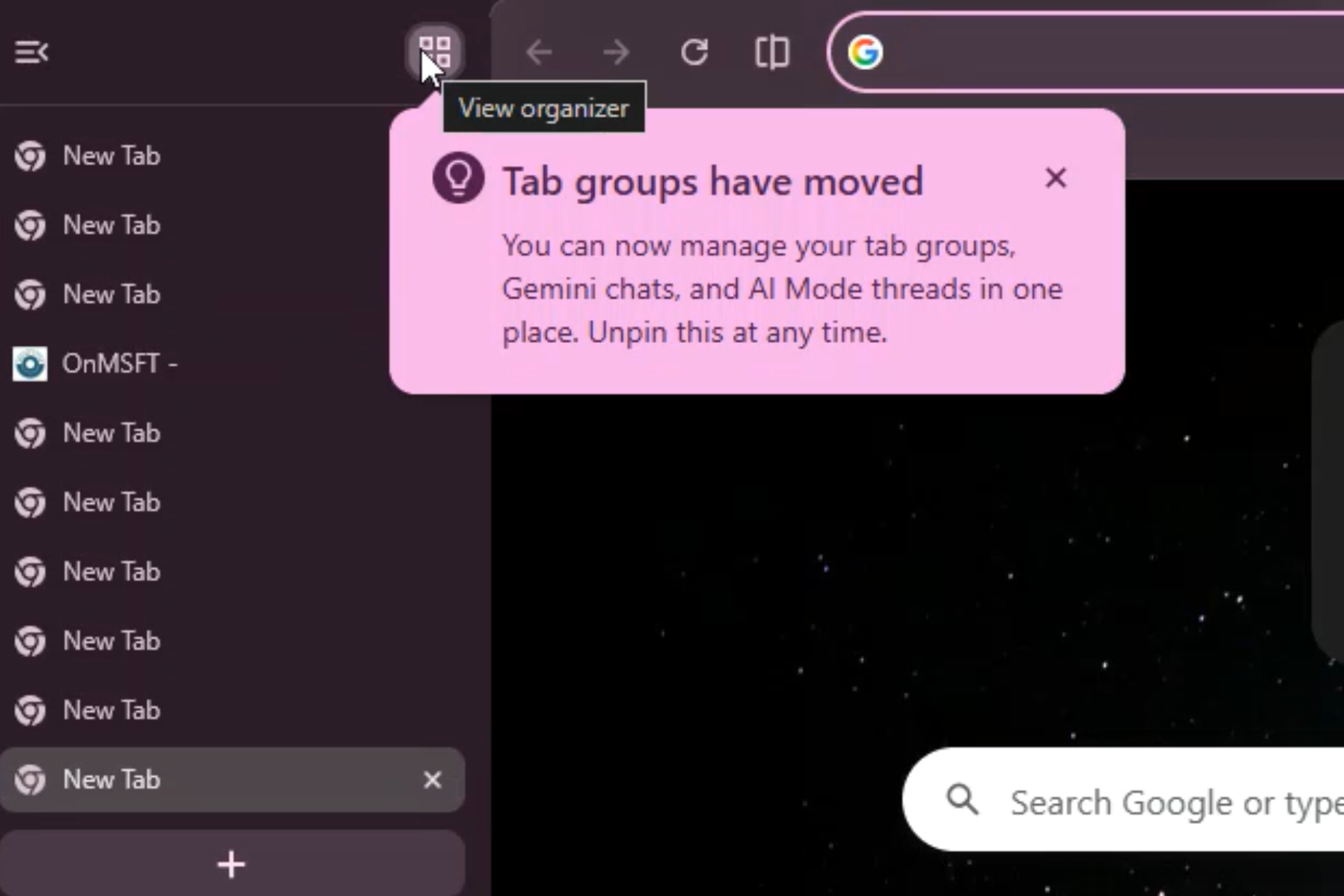

Google is testing a feature in Chrome called Projects Panel that groups tab activity and AI interactions. Chrome Canary now refers to the feature as “Organizer”.
Chrome Canary settings now include a “Show organizer button” option under Appearance. This confirms the name used in the interface. Chrome also shows a message that describes Organizer’s role:
“Tab groups have moved. You can now manage your tab groups, Gemini chats, and AI Mode threads in one place.”
Organizer brings tabs and AI conversations together. It provides access to tab groups, Gemini chat threads, and AI Mode conversation threads in one place. Users can reopen tab groups or return to earlier AI conversations from the side panel. The feature first focused on tab groups. Code changes now introduce explicit support for Gemini chats and AI Mode conversations.
Chrome is also preparing syncing for Gemini and AI threads. New flags “Sync Gemini Threads” and “Sync AI Threads” describe how Chrome can “acquire [Gemini/AI] Threads via sync” across Windows, Mac, Linux, and ChromeOS.
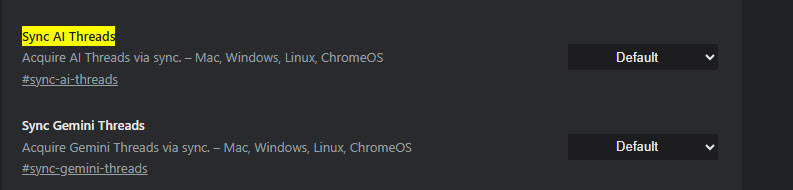
This wording suggests, but does not yet confirm, that Gemini chats and AI Mode conversations could appear across devices through Chrome Sync. A conversation created on one device might later surface inside Organizer on another.
Chrome also adds controls for AI thread visibility. It checks whether the signed-in account supports Gemini or AI Mode before listing those conversations in Organizer and filters out ineligible threads in the background.
Chrome now uses the Organizer name instead of Projects Panel and groups several parts of a browsing session in one location: grouped tabs, Gemini chats, and AI Mode conversations, alongside vertical tabs that move tabs to the side of the browser window.