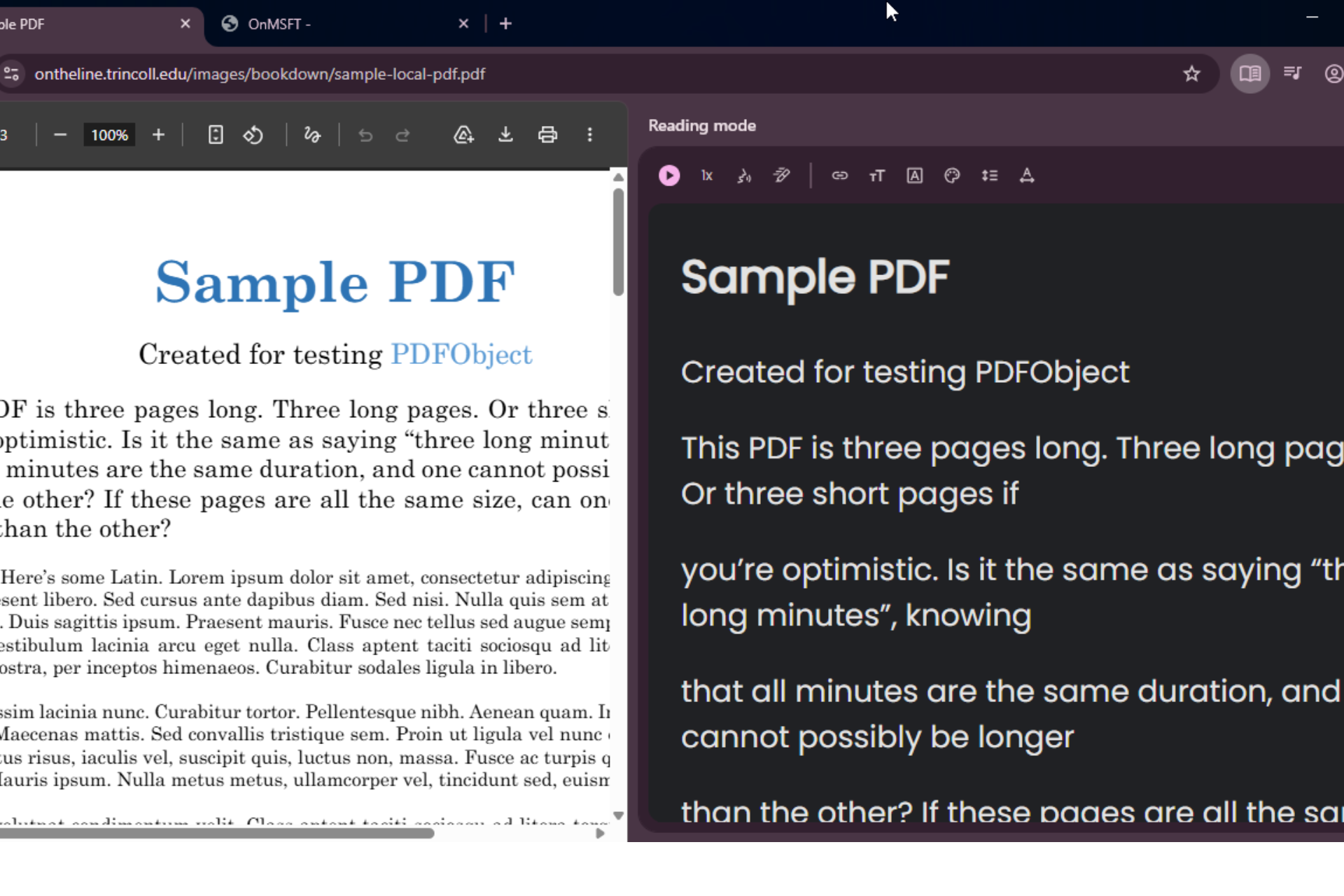

Google is testing Reading mode support for certain PDF files in Chrome Canary. When Chrome detects a compatible document, the browser shows a Reading mode button in the address bar that lets users open the PDF in a simplified reading layout.
Reading mode in Chrome removes visual clutter and presents text in a format suited for long reading sessions. The view includes controls for font style, text size, and background color.
The feature was originally designed for web pages that use HTML. Chrome relies on its readability system to extract the main article text from those pages. PDF files do not use HTML, so Chrome cannot apply the same method directly.
Recent Chromium changes add a separate method for PDFs. Chrome checks text from the first page of a document and evaluates whether it meets a minimum text length and alphabetic-character threshold before offering the Reading mode option.
This selective trigger filters out short files, scanned documents, and forms. Reading mode therefore appears only on PDFs that can convert properly into the simplified reading layout.
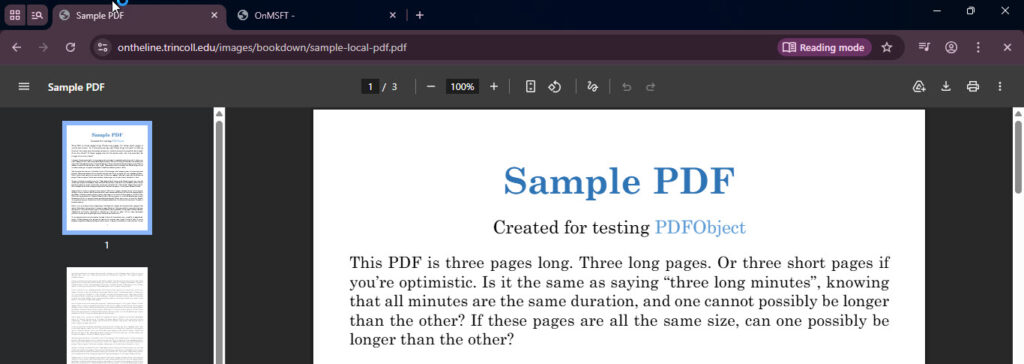
These adjustments target long documents such as research papers, reports, and guides, where Reading mode can provide a cleaner reading view than the standard PDF viewer.
The feature is still under testing and there is no guarantee it will reach a stable release. Chrome also does not show the Reading mode button for every PDF. The browser evaluates text in the document first and only exposes the option when the file contains enough readable content.