Skip to content
OnMSFT.com
  • Home
  • About
  • Contact
  • Windows
  • Surface
  • Xbox
  • How-To
  • OnPodcast
  • Edge
  • Teams
  • Gaming
Menu
  • Home
  • About
  • Contact
  • Windows
  • Surface
  • Xbox
  • How-To
  • OnPodcast
  • Edge
  • Teams
  • Gaming
  1. Home
  2. News
  3. Remote Desktop app for Windows Phone gets Fn keys, improved experience, new Cortana command, and more

Remote Desktop app for Windows Phone gets Fn keys, improved experience, new Cortana command, and more

Ron Ron
November 12, 2020
2 min read

Remote Desktop app for Windows Phone gets Fn keys, improved experience, new Cortana command, and more

Microsoft has rolled out an update to the Microsoft Remote Desktop app for Windows Phone. This is not just a simple bug fix update, as it adds several new features — including support for Cortana.

With this update, you now have the ability to access the Fn keys as part of the extended keyboard. Simply tap the FN button to show or hide the Fn keys (F1 through F12). On top of that, Microsoft has improved the overall experience of the app — especially the in-session experience. This is what Microsoft had to say:

“As we prepare to support multiple simultaneous sessions, we are making some changes to the way we handle session disconnection. With today’s update, you will not be required to press the Back button twice to disconnect the session and go back to the Connection Center. Instead, pressing back once will return to the Connection Center but will leave the session active. Tapping the same desktop tile will quickly jump back in the session while tapping on a different desktop will disconnect the existing session and connect to the new desktop,” Microsoft stated in an official blog post.

In order to disconnect from a session, just click on the Connection Bar at the top of the screen to show additional options including the active sessions and the ability to switch between Touch and Mouse Pointer input modes on the right.

Remote Desktop app for Windows Phone gets Fn keys, improved experience, new Cortana command, and more

Remote Desktop also supports a new Cortana voice command to quickly add a new desktop connection. Just say “Remote Desktop add [a] [new] desktop” and you will be taken to the ADD DESKTOP page where you can enter the PC name, tap save and then start the connection by tapping the newly created tile.

Microsoft has also added a link to the feature request site within the app, so you can easily be taken to the feedback site to recommend improvements to the app. The link is located in the About page.

Grab the updated app via the download link below.

Remote Desktop app

Share This Post:

Tags: Microsoft | Windows Phone
Share this article:
Tags:
Microsoft Windows Phone
Previous Article Did Microsoft play it safe in producing the Surface rather than a dedicated tablet or laptop? Next Article Watch the initial installation and setup of the new Xbox One (video)

Related Articles

NVIDIA might have fixed OpenClaw biggest security and privacy flaws

March 18, 2026

Tim Cook Visits China, Calls Market “Very Important” for Apple

March 18, 2026

Chrome may ask you to sign in after opening AI Mode Search results

March 18, 2026

Leave a Comment Cancel reply

Your email address will not be published. Required fields are marked *

Recent Posts

  • NVIDIA might have fixed OpenClaw biggest security and privacy flaws
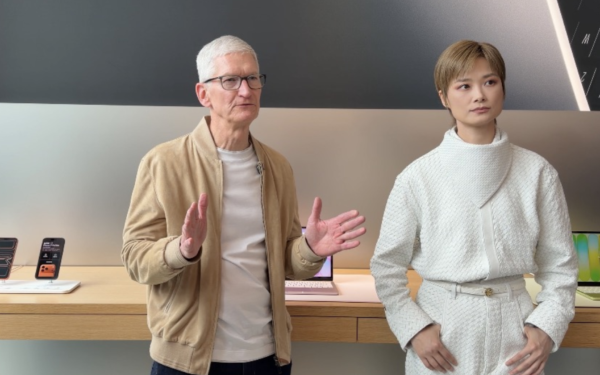
  • Tim Cook Visits China, Calls Market “Very Important” for Apple
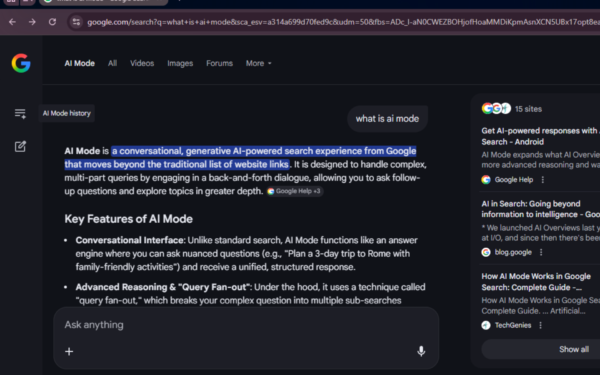
  • Chrome may ask you to sign in after opening AI Mode Search results
  • Pentagon Develops Alternatives to Anthropic AI After Deal Collapse
  • Fortnite Returns to Google Play Store Worldwide on March 19

Recent Comments

No comments to show.
OnMSFT.com

The Tech News Site

Categories

  • Windows
  • Surface
  • Xbox
  • How-To
  • OnPodcast
  • Gaming
  • Edge
  • Teams

Recent Posts

  • NVIDIA might have fixed OpenClaw biggest security and privacy flaws
  • Tim Cook Visits China, Calls Market “Very Important” for Apple
  • Chrome may ask you to sign in after opening AI Mode Search results
  • Pentagon Develops Alternatives to Anthropic AI After Deal Collapse
  • Fortnite Returns to Google Play Store Worldwide on March 19

Quick Links

  • About OnMSFT.com
  • Contact OnMSFT
  • Join Our Team
  • Privacy Policy
© 2010–2026 OnMSFT.com LLC. All rights reserved.
About OnMSFT.comContact OnMSFTPrivacy Policy