
Last month, Microsoft was testing the ability to sync PWAs in Microsoft Edge. The feature has not yet reached general availability. With that said, during a recent Microsoft Edge Canary build release, Microsoft launched yet another controlled feature, the ‘Web App Sidebar’ as spotted by the folks at Neowin. Essentially, this feature is in place to provide easier access to the Search function. However, it does not come automatically enabled which indicates that Microsoft is still running tests to determine its effectiveness and efficiency.
Based on the description provided when searching for this new feature, folks that own Mac, Windows, and Linux devices stand to benefit a great deal from this new feature once it is released.
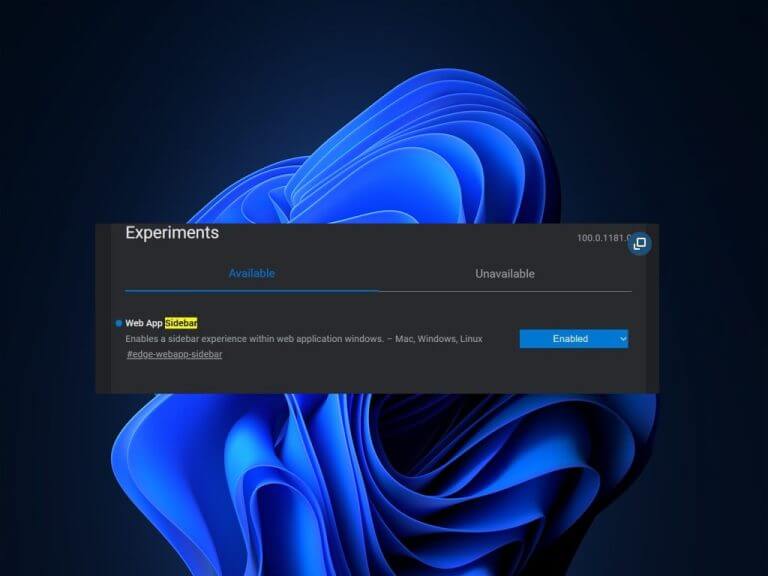
As Reddit user Leopeva64-2 discovered, typing text into the Sidebar’s search grabs relevant web links. Incidentally, the feature does mention its primary function is to offer search results. Just like in Bing and Google Search, the Sidebar search function also supports auto-generated suggestions based on the text entered.
Microsoft Edge Web App Sidebar feature
Aside from the Web App Sidebar feature, Microsoft is also actively working on a new feature dubbed ‘Performance Detecter’ that will help Microsoft Edge users to detect performance issues. (Via Windows Latest)
From time to time your browser might start to lag, usually because of opening too many tabs at once. However, with this feature, you will get a report highlighting the issues that are causing the slow performance. It is also set to provide recommendations to users that will assist in remedying the situation.
Furthermore, an in-built efficiency feature is also set to come to Microsoft Edge, “which aims to benefit users over offerings from rivals such as Google Chrome or Firefox.” It will help enhance Microsoft Edge’s overall performance by improving battery usage. The feature taps into the in-built Sleeping mode feature, thus, correcting the performance issues.

Moreover, Microsoft is also testing “a new full-screen mode button for Edge” that aims to improve PDF viewing for users.


