How-to
How to customize your Windows 11 Start Menu in the best way – OnMSFT.com
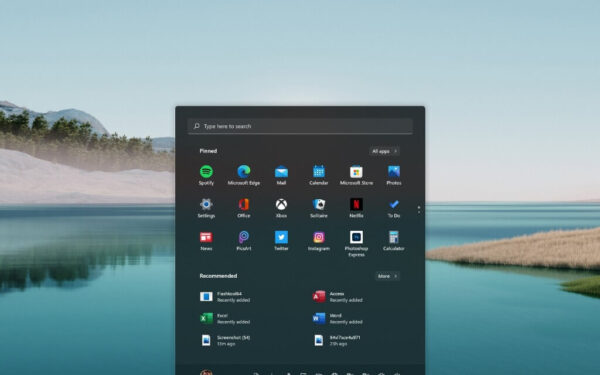
Microsoft provides a ton of documentation for developers on ways to customize your Windows 11 Start Menu. However, there is…
36 articles
How-to
Microsoft provides a ton of documentation for developers on ways to customize your Windows 11 Start Menu. However, there is…
How-to
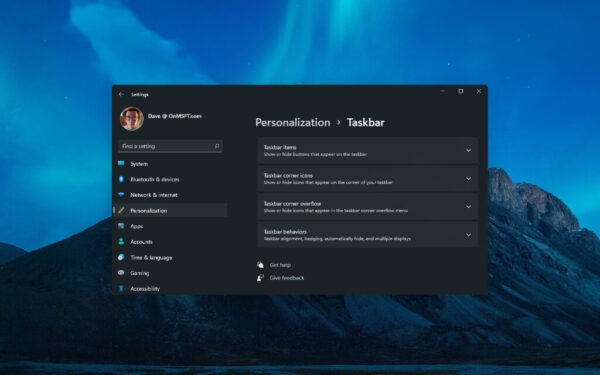
Before Windows 11, I tried as much as possible to emulate a more refined look on Windows 10 using extra…
How-to
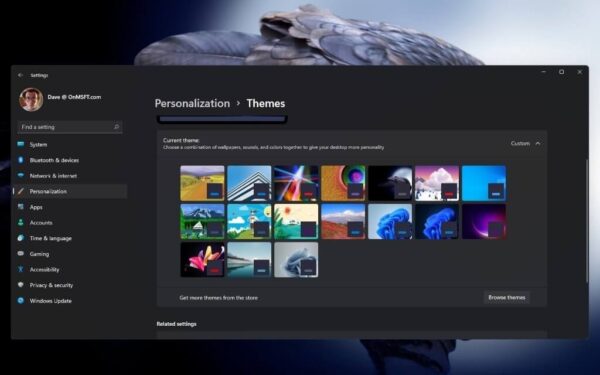
Windows 11 has a redesigned settings menu that makes personalizing your desktop a breeze. If you want to change your…
How-to
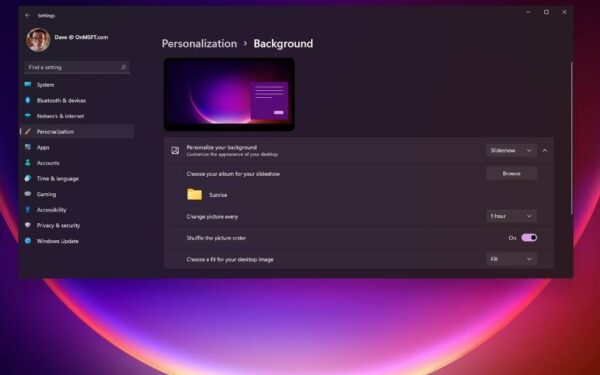
When you want to change your background on your desktop, the updated Settings app on Windows 11 offers a plethora…
How-to
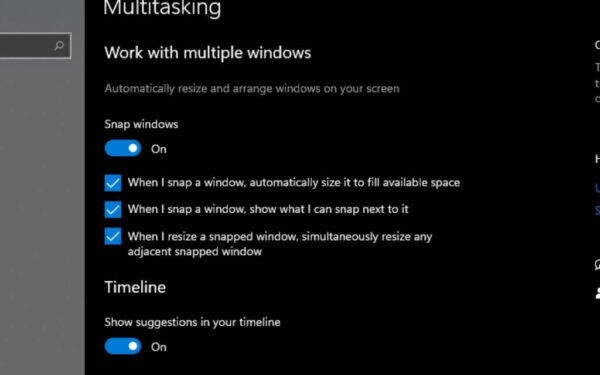
Snapping windows is a helpful feature for those that need it. Drag a window to the side or corner of…
How-to
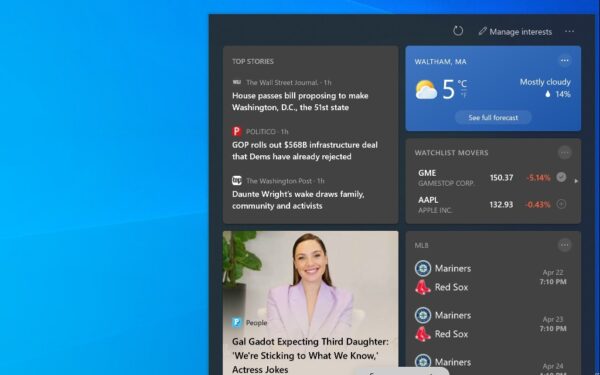
Earlier today, Microsoft announced that more people will get access to see personalized news and interests in the Windows 10…
How-to
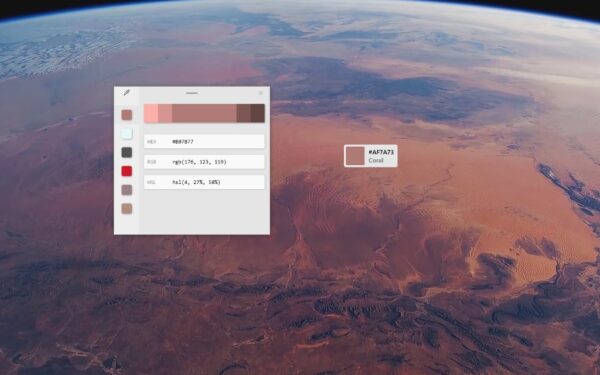
PowerToys has a lot of great utilities to help fix your workflow quickly. Interestingly, Windows 10 already comes with a…
How-to
PowerToys is such a handy utility that it’s hard to pick which specific utility is the most useful for your…
How-to
Are you ever in the middle of something on your Windows 10 PC and you are interrupted and have to…
News
Back in August, Microsoft announced that some Windows Insiders in the Dev Channel would start seeing something new in the…
How to use File History to make secure backups on Windows 10 To use File History to make secure backups…
News
Microsoft has just announced the release of the Windows 10 Insider build 20170 in the Dev Channel, which is a…