How-to
Here’s 4 convenient ways to change the Windows 11 lock screen timeout – OnMSFT.com
Are you having issues with the Windows 11 lock screen timeout? Want to know what you can do to change…
160 articles
How-to
Are you having issues with the Windows 11 lock screen timeout? Want to know what you can do to change…
How-to
Zipping your files allows you to compress them and reduce their size. This is especially helpful when dealing with multiple…
How-to
Delivery optimization is a Windows feature that helps you download your updates quickly and easily. This works by providing updates…
Developer
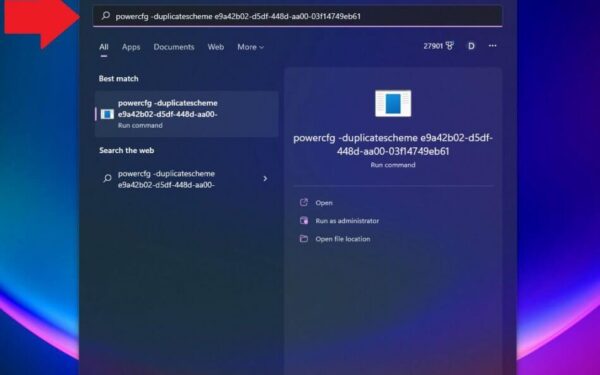
Microsoft added the Ultimate Performance power mode to its list of Windows power schemes starting with the April 2018 Update.…
How-to
Need to take a screenshot and save it on your PC? Windows 11 Snipping Tool has you covered. This tool…
How-to
If you’re a regular, modern computer worker of 21st century, chances are you most likely use the Wi-Fi for getting…
How-to
You can transfer a lot of your important data through your USB sticks. All you’ve to do is plug in…
How-to
Voice Access is a cool, new feature in Windows 11 that lets you manage all the computer, as you might’ve…
How-to
The Outlook web app is a good tool to use the Outlook email service—the other being the Outlook PC app—which…
How-to
A slow internet speed on your Windows PC is more than enough to break your workflow. Constant buffering or even…
How-to
The easiest way to stand out from your competition and look more business-savvy is to have your personal email signature…
How-to
The Windows 10 Enterprise LTSC (Long Term Servicing Channel) is designed for devices where the key requirement is that functionality…