How-to
4 quick and easy ways to set up and use Windows 11 without a Microsoft account – OnMSFT.com
In this article In a previous post, we walked you through how to remove your Microsoft account from Windows 11.…
84 articles
How-to
In this article In a previous post, we walked you through how to remove your Microsoft account from Windows 11.…
How-to
In this article Removed a Windows file or folder by accident? We'd understand. It's a lot more common than you'd…
How-to
In this article Archiving your emails helps you save your emails and their data for later use. It also makes…
How-to
In this article When you want to set up and test your microphone on Windows, where do you start? Oftentimes…
How-to
In this article A laptop’s touchpad is the default way users get things done on their system. And, like me,…
How-to
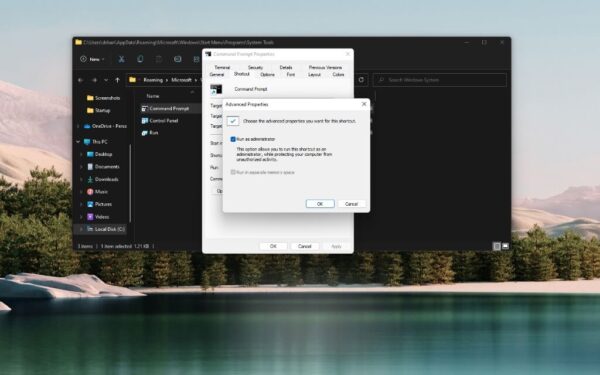
What do you do to open an app to "run as an administrator" on Windows 11? Previously, we showed you…
How-to
Disk checking is your PC’s way to examine your Windows HDD for errors. If it finds any mistakes with your…
How-to
Bored with the dull colors of your PC's interface? No problem. With the color filter available in your Windows operating…
How-to
Have you ever noticed the "Safely remove hardware and eject media" icon appearing in the system tray overflow menu on…
How-to
So you've been trying to open the Microsoft Store and other related apps, but have been painfully stuck with the…
How-to
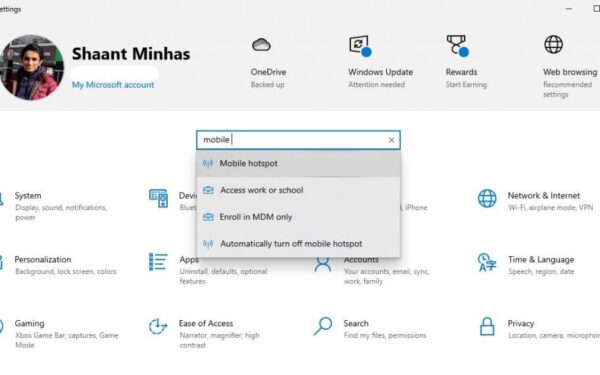
We’ve all used mobile hotspots at one point or another. Whether you created the hotspot yourself to share your internet…
How-to
Whenever you first install your Windows computer, you always get an option to set up a default system language for…