How To Rename Files Instantly Using PowerRename In PowerToys On Windows 10 – OnMSFT.com
Have you ever wanted the ability to rename files in bulk instantly on Windows 10? PowerToys has your back with…
116 articles
Have you ever wanted the ability to rename files in bulk instantly on Windows 10? PowerToys has your back with…
How-to
How to use Microsoft Teams chat commands To use a chat command in Microsoft Teams: Press Ctrl+E to focus the…
How-to
How to fix "You have been logged in with a temporary profile" errors in Windows 10 (February 2020 update) How…
How to embed Office 365 documents on a website Did you know you can embed an Office 365 document on…
How to identify counterfeit Microsoft software Steps to take when identifying counterfeit Microsoft software: For digital keys: check the reputation…
How-to
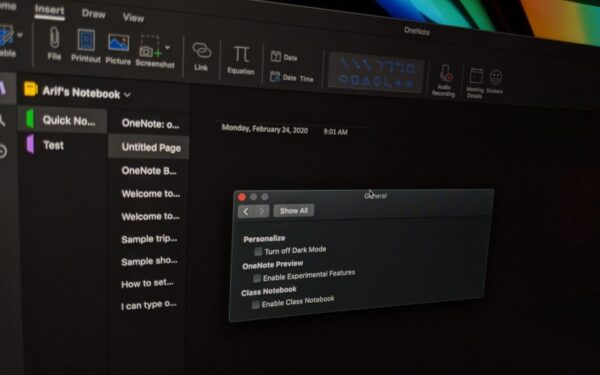
How to turn on Dark Mode in OneNote In this guide, we’ll show you how you can turn on Dark…
How-to
How to edit and transcribe calls in Microsoft Teams If your administrator has enabled the ability to transcribe meetings, and…
How-to
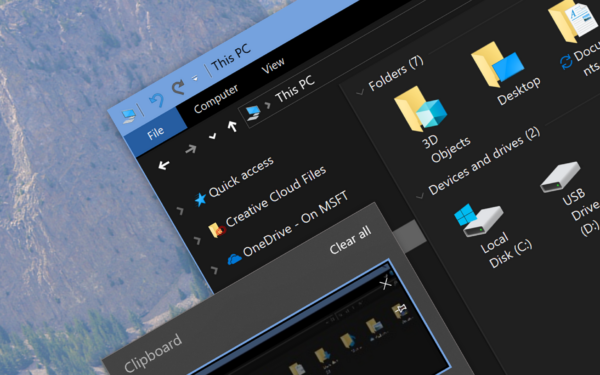
How to enable dark mode in Windows 10 How to enable dark mode in Windows 10: Launch the Settings app.…
How to get a free Windows 10 upgrade in 2020 To upgrade to Windows 10, visit Microsoft’s “Download Windows 10”…
How-to
How to find the loading time of Windows 10 startup programs To find the loading time of Windows 10 startup…
How-to
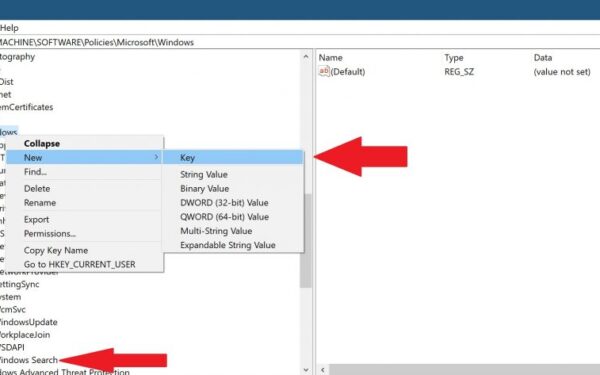
How to fix problems with Windows Search Here are the steps you need to follow to fix search in Windows…
How to password protect Office 365 files In our latest Office 365 guide, we’ll take a look at how you…