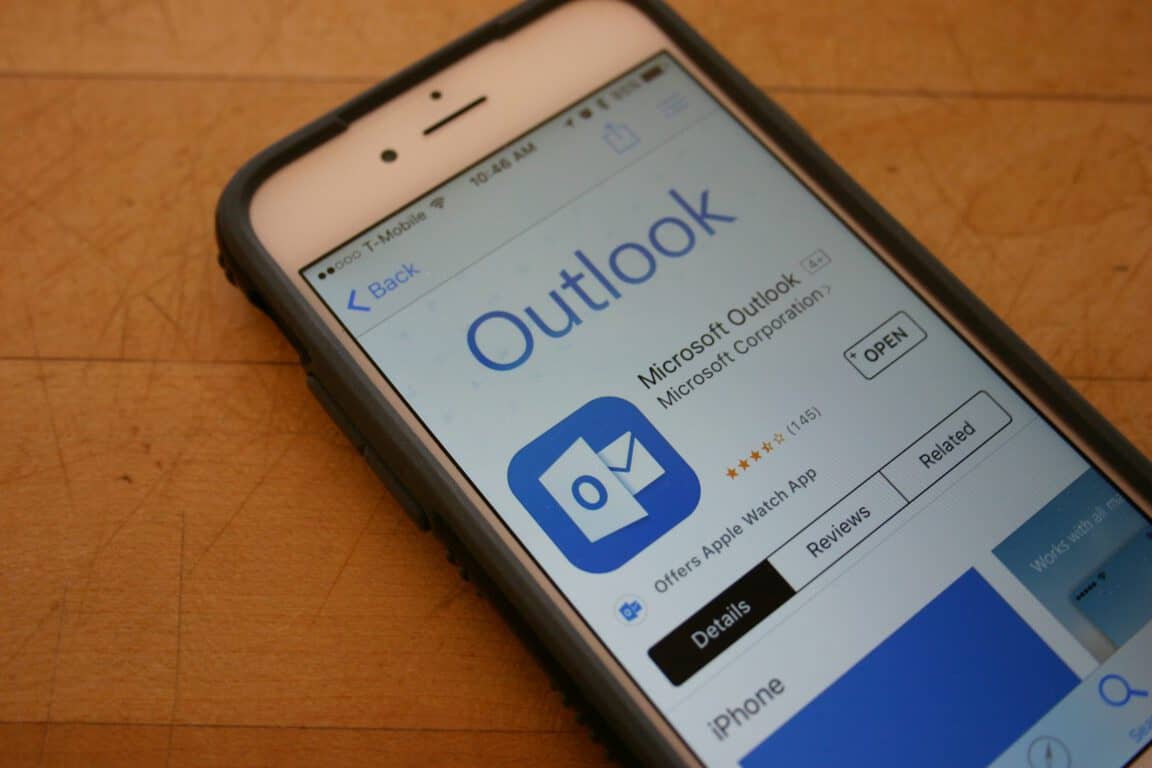

Microsoft released Outlook for iOS and Android exactly one year ago today, as part of their new cross-platform efforts that now see some of their best apps and services on platforms other than Microsoft’s own Windows 10 Mobile. Whether or not any Windows fan thinks it’s a good strategy, the fact remains that Microsoft apps are getting some of their best advancements first on iOS and Android, and Outlook is no different.
Microsoft took to the Office blog today to highlight some of the changes that have been made to Outlook on iOS and Android in just its first year of release. From significant changes in look-and-feel to more interoperability with other Microsoft apps to better support for businesses, Outlook has received some serious love from the Redmond company.
Rich support for Office attachments
Accessing Office documents is a key to productivity for anyone invested in Microsoft’s productivity platform, and so supporting Office documents within Outlook was an important objective. Today, you can simply tap an Office document attachment in Outlook on both iOS and Android and open it in the relevant Office app.

Outlook for iOS and Android Office document support.
Outlook for Business
Supporting enterprise customers is a key factor for Microsoft’s success in migrating to a “cloud-first, mobile-first” company, and email is a vital component of how well Microsoft can keep its business customer’s happy. Outlook on iOS and Android both support a number of important business features, including Active Directory Authentication Library (ADAL) support to authenticate to Office 365 mailboxes. Also, supporting Microsoft’s Intune mobile device management (MDM) suite means that enterprise IT departments can effectively manage a fleet of connected devices no matter the platform.

Outlook for iOS and Android ADAL support.
Incorporating Sunrise into Outlook
When Microsoft bought Sunrise, developer of the highly-rated and popular Sunrise Calendar app on iOS and Android, everyone expected the new team to influence Outlook on Windows 10. So far, that’s not exactly what happened. Rather, the Sunrise team turned their attention first to Outlook on iOS and Android, and their concepts have turned both versions into very productive apps indeed with widgets, efficient calendar views, and connections to a variety of external services.

Outlook for iOS and Android have enjoyed quite a bit of Sunrise’s attention.
Outlook gets a makeover
The Outlook app on Android started out as a less-than-attractive example of good Android app design. Love it or hate it, one can’t argue that Google’s “Material design” makeover of Android’s look and feel has made the platform a much more attractive option. Injecting these new design concepts into Outlook for Android has made the app a much more pleasant experience to go along with its excellent functionality.

Outlook for Android has received a Material design makeover.
Skype support
Finally, the Skype team has also been busy over the last year, pushing out a number of innovative features like Translator and new integrations with third-party and Microsoft solutions. Adding the ability to directly schedule Skype calls within Outlook for iOS and Android was a recent accomplishment, and is yet another feature that hasn’t yet shown up in the Mail and Calendar app on Windows 10.

Outlook for iOS and Android Skype support.
We’re glad that Microsoft is pushing excellent apps for iOS and Android, because we recognize that many of our readers use those platforms and because Microsoft simply must support the dominant smartphone platforms today. If they don’t, then the company risks becoming irrelevant to huge swaths of the market.
We’re not sure what Microsoft’s plans are with smartphones, and we’re not going try to predict that here. We’ll just close by saying that Outlook for iOS and Android are competitive to other email and calendar options on those platforms, and that’s likely a good thing for everyone.