
\n
The Microsoft Surface Lineup has come a long way. We’ve seen the screen on the Surface Pro get bigger between generations, slight improvements to the Surface Pen, as well as different versions of the Type Cover. However, one thing has stayed the same: The thick side bezels and presence of older USB-A ports.
\n
Well, at today’s media event in New York City, Microsoft took the wraps off brand new Surface tablet — the Surface Pro X. I got to spend some quality time with it, and after an hour, I came away very impressed, finding it’s one of the most beautiful tablets ever.
\n
Slim bezels
\n
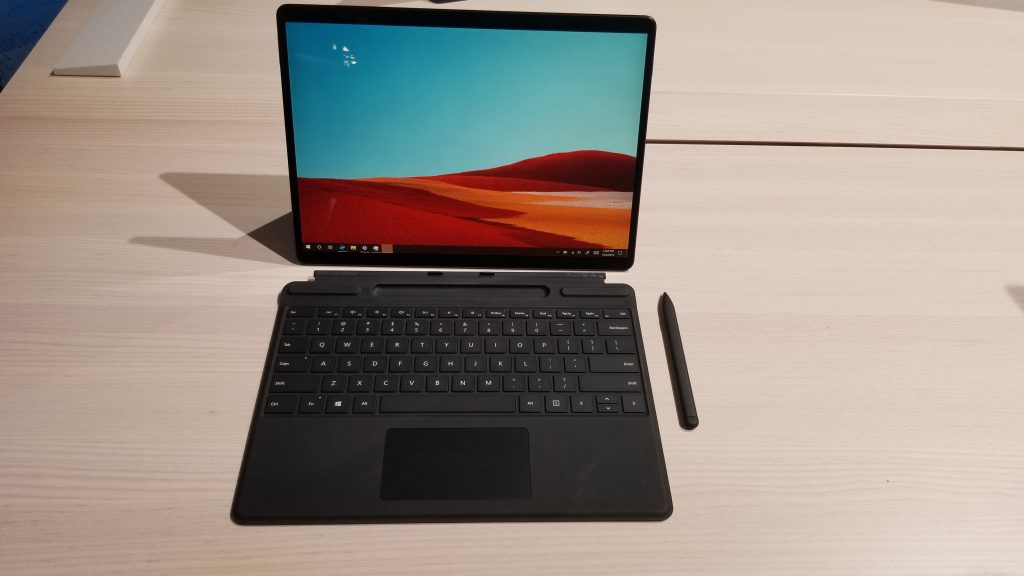
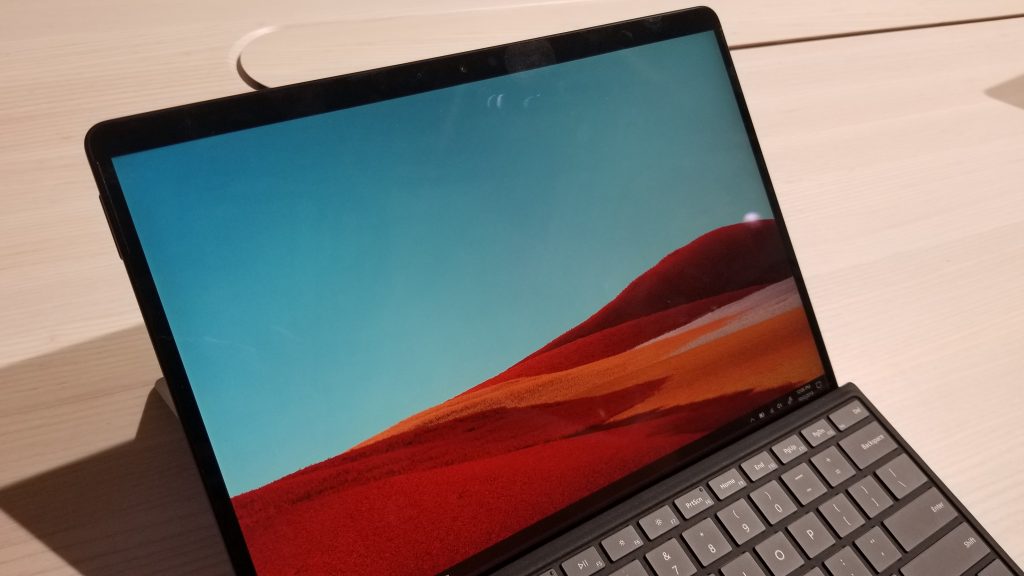
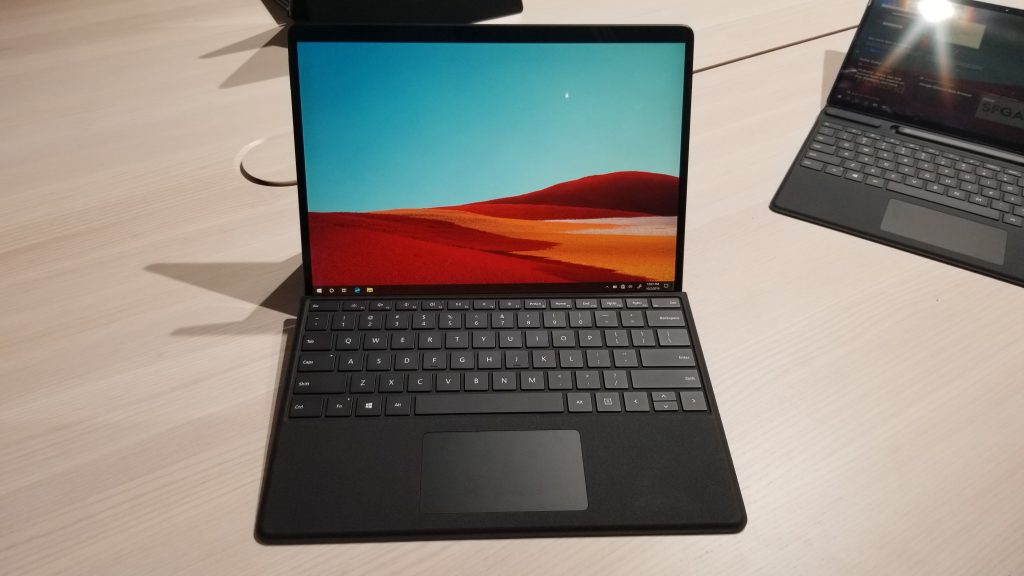
It doesn’t take much to say what was the first thing I noticed on the Surface Pro X — bezels. Gone are the thick ugly black bars around the device, and in its place is a near edge-to-edge glass panel. Of course, it’s not a fully bezel-less device, so there’s just a tiny bit of black running along the side and the top. Don’t hate me for saying it, but it’s almost like the experience you get with Apple’s latest iPad Pro.
\n
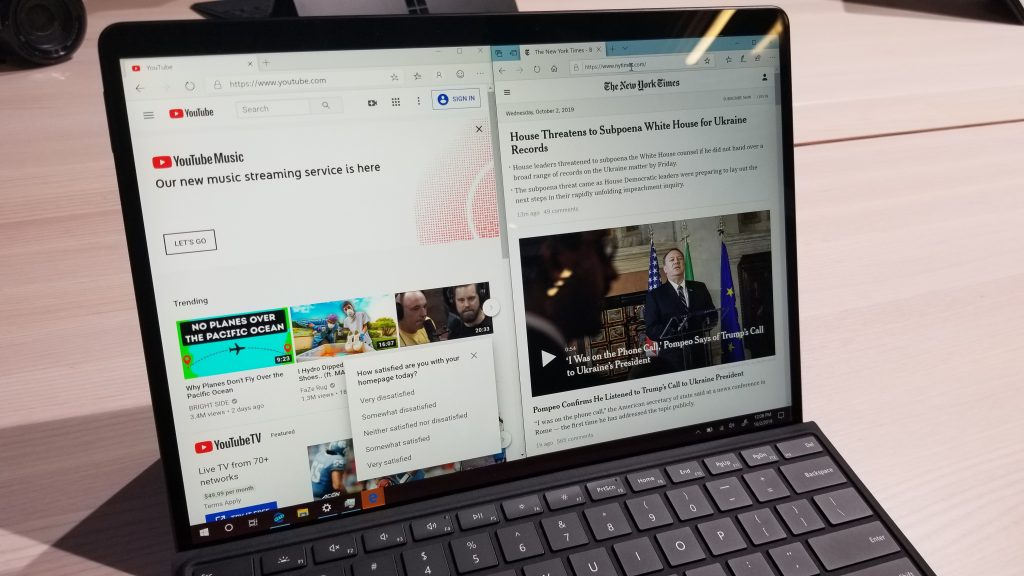
The best way for me to describe how excellent these slim bezels make the Surface Pro X feel is with the default wallpaper: It looks as though the sand is running endlessly from one side of the screen to the next. I also noticed how immersive the Surface Pro X can be when I stacked web browsing sessions side by side. Web pages never looked more complete, and that’s thanks to the 3:2 aspect ratio and 2,880 x 1,920 resolution (267 PPI) panel we’ve always loved. And, despite the bright lights of the showroom floor, the display was still glaring in all its beauty.
\n
\n
But that’s not all. At roughly 0.28 inches in thickness and just 1.4 pounds, it’s one of the thinnest Surface devices ever, beating out the 1.3 inch Surface Pro 7. I noticed this when holding it in my hands, it is much more rounded and feels lighter than my Surface Pro — almost to the same level as an iPad Pro.
\n
Yet, for all those changes, Microsoft still manages to keep the kickstand and the sturdiness of the device intact. It still pops out to the angles we’ve seen with the Surface Pro. And, the sturdiness and aluminum materials make inking on the device so much easier, despite how much pressure you put on the screen. Microsoft even says that the Pro X is modular. There is a spot under the kickstand where you can replace the M.2 SSD, though Microsoft recommends you visit an authorized technician to make the change.
\n
\n
\n
\n
\n
\n\n
Finally, USB-C!
\n
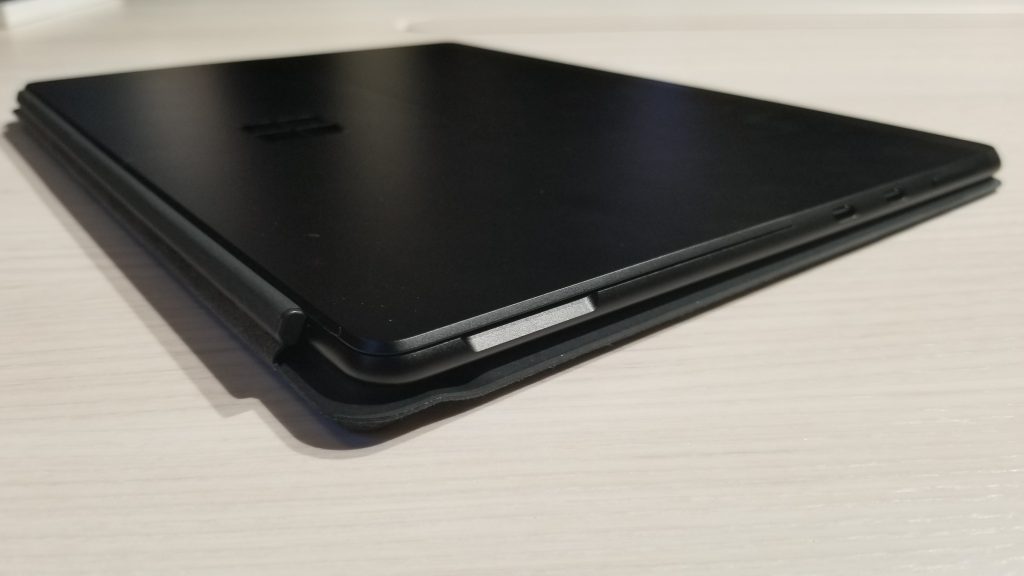
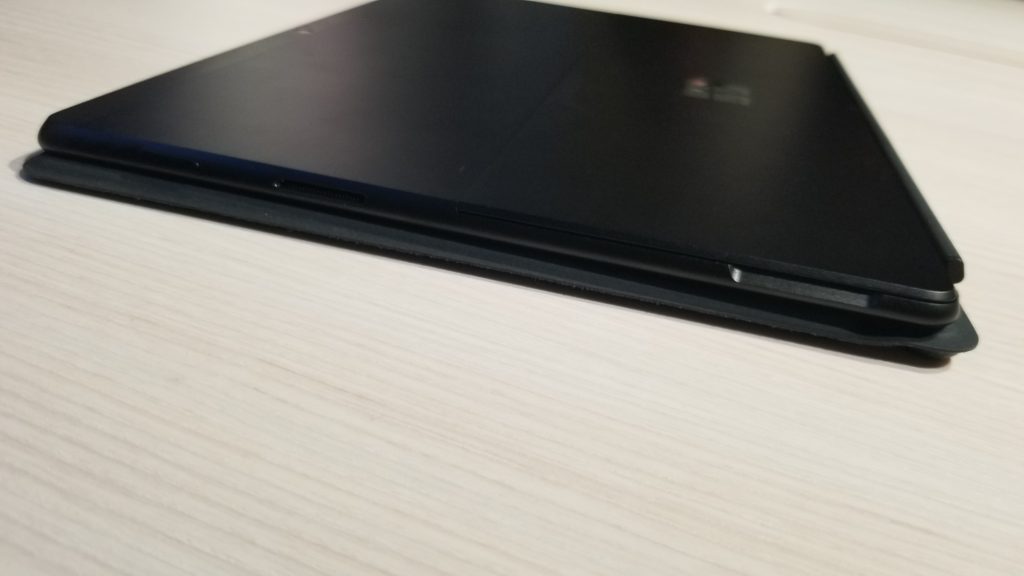
For years, Microsoft has been hesitant to adopt USB-C. It only made its way to the Surface Book 2, the Surface Go, and the Surface Studio 2. However, the Surface Pro X finally includes not one, but two USB-C ports. There’s also the older Surface Connect port, for charging if needed.
\n
Interestingly, the power buttons and volume rockers on the Surface Pro X have also moved along the sides near these ports, away from the top. Either way, Microsoft really played up USB-C this year. It’s included on both the Surface Pro X, Surface Laptop 3, and the Surface Pro 7. It’s great to see the company come on board with the times.
\n

\n
\n
\n
\n
\n\n
No Intel Inside
\n
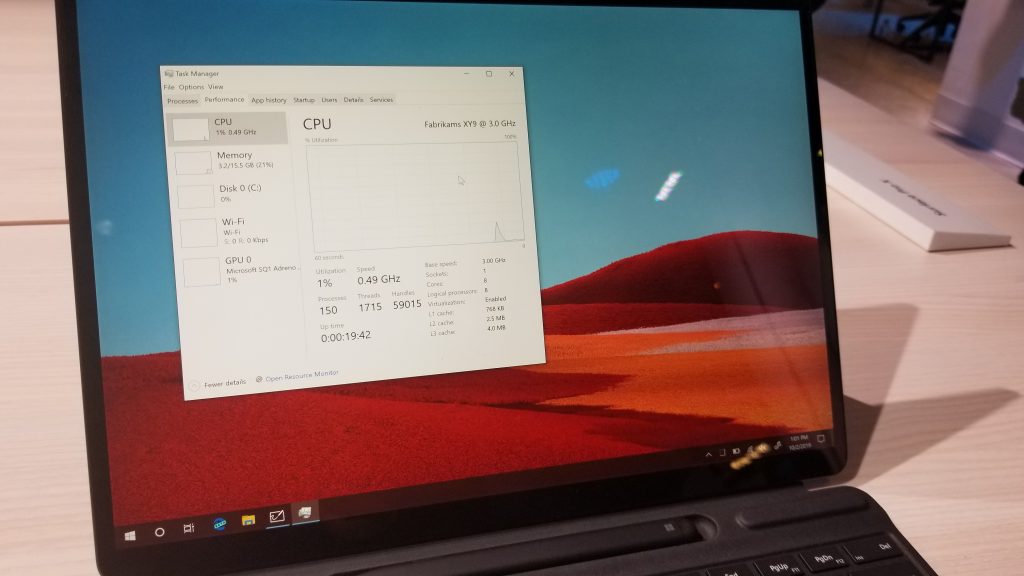
For the first time ever, Microsoft is using its own custom SoC in a Surface device. Dubbed the Microsoft SQ1, Panos Panay said that this new SoC for the Surface Pro X is based on “Snapdragon DNA.” This means it is could likely be some evolution of the Qualcomm Snapdragon 8cx, though we’re just speculating.
\n
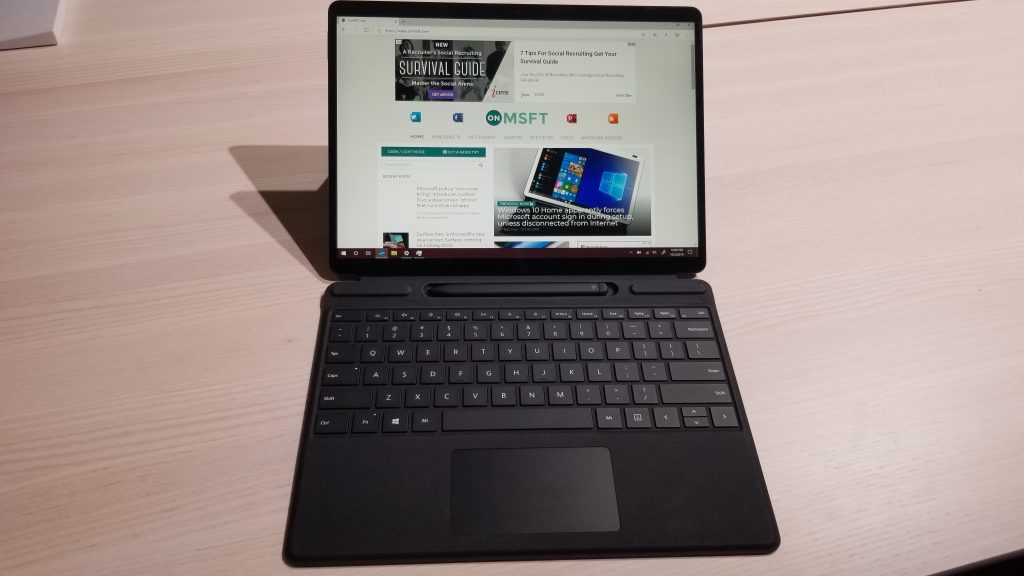
Anyway, knowing the app-emulation problems that many have had with first-gen Always Connected PCs using ARM chips designed for smartphones, I was curious to see how the SQ1 would hold up. I opened up multiple apps and scrolled through settings on the Surface Pro X, and the tablet handled it like a pro. The Start Menu and Microsoft Edge Chromium browser were all very responsive during my time with the device.
\n
\n
Microsoft also claims that the SQ1 chip features three times more performance per watt than the Surface Pro 6’s Intel 8th gen chip does. The 3GHz processor in this SQ1 chip delivers 2 Teraflops of graphics processing power, and the integrated Snapdragon X24 modem will provide Gigabit LTE speeds. There were no third party-apps on this device for me to put those numbers to test, unfortunately. However, for now, it seems good enough for web browsing and many other tasks. .
\n
\n
\n

\n
\n
\n\n
A new Type Cover with a hidden Surface Slim Pen
\n
Finally, there is the new Type Cover and what Microsoft is calling the Surface Slim Pen. This time around, instead of having the Surface Pen magnetically attach to the device itself, Microsoft is including a special place for it in the Type Cover keyboard. While the Type Cover keyboard is folded, and the Surface Pen housed in its spot above the keyboard, the pen will automatically recharge.
\n

\n
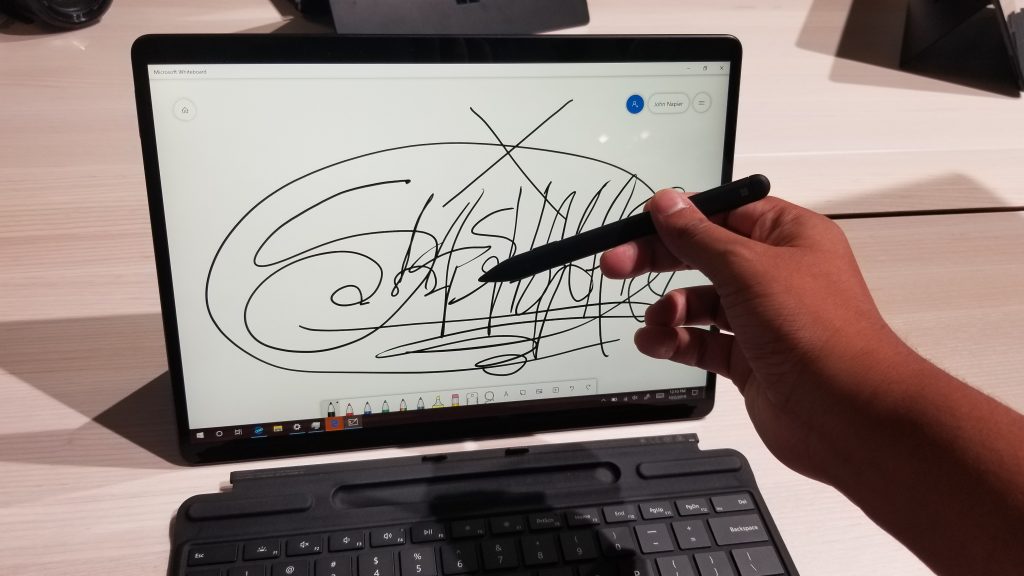
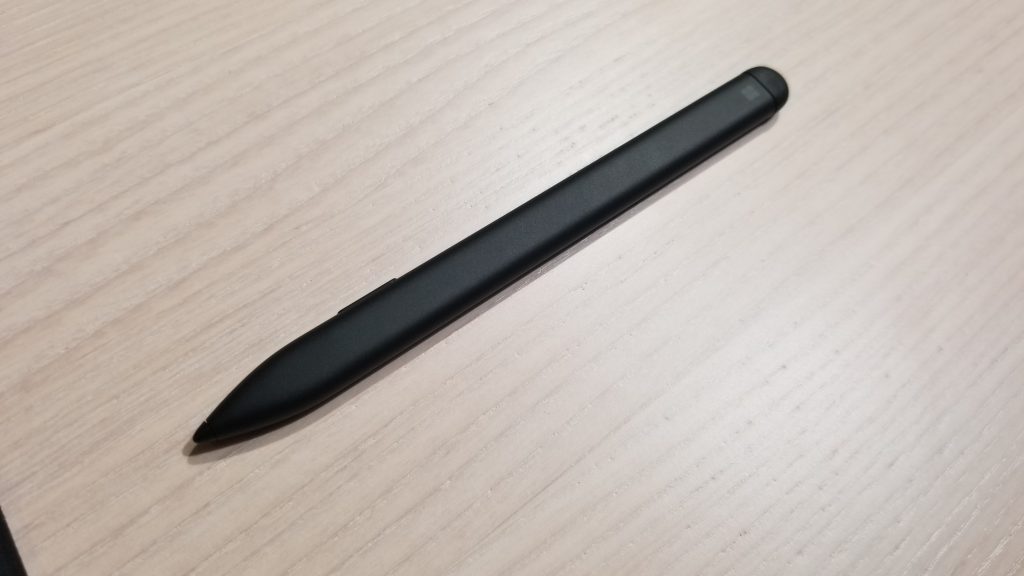
Physically speaking, this Surface Slim Pen is now quite different. Instead of being round, it’s flatter, but it still keeps a rubber top for an eraser. The tip is also one big part, and it appears as though it is no longer removable.
\n
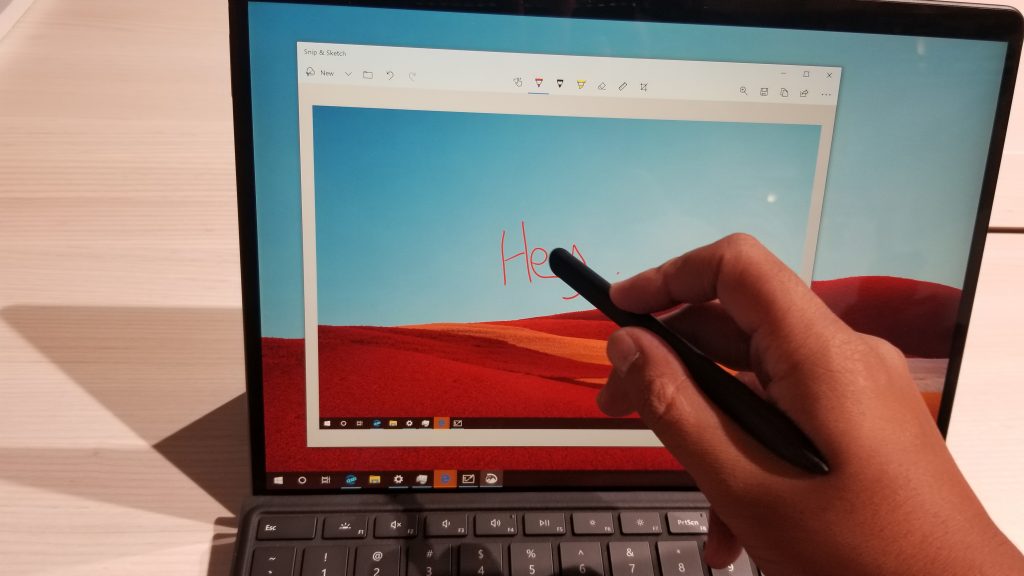
Pulling out the pen from the housing will also automatically summon an on-screen menu in Windows 10, suggesting you for some inking capabilities. Still, it is very responsive. I ran it across the screen and it accurately dragged and picked up all my subtle hand movements, and there’s even tilt support. Microsoft didn’t get into the specifics of the pen, we just know that it is rechargeable.
\n
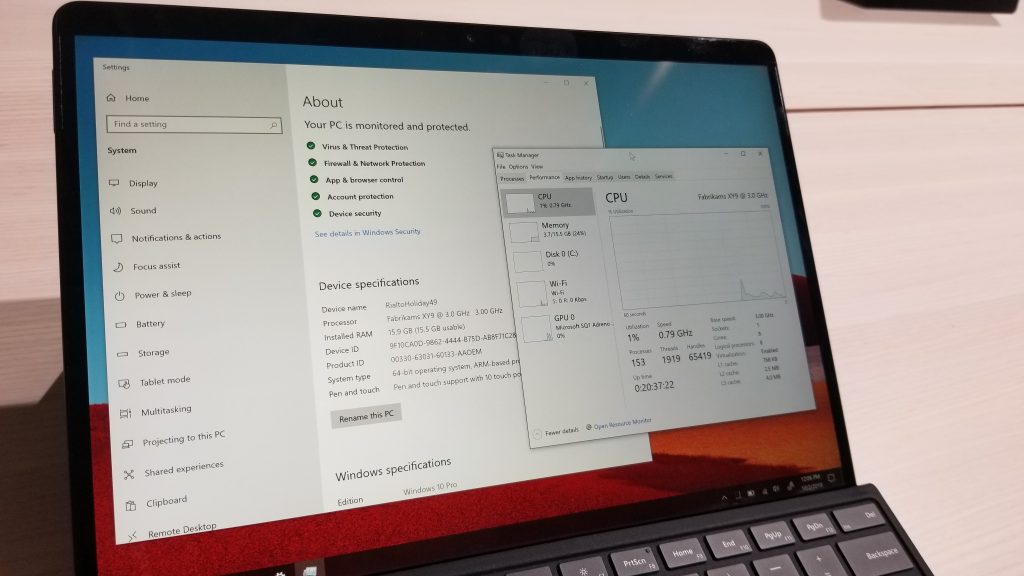
Of course, there’s also the Type Cover keyboard. I’ve been using the Surface Pro as my main device for a while and I must say the typing experience with the Type Cover on the Pro X is somewhat the same. The trackpad is also quite smooth, though it could have been just a tiny bit bigger.
\n

\n
\n

\n
\n
\n
\n
\n\n
A Surface that I’ll definitely buy
\n
At the end of the day, there’s a lot of questions to be answered with the Surface Pro X. It is a beautiful device that I really want to buy for its slim bezels and its new Surface Pen. The performance also seems to be good, as Microsoft claims it can be powerful as a Surface Pro 6.
\n
However, I’m still not sure about the overall day-to-day performance without testing it in my daily workflow. Windows 10 on ARM also still has some issues, including the inability to install 64-bit applications that have not been ported to ARM64. However, I really love the hardware design on the Surface Pro X, and I feel like this could be the first Always Connected PC worth buying. The Surface Pro X will start at $999 and be available on November 5, and you can pre-order it now from the Microsoft Store.
\n\nFurther reading: #MicrosoftEvent, Always Connected PC, Microsoft, Surface, Surface Pro X, Windows 10 on ARM