
 \n
\n
Since its inception, I’ve been in love with Microsoft’s new browser Edge, that isn’t to say that I’ve been completely monogamous with the new internet portal on my desktop. Rather, my relationship with the Edge browser has been more akin to a sappy romantic comedy where the two of us have flirted with the idea of being in a committed relationship to only back off when the reality presented itself. Over and over I’ve tried to make Edge my only browser for several reasons, key amongst the list is its native performance benefits with Windows 10.
\n
Unfortunately, there was always Chrome waiting in the shadows with its more robust feature set and greater handshake with newer internet protocols repeatedly luring me away from Edge when things were getting a bit too cozy and familiar.
\n
However, I’ve decided to commit to Edge and finally expunge my little black book (aka taskbar) of my exes contact information and pinned app status while I look to the future with only Microsoft’s new browser as my internet-life partner.
\n
In the beginning
\n
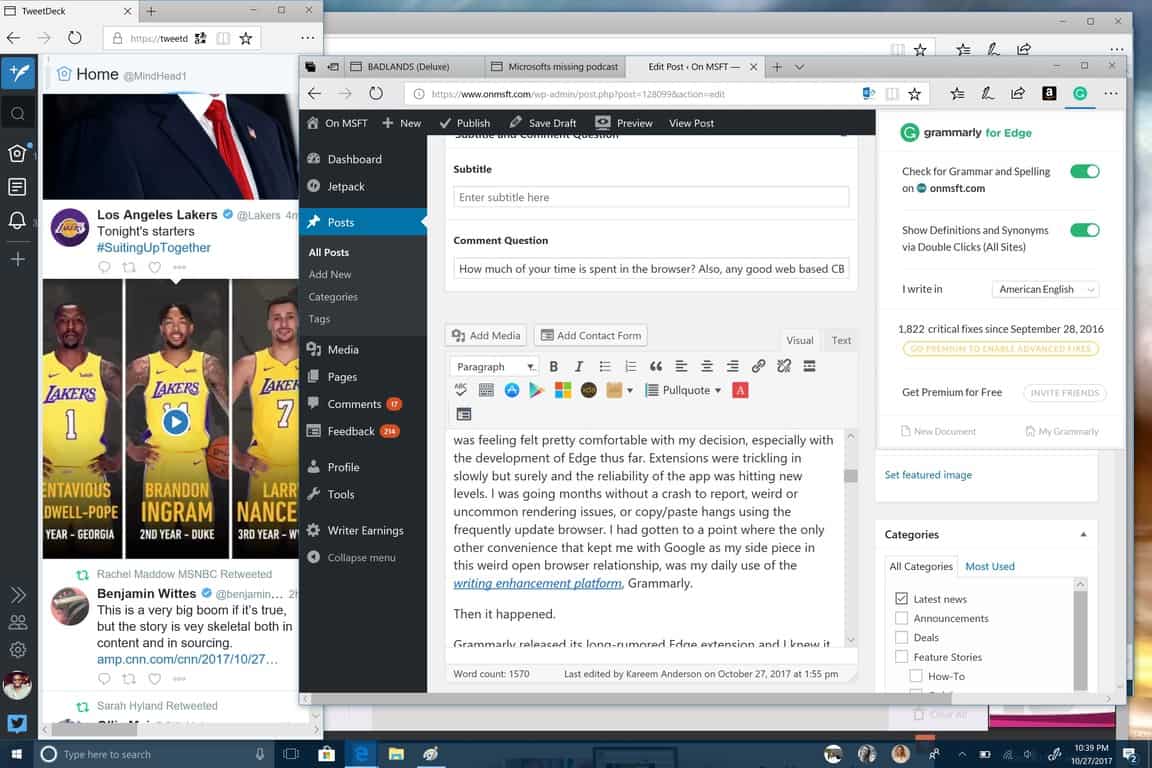
About two months back or sometime shortly after the Edge Web Summit this year, I made the conscious decision to see if I could get by with Edge as my only browser. I mean, I’ve been on the Fast Ring Insider preview for some time now and now on the Skip Ahead preview, I was feeling felt pretty comfortable with my decision, especially with the development of Edge thus far. Extensions were trickling in slowly but surely and the reliability of the app was hitting new levels. I was going months without a crash to report, weird or uncommon rendering issues, or copy/paste hangs using the frequently update browser. I had gotten to a point where the only other convenience that kept me with Google as my side piece in this weird open browser relationship, was my daily use of the writing enhancement platform, Grammarly.
\n
Then it happened.
\n
\n
Grammarly released its long-rumored Edge extension and I knew it was time to take the plunge. Say goodbye to Edge, Firefox and Opera all at once because Edge took care of 90% what I needed in a browser, admittedly, my needs aren’ the most strenuous of demands, but I do require a bit of additional support from day to day when browsing. I’ve done the purging of Chrome more times than I can count but for whatever the outcome has been mostly the same, with me crawling back to the system-abusive Chrome web browser and hoping it not only forgives me of my trespassings but also forgets why I left in the first place.
\n
However, this year’s decision gave me hope, not only because Grammarly made Edge 100% feature usable for me, but because I was adding a twist to my shift to Edge that I had not previously tried.
\n
Edge and much more
\n
This year, not only would I shackle myself to Edge as my only way to the internet through my desktop, but would further handcuff myself to using it as my only computing resource.
\n
With all the hoopla Chromebooks have been getting over the past couple of years, I wondered if my computing needs have been arbitrarily propped up by misconceptions and lazy muscle memory familiarity on the desktop. Do I really need apps or native programs to get through my workflow? Furthermore, can I funnel all my computing needs through Microsoft’s seemingly nascent browser?
\n
In a word, yes.
\n
For the past two months, I’ve use Edge exclusively on my Windows 10 machines. I’ve used Edge for listening to music, podcast, watching TV and movies, reading books, writing articles, photo and music editing, drafting Excel worksheets, chat and communications, gaming, shopping, social media and much more.
\n
The Transition
\n
The process was much more straightforward than I had expected. Once I uninstalled all my old browser buddies, the next step was to wipe the taskbar of any easily accessible apps that I had been using to supplement my browser needs such as the Twitter app, Grover Pro for podcasts, the Microsoft Teams app, Skype, Slack, Messenger, Instagram, and Word. I replicated that purge on the Start Menu as well, attempting to make it too much of a hassle to my co-dependent app selection.
\n

\n
I did not delete the apps because I felt it would have been a pain to reinstall them had I gotten the jitters and relapsed into using them again, also I was that sure I’d be able to replicate every instance of computing through the browser.
\n
Fortunately, I haven’t had to access them to this date.
\n
Entertainment
\n
The timing for the switch to Edge full time couldn’t have been at a better time as Microsoft released news that it was shuttering future development of its streaming music service. While I primarily used the desktop app to listen to music, I was abreast of the minimal support the web app was receiving and the news at first gave me pause. Just weeks into my trial Microsoft decided to monkey wrench my efforts with some BS news about a convenience I use 50% time I open the lid to my laptop. Mercifully, the company provided a Spotify life preserver and to my surprise, it’s web app was actually pretty feature rich compared to Groove.
\n

\n
At least my music needs could be satiated through the browser.
\n
During my browse only experience, I also discovered that Edge is one of few platforms to support Netflix’s 4K resolution library, which made watching movies, comedy specials and shows a beaut. Despite Hulu’s sherbert vomit nightmare UI color scheme, accessing tv shows from the browser was easy and hassle-free, and a handful of other networks are finally beginning to take their web apps seriously as the begin to charge for them.
\n

\n
I’ve written a lot about Microsoft’s podcast efforts partly because I fell its a missed opportunity and partly because I spend upwards of 45 hours a week listening to a variety of them. With the sparse podcast app landscape on Windows 10, I did all my podcast listening through Grover Pro. Searching for a browser-based podcast platform was something I wasn’t looking forward to and meeting my expectations was a seemingly barren wasteland of solutions.
\n
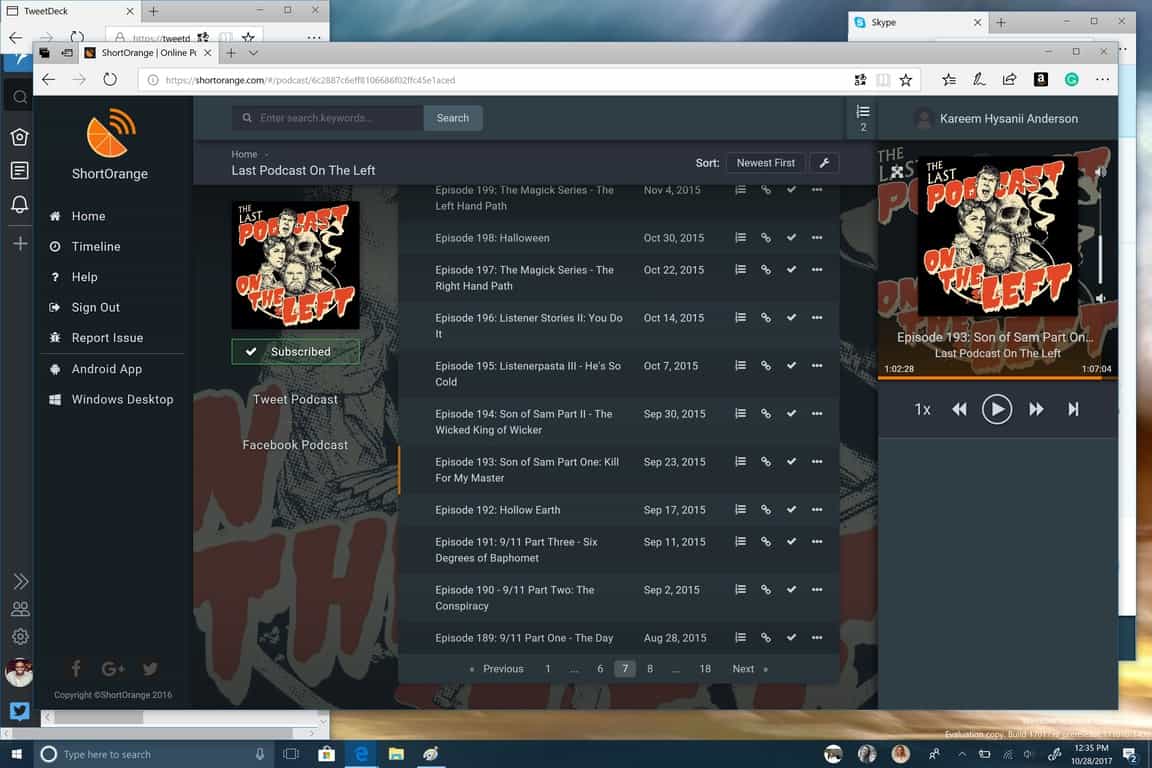
The selection I found was either lacking in features, or aesthetics and cross-platform utility. There were a handful of options I tried such as PocketCast and Short Orange to fulfill my podcast quota. I eventually landed on Short Orange because I’m cheap and didn’t want to pay to use the web app and then pay again for the app for PocketCast despite its laundry list of features and impressive cross-platform support. Short Orange has its pluses but there are some glitches that have me glancing at PocketCast more often though.
\n
\n
Other web apps such as TweetDeck and Redditr simply bring the desktop to life in such a way, you almost forget the experience isn’t native.
\n

\n
Productivity
\n
Moving onto productivity, Microsoft’s Office web apps have been a godsend on Edge and even Google Docs play nicely with the browser. However using Outlook on Edge is a bit like wading through Molasses with a car tied to your waist. Perhaps, it’s the spec of my machine (4GB RAM) but Outlook on the web compared to the native mail app is night and day, with the latter performing rings around the former. It’s still taking some getting used to, but at this pace, I might reach Inbox Zero sometime in the next five years.
\n

\n
Using the browser for communicating has been another pleasant surprise for me. I had expected to lose native notifications showing up in the bottom corner of my screen but to my surprise, Slack, Microsoft Teams, and Skype all supported the feature even when using the browser. In some instances using the browser instead of the app has been much preferred cough*skype*cough.
\n

\n
Extra
\n
Since I’ve recently switched from my aging L950 to a Note 8, I’ve been capturing more photos and videos of my one year daughter and I’m looking to do more with them in my limited time and I’ve found that using the browser to photo edit is actually a nice experience. For anyone looking for a great web-based photo editor, I recommend Fotor or Pixlr with my personal preference being Fotor because it doesn’t require a flash plugin.
\n

\n
As a former DJ, I’ve also found myself noodling around with various DAWS but I didn’t think I would find a halfway decent on the web due to audio driver compatibility and cost of entry, but again, I was surprised that I could option between Soundtrap, Blend and Spice as solutions.
\n
Conclusion
\n
If you haven’t caught on by now, the web has evolved. While I like the convenience of the website and dedicated sites to download native apps, finding web-based solutions has gotten easier and in many of my cases, a preferable experience. It’s only been two months and some change but I’ve gotten by swimmingly just using the updated Edge browser. Could I use a Chromebook now? Yes.
\n
Could I use a Chromebook now? Yes.
\n
Do I want to? No.
\n
I have my eyes on a Surface Book 2, which I understand is overkill for my new web-based life but damn it if it doesn’t check all boxes for my tech-lust device, also, I don’t want to miss out on the Mixed Reality push if and when it eventually materializes. Now all I need is a web-based comic book reader (CBR/CBZ) solution and I’d be able to complete my Edge only lifestyle. If you have any suggestions, please leave them in the comments below.
\n\nFurther reading: browser, Edge, Microsoft, Spotify, Windows 10


