
 \n
\n
If you’ve been thinking of buying the 15-inch Surface Laptop 3, you might have heard quite a bit about it. A lot of tech reviewers have praised the device’s overall design and build, but also mentioned poor battery life, and the bad gaming performance, Some reviewers have even gone as far to say that the device performs just like a standard 13-inch laptop and falls short of being a Surface Book 2.
\n
As much as it hurt to say it, that’s all because of the custom AMD processors powering the Surface Laptop 3. Microsoft had a bold ambition by choosing AMD, and it was even custom designed as “Surface Edition” to assure optimum performance.
\n
But as more reviews are coming out, it looks as though that’s not the case for most. Both the AMD Ryzen 5 3580U and the Ryzen 7 3780U inside the device can’t come close to the performance of similarly configured laptops with 8th-generation Intel processors. Even the graphics, which are either Vega 9 or Vega 11, seem to be behind, and if, not, overpriced.
\n
But did you know that all hope is not lost? Microsoft still offers versions of the 15-inch Surface Laptop 3 with Intel Processors. We just explained a bit about why you might want to buy one, but now here’s a bit more about how.
\n
Buying the Intel-based 15-inch Surface Laptop 3
\n
To buy a 15-inch Surface Laptop 3 with an Intel processor inside, you’ll need to head over to the Microsoft Store at this link. Instead of buying the standard consumer-version, you’re instead picking up what Microsoft is calling the “Surface Laptop 3 for Business.” Obviously, this model is aimed at enterprise users, but anyone is free to buy it, regardless if you own a business or not.
\n
From that page, you can configure the Surface Laptop 3 as you please. It’s available in the same colors as the consumer model, both in Platinum and Black. The cheapest option comes equipped with the Intel Core i5 processor, 8GB RAM, as well as a 128GB SSD.
\n
That comes in at a total of $1,300, which is a full $100 more than the entry-level consumer version with AMD-processors inside. As we discuss next, that might be the price worth paying.
\n

\n
More technical stuff on why you might want the Intel-based Surface Laptop 3
\n
The 13-inch Surface Laptop 3 comes with options for Intel’s Ice Lake processors, and, so does the 15-inch Surface Laptop 3 for Business. Specifically, you’re getting options for either the quad-core 10th Gen Intel Core i5-1035G7 processor or the quad-core 10th Gen Intel Core i7-1065G7 processor. For integrated graphics, these processors come with Intel’s Iris Plus under the hood.
\n
Now, we haven’t tested the Surface Laptop 3 ourselves, but some reviewers have pointed out to battery drain, and driver issues related to AMD’s new processors. That’s really expected, as the market for laptops with AMD processors is smaller than Intel.
\n
The stuff isn’t as optimized as you expect it to be when compared to Intel. Others have also mentioned that the performance is up to par with the 8th Gen Intel Processors. That again, is a problem, as competing laptops no longer have that option under the hood. They’re now far ahead with Ice Lake, as we touch on later.
\n
\n
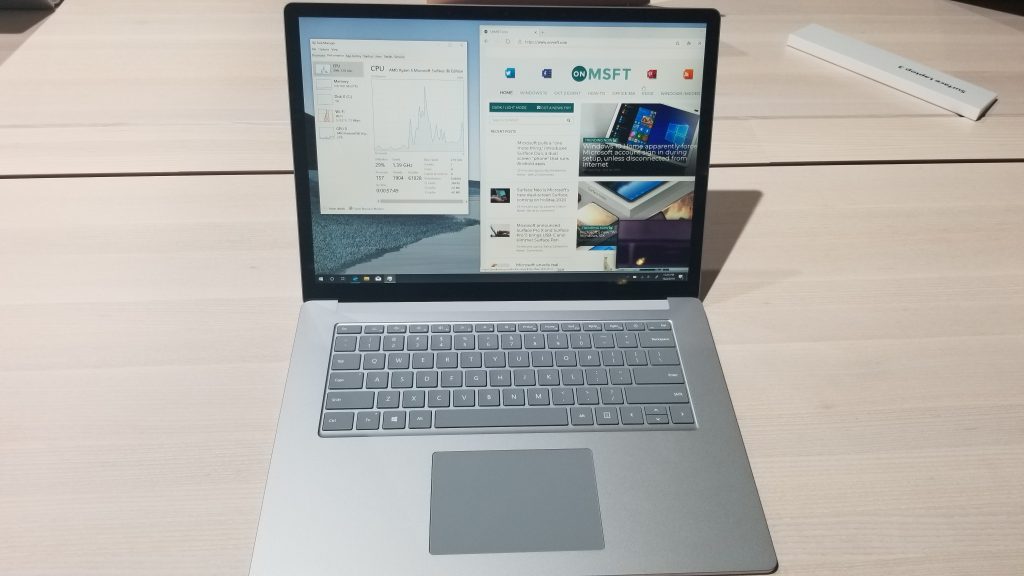
But there’s more to the story than just that. You see, these new Surface Laptop 3 models come with options for Vega 9 or Vega 11 graphics. These graphics options aren’t as optimized as you expected and are built on the older Zen + architecture from AMD. What that means is sub-par performance for gaming or even editing.
\n
Intel, on the other hand, has put a lot of effort and has optimized its integrated graphics and CPUs for gaming and photo editing. The new Ice Lake processors are built in the 10 nm processors and can be found inside laptops like the Razer Blade Stealth 13 or XPS 13.
\n
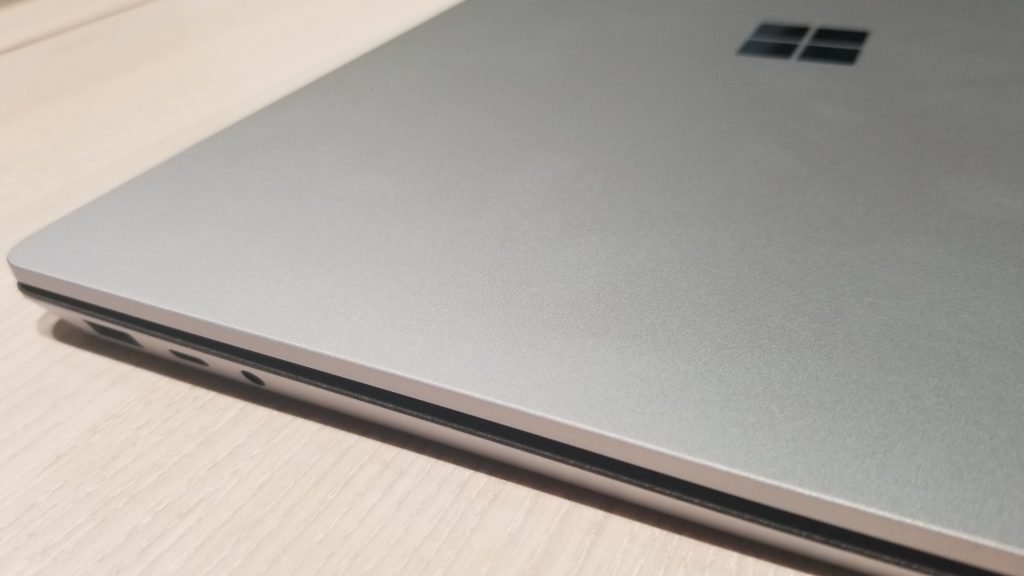
I recently went hands-on with the Stealth 13 at my other job and the gaming performance is really incredible, in games like Fortnite or even Overwatch. The performance is there with Ice Lake, and it holds up better for long-haul tasks for gaming, as well as photo and video editing. Simply put, get the Intel-version of the 15-inch Surface Laptop 3. It will be worth it.
\n
\n
Surface Pro X for Business has something unique, too
\n
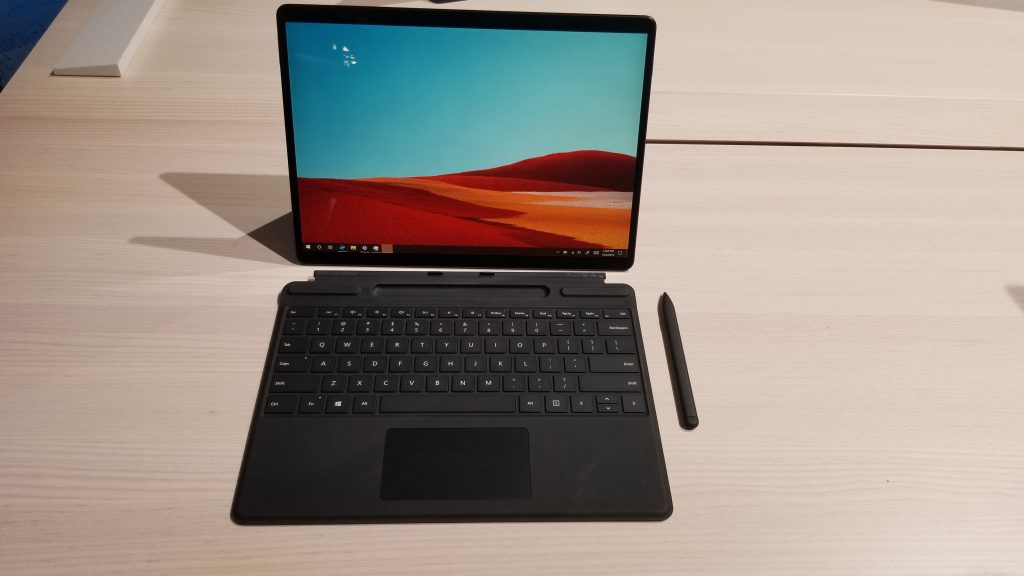
As if it wasn’t interesting enough to see Microsoft offering a Surface Laptop 3 for Business, there’s also a special Surface Pro X for business too. While this version isn’t much different from the consumer option, it does feature a unique technology. As we noted before, the Surface Pro X for Business is a “Secured-core PC.”
\n
Basically, this new technology is powered by Windows Defender System Guard and protects the Surface Pro X from firmware hacking like LoJax. It also prevents hackers from messing with the UEFI or BIOS. There’s essentially three levels of protection — firmware attacks, kernel attacks, and system integrity. This makes the Surface Pro X super secure, and can shield Windows 10 from attacks and prevent unauthorized access.
\n
Again, there is a small price to pay, however. The Surface Pro X for Business with these security features comes in at $1,100. That’s a full $100 more than the regular Surface Pro X. But for those paranoid about device security, this might be worth it.
\n
\n
Which Surface Laptop or Surface Pro X will you choose?
\n
So, all things considered, which Surface Laptop 3 will you choose? Do you think it’s worth taking the performance risk and going with an AMD processor? Or will you pay up for the Intel version? Considering that the devices cost well over $1,000, there is a lot to think about, as that money could also get you a laptop like the XPS 15, with a dedicated graphics card, or a fast processor. What’s on your mind? Let us know in the comments below.
\n
\n\nFurther reading: Microsoft, Surface, Surface Laptop 3



