
\n
As the world becomes ever more connected, we’re no longer tied to our devices at home. We’re always out and about, with phones, laptops, and tablets, doing business, work and enjoying our favorite things on the go.
\n
Microsoft’s Project xCloud is the perfect example and situation for this. A bit like Google Stadia, it is a new game streaming service that lets you stream your Xbox (this part of it is called Console Streaming,) or play big Xbox titles via the cloud wherever you want, as long as you’re connected to a solid WiFi or LTE connection.
\n
Currently, the service is in beta, but I was of the many lucky few who were invited to test it out and share my feedback with Microsoft ahead of the general rollout. As someone who often plays on Nintendo Switch more than my Xbox One, I found Project xCloud quite impressive, and like having an Xbox console in my pocket.
\n
Here’s some more on the experience, and why it might make me stop gaming on my Nintendo Switch so much.
\n
Some prerequisites
\n
Before getting into the actual experience, I want to touch on some of the prerequisites that I needed to meet before enjoying Project xCloud. Importantly, I needed to have a 5GHz Wi-Fi or mobile data connection with a minimum of 10Mbps download speed. 2.5 GHz Wifi will also work, but Microsoft recommends 5GHz for the least interference. Microsoft even partnered with some cellphone companies like T-Mobile in the US, as well as Vodafone in the UK to optimize the networks for game-streaming.
\n
I also needed to have a compatible mobile device. Currently, xCloud beta is only supported on Android devices running Android version 6.0 or greater, with Bluetooth 5.0 or higher. Appropriately, a compatible Xbox Wireless Controller with Bluetooth was also a prerequisite. A controller clip is also recommended so you can use your phone more comfortably with the controller, but this is completely optional.
\n
I’ll also mention that if you want to try out the Console Streaming feature of xCloud and stream your Xbox wherever you go, you’ll need to sign up to be an Xbox Insider. The safest ring for this is the Omega Ring, which is what I joined.
\n
Finally, I also needed to wait to receive my xCloud invite from Microsoft and download the Xbox Game Streaming (Preview) app. As previously mentioned, the program is in beta, and Microsoft is only accepting a limited amount of people. I signed up a couple of weeks ago, but only recently received my invite. You can sign up here if you’re interested in checking out Project xCloud.
\n
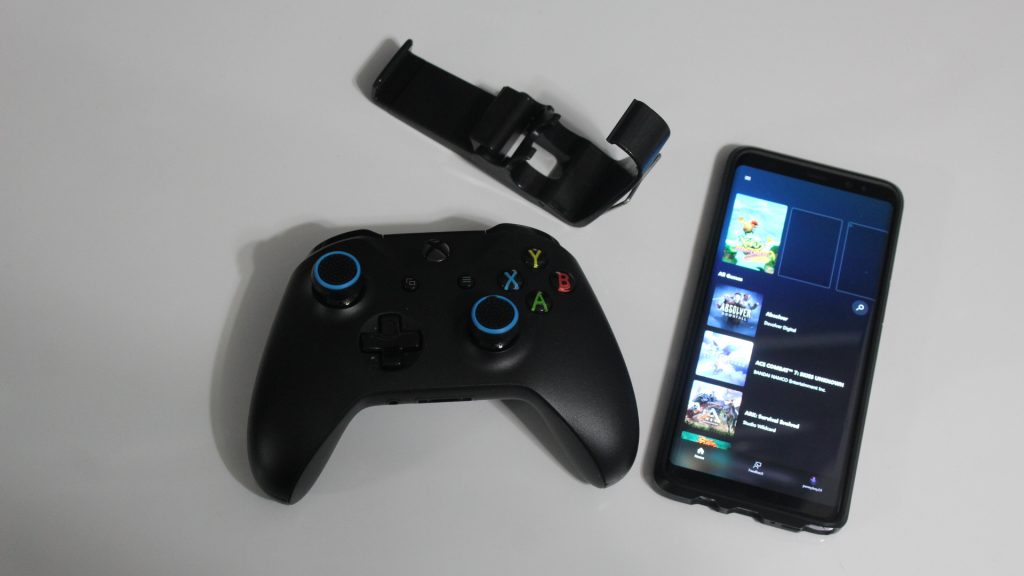
\n
(No, I am not wearing nail polish! Thanks to my mom for being my model for these photos!)
\n
The games, and checking out the Xbox Game Streaming (Preview) app
\n
While all of the processing power behind xCloud occurs over the internet and via Microsoft’s data centers around the globe, you still need to download an app to enjoy the service. The name of the app is Xbox Game Streaming (Preview), and it’s quite cool.
\n
Overall, there are three main areas of the app. The main Home Page lists all the games available for you to stream. Currently, there’s a catalog of 50+ games in the beta, including titles like Gears 5, Halo 5: Guardians, F1 2019, Just Cause 4: Reloaded, Sea of Thieves: Anniversary Edition, and Shadow of the Tomb Raider Definitive Edition. You can see the full list there. You’ll also be able to pin recently played titles to the top of the page for quick access, or search.
\n
The second area of the app is the Feedback section. Here’s where you can report back to Microsoft on bugs, or send in screenshots if you happen to have an issue within the service. That’s then followed by the profile icon, where you can allow the app to use your cellular data (instead of WiFi) or appear offline, and send suggestions to Microsoft.
\n
While cool, using this app to enjoy xCloud is quite stressful on my phone. I started my tests with a 100% battery, but after streaming xCloud over both WiFi, and LTE and traveling, my battery drained down to 70% after just an hour or two. I had my screen at around 30% brightness, but needed to keep both Bluetooth and WiFi on at all times for xCloud, and it’s quite a drain. I usually play games like Pokemon Quest on my phone, and these local, and mobile games don’t drain my battery as much as xCloud does.
\n

\n
The single-player streaming experience
\n
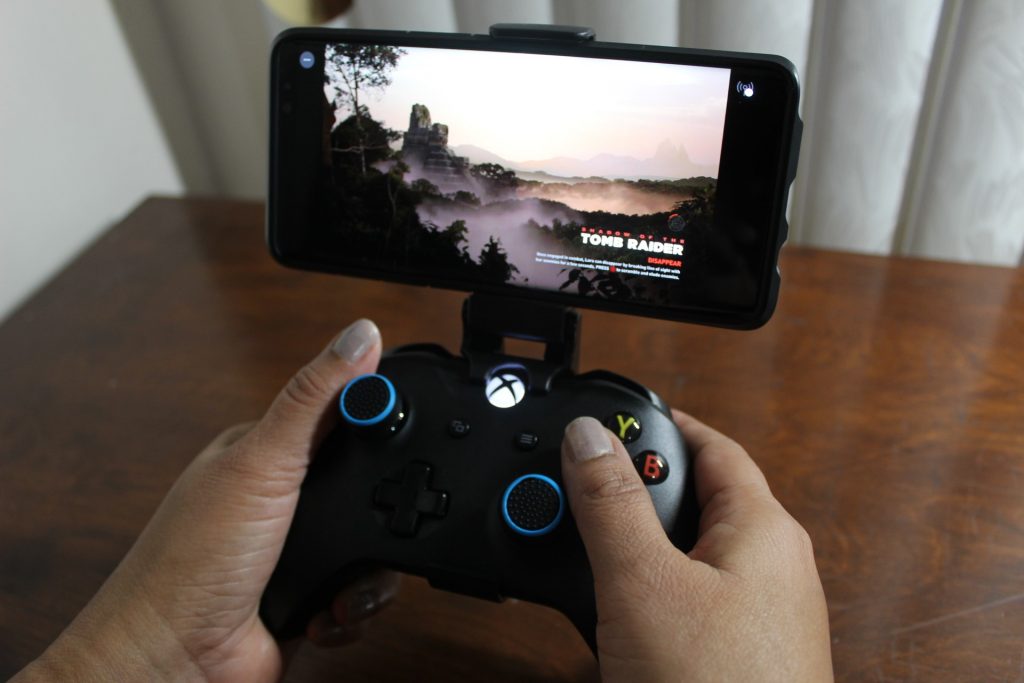
When I finally got access to the Project xCloud preview, I first wanted to try out a few games in a single-player only mode. For this, I turned my attention to Shadow of the Tomb Raider, F1 2019 as well as Yoku’s Island Express. I played all these games both at home with my Verizon fiber optic internet connection, and while sitting in a local Dunkin Donuts coffee shop using the LTE connection from my phone.
\n
At home, the game performed really great. My 5GHz WiFi router is located in my room with my TV and Xbox (in the upstairs) part of my house. As I was curious, I also switched my router over and played in both the 2.5GHz and 5GHz spectrum. Microsoft recommends 5GHz, but 2.5Ghz is the most common spectrum emitted by most routers. With both, I was able to enjoy xCloud from my room and throughout my house without any real issues. However, as you’ll see later, I felt things were much smoother when switched over the 5GHz option.
\n
Anyway, on both spectrums, Tomb Raider was fairly slow to load up from the cloud, it took 30 seconds to get into the game, and then another 30 seconds to load my game save. F1 2019 was a bit faster at around 1 minute, but Yoku’s Island Express was fastest of them all at around 50 seconds. The loading times are definitely not a strong part of xCloud. The experience is similar to Xbox, as there are long wait times to jump into games. Some who are used to playing mobile games on their phones might find the service quite slow.
\n
\n
In terms of actual gaming over my home WiFi, it really felt like I had an Xbox packed inside my phone. I didn’t notice any serious lag in input or any frame rate drop that would ruin the gaming experience. My movements on the controller mostly equated to movements in the game. There is some occasional lag with multi-player games, but it’s not that noticeable. I think it felt the same as my Nintendo Switch, I was out and walking around my house, and enjoying some hit Xbox games. I wasn’t tied to my TV.
\n
I do want to mention that when playing on the 2.5GHz spectrum, Tomb Raider occasionally lagged with frozen video and audio, but only between cut scenes. F1 2019 also experienced some occasional lag, but it wasn’t really noticeable or ruined the racing experience for me. Switching to 5GHz greatly cut back on these issues.
\n
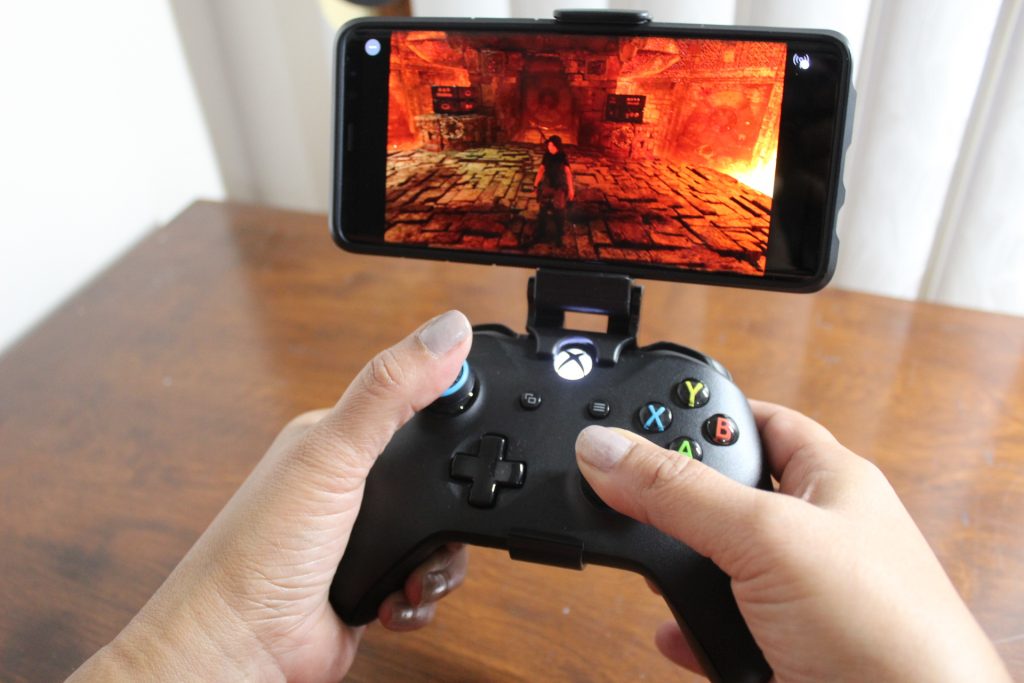
On both the 5GHz and 2.5 GHz spectrum, I was able to complete a career race, and also finish a chapter in Tomb Raider, right on my phone, away from my Xbox. And, since I already had both these games on my Xbox, xCloud was able to sync up with my game saves. It really was a mind-bending experience as this was all being done over the internet.
\n
\n
On the road, things were a little bit different. Using my LTE connection, I did experience some freezing, as well as some serious lag in games. Tomb Raider froze while I was in the middle of a mission. And, I ended up crashing into the wall middle of a race in F1 2019 because of input lag.
\n
I tried rebooting my phone and the Xbox Game Streaming App, and it seemed to have resolved those issues for a while, but the problems persisted after a few minutes. Of course, this is understandable, due to the streaming service being in beta, but I was a bit upset to see lag over the usually stable LTE connection. After all, Microsoft did say it working with T-Mobile (which is my cellphone provider) to ensure an optional experience.
\n
The multiplayer streaming experience
\n
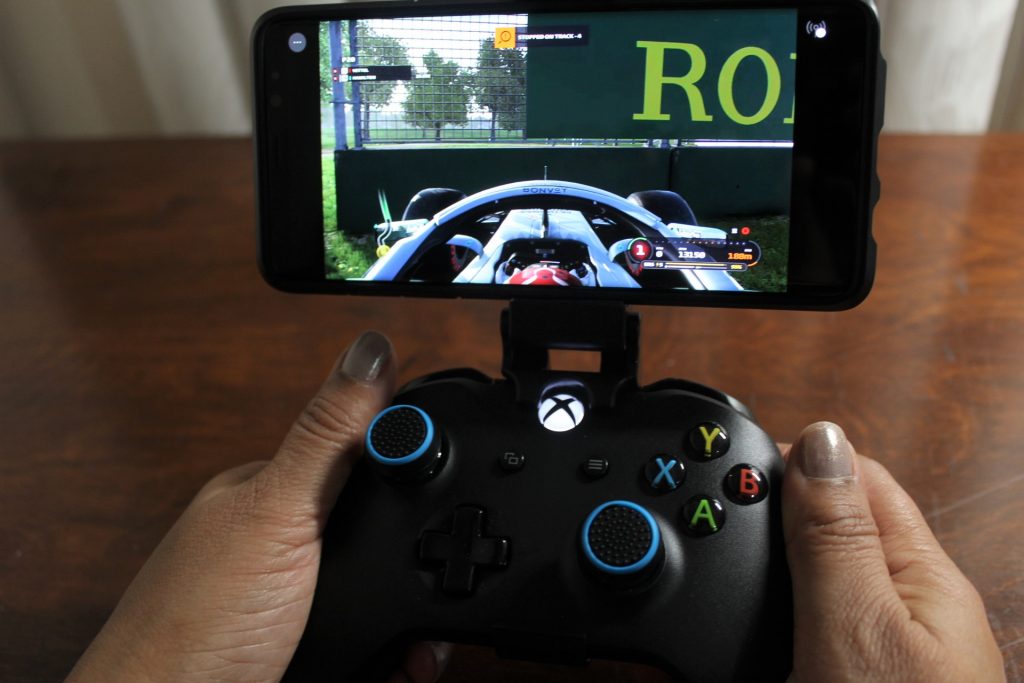
To push xCloud to its limit, I tried out a game with a multiplayer experience. For this test, I used the game F1 2019. Again, I tried it at home when on my WiFi, and also when I was on the road at a local Dunkin Donuts.
\n
At home, I again felt like I was playing my Xbox on my phone. I was able to finish a few races and jump into an online lobby. There was one instance where due to the 2.5GHz WiFi, I lagged into a wall mid-race, but on 5GHz, there was no lag. It was still quite cool to experience an online race while sitting in my living room and away from my Xbox One.
\n
When on the road and on LTE, multiplayer was almost unusable for me. I ended up crashing into the wall multiple times due to input lag, as well as the video feed reloading. Again, this could be due to network conditions, but for the most part, I didn’t get the best multiplayer experience when using LTE. I’d recommend you stick to WiFi if you’re using xCloud.
\n
\n
Console Streaming is Project xCloud’s real strength
\n
As cool as using xCloud is, the real strength of the service is Console Streaming. This is not a feature that is generally available on all Xbox consoles as of yet, but it’s the coolest part. I needed to enroll my console into the Omega Ring of the Xbox Insider program to experience it. There are also a few settings to toggle to enable it and another requirement is to keep the Xbox in Instant-On mode.
\n
Anyway, once set up, Console Streaming essentially turned my Xbox and phone into a Nintendo Switch. Once I finished playing at home on my TV, I was able to continue it and enjoy my Xbox everywhere else in my house — and technically anywhere in the city if I wanted to. It really was like having an Xbox in my pocket as my phone and the Xbox don’t need to be on the same network to enjoy Console Streaming.
\n

\n
Over LTE, I was able to remotely connect to my Xbox and enjoy some games that were not available on xCloud. I sat in Dunkin Donuts and played NASCAR Heat 4, as well as RBI Baseball 2016 right from my phone. There were some occasional lagging and freezing, but it was mind-bending, as everything was stored on my Xbox, and only my phone was handling the internet processing part of it.
\n
I enjoyed this feature so much that I often found myself leaving my room and sitting around my house and streaming my Xbox over to my phone. I played Xbox in my kitchen, my living room, in the backyard, and even while in the basement. Console Streaming is awesome, and it allowed me to continue some games I started but never had time to complete.
\n

\n
It’s like having an Xbox in your pocket, and I’m quite impressed
\n
At the end of the day Project xCloud is quite cool. We’re seeing more streaming services come online to match our out and about lifestyles, and I’m glad xCloud exists. It really puts the power of Xbox in your hands and allows you to enjoy your favorite games no matter where you go, just like a Nintendo Switch does.
\n
It’s also cool to see Microsoft partner with T-Mobile with xCloud. Though xCloud streaming uses quite a lot of data (almost 500MB for me in my demo time,) it’s still excellent to see that this isn’t something that only works on Wi-Fi.
\n
I might have have an unlimited data plan, but it is fair to mention that many other people have data caps and might not be able to enjoy Xbox outside of their home without WiFi. Still, with 5G on the way, there is plenty of room for improvement in the future, and perhaps T-Mobile and other carries might end up including xCloud as part of cell phone plans, just like they currently include Amazon Prime, or Netflix.
\n
To end there is one more point to make. I do want to admit that walking around with a clip and a bulky Xbox One controller to enjoy Xbox on the go is quite strange. When moving around NYC for my tests, I needed to put the bulky controller in my coat pocket, which isn’t exactly convenient. I’ll give Microsoft credit as a video demoes that it is working to include on-screen controls with xCloud, but as of now, this is not available. You’ll still need the Xbox controller as part of the experience.
\n

Microsoft is working on a touch interface for playing games without a controller.
\n
Al in all, there is some occasional lag with xCloud it is still cool and it made me spend more time with my Xbox than I normally would. xCloud might have a small library of games but it is just so convenient, and I hope Microsoft continues to add more titles as time progresses.
\n\nFurther reading: Microsoft, Nintendo, Nintendo Switch, Project xCloud, Xbox


