
 \n
\n
It’s not always easy to have a Windows phone as a daily driver when you’re a social media addict. As Microsoft is still struggling to close the obvious app gap on the Windows Store, we’re currently stuck with a lack of popular titles like Snapchat, Tinder, YouTube and Periscope to name a few, while official apps when they do exist are guaranteed to lack many features from their iOS and Android siblings.
\n
However, it’s not all doom and gloom as we’re lucky to count talented third-party developers in the Windows community. One of them is Rudy Huyn, a french Windows developer who has certainly helped our beloved platform to stay alive by bringing excellent third-party Windows Phone apps for popular social media services like Instagram, Snapchat (RIP), Vine or Tinder.
\n
Because Instagram is one of the most popular social media right now, Huyn’s 6tag client may currently be his best work on the platform, thanks to an early popularity and regular updates (with a last minor update just last week). Before Instagram released its Beta app on the Windows Phone Store in 2014, 6tag was not the first third-party Instagram client to be available on the Windows Phone store, but it has been a reliable and well-designed effort right from the start, with Huyn also trying to offer extra features the official iOS and Android apps didn’t have.
\n

Don’t trust these 4 stars, this app is terrible.
\n
Next to 6tag, the official Instagram Beta app currently works, but that’s all we can say about it, sadly. The app has barely evolved in two years, and it is quite pathetic to see that one standalone developer can do way more than the bigger team at Instagram/Facebook. But the official app is not dead, if we believe in this statement from Mark Zuckerberg that Microsoft shared during its Windows 10 Devices event back in October:
\n
“Facebook is all in on Windows 10 – we’re excited to build Universal Windows Apps for Facebook, Facebook Messenger, and Instagram.”
\n
We’re still waiting for these new apps to come on the Windows Store, and we currently don’t have more details about them. Will these apps will be truly universal and full-featured at launch, or are they going to be labeled “Beta” and let to rot on the Windows Store one more time? Also, we’re not 100% sure we can expect an official Instagram app for Windows 10 PCs, as the company didn’t bother to release one for Apple’s iPads until now.
\n
So, we’re lucky to have 6tag as an excellent third-party option for Windows 10 devices right now. Even better, we already know that Huyn is currently working on a universal 6tag for Windows 10 phones and PCs, which would follow the release of the universal version of his Tinder third-party client 6tin in January. The french developer announced the good news on Twitter a few days ago:
\n
\n
Dev of 6tag UWP started, lot of thing to fix due to the migration from SL+new adaptive UI..it will be a long journey pic.twitter.com/j1xuq4J3E4
\n
— Rudy Huyn (@RudyHuyn) January 25, 2016
\n
\n
So while we’re waiting for this upcoming universal app, we wanted to still celebrate what is already great about it on Windows phones right now. In fact, we think iOS and Android users who are happy with the official client may actually envy 6tag good looks and exclusive features.
\n
Let’s start with the app design: 6tag will be probably familiar for all Instagram users, because obviously Huyn didn’t want to follow Microsoft’s controversial Metro design language (the ridiculously giant fonts and other niceties, remember). Actually, the app gives you choice between two different designs: the “Modern” design will set you in a familiar territory, as the experience is very close to the one of the official app with the traditional four sections at the top. However, the “polaroid” design features two different action bars at the bottom and the top of the app, with quick links to your inbox and notifications. You’re also given the option to switch between a traditional newsfeed or a grid of images for a faster browsing. Finally, you can also choose between a white or a dark theme, which your eyes may prefer in the dark.
\n

Left: Modern design / Right: Polaroid design
\n
6tag newsfeed is also more pleasant to use: first, it’s one of the few Windows apps which is relying on a pull-to-refresh mechanism instead of a sync button, and this is actually not bad. But there are also options for hiding sponsored posts and disabling auto-play for videos, both can be an annoyance and I think the app is really more pleasant to use without them.
\n
Then, there are the regular features that iOS and Android have been enjoying for a long time, plus some exclusive extra features. The most requested features from users of the Instagram Beta app may probably be the latest official filters, non-square picture and video uploads, and let’s not forget private messages (Insta Direct). All of them are present in 6tag!
\n
[pullquote align=”full” cite=”” link=”” color=”” class=”” size=””]Official filters, non-square pictures, video uploads and private messages… All of them are present in 6tag![/pullquote]
\n
However, 6tag has a lot more tricks in its bag: first, there are many more ways to edit your photos with tools to blur a part of your image or to add extra depth of field. You can change the strength of filters, and even tap and hold your picture to quickly compare with and without filter. You can also create collages with the ‘Layout’ feature, and add custom locations to your posts. But best of all, you can upload images in beautiful HD instead of the compressed versions that the official Instagram likes to showcase.
\n
Outside of the content creation experience, 6tag has other cool features to make your social media life easier, like the ability to log in with your Facebook account and even adding other Instagram accounts in the app. You can also save your pictures on your phone when you post pictures in high quality. And last but not least, 6tag live tile should also be more useful and reliable: last week, the app received a minor update and the live tile is now using the WinRT API layer instead of the old Silverlight technology.
\n
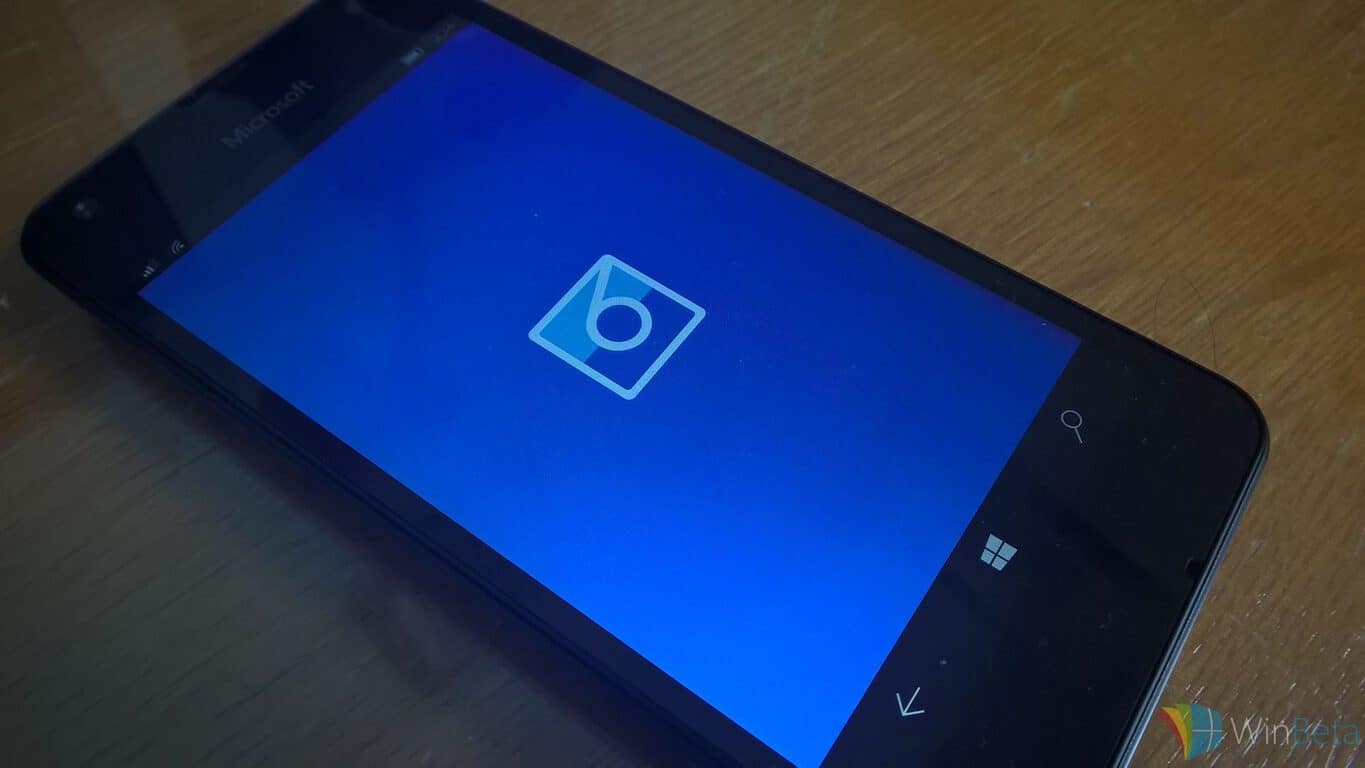
6tag on Windows Phone
\n
So, all of these features probably make 6tag one of the best Windows 10 Mobile apps right now. And it’s a free app (with in-app purchases to remove ads and the video upload limit), so if you’re a heavy Instagram user and never tried it before, you really should.
\n
We’re also very excited to see it coming soon on the big screens of our Windows 10 PCs, because the web app is honestly quite terrible. There is a good probability that we’re going to see it coming on the Windows Store before the official app from Facebook/Instagram, but we hope both apps will be popular, as developers who currently don’t want to develop for non-mobile devices may give it a second thought.
\n
Please tell us in the comments what you think about 6tag, and if you’re waiting for a universal Instagram app on Windows PCs!
\n\n

\n\nFurther reading: 6tag, Instagram, Rudy Huyn, Windows 10, Windows 10 Mobile


