
 \n
\n
Last week, one of my worst fears as a Surface Pro 4 owner came to life. While working on an article for my other job, the screen on my Surface Pro 4 started to flicker. To no avail, I rebooted the device and the issue occurred again and again after just a few hours of use. I then recorded and post the saga on Twitter, and my heart instantly dropped. I knew this wasn’t an easy fix.
\n
The issue I experienced is commonly known as “flickergate” or, what Microsoft officially calls a “scramble.” It’s a common hardware failure and defect experienced with select Surface Pro 4 devices. That said, I was extra worried because I wrote about flickergate before and the headaches that came along with it.
\n
Well, I also knew that (under pressure from the Surface community) Microsoft eventually launched a special program for this very issue. But my Surface was very close to falling a few months past the three year period covered under the program.
\n
Boy, I thought I was in for trouble. But I wasn’t. Here’s my flickergate story, and why I didn’t hate Microsoft for it.
\n
Contacting support
\n
Contacting Microsoft Support
\n
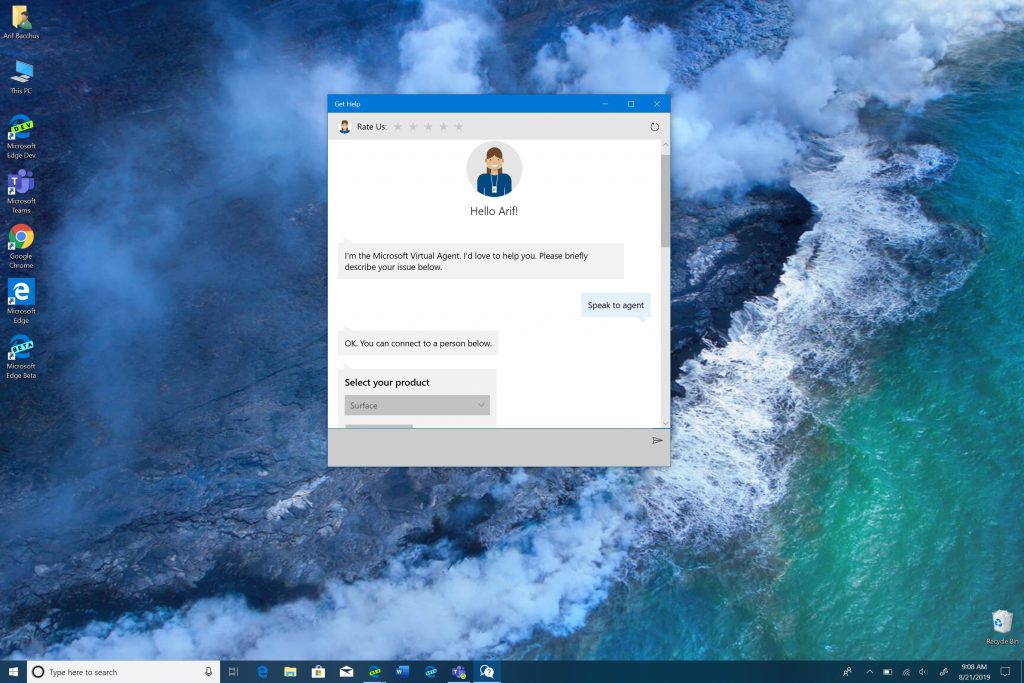
One of the first things I did after experiencing flickergate was to contact Microsoft Support. To do so, I fired up the “Get Help” app on Windows 10 from another one of my PCs. I had never used it up until this point, but, this time it proved really useful.
\n
I simply typed in “Speak to an Agent” in the chatbox to get the process started. Next, I choose Surface from the list of products and then selected “warranty and service” as my issue. I signed in with my Microsoft Account, and then selected the device I was having an issue with. Finally, I choose to “chat” and was connected to an agent named Judy.
\n
After we confirmed the usual details like Surface serial number and my personal information, Judy was truly kind to me. She had an apologetic tone and assured me my problem would be fixed. Her suggestion was for me to mail in the device after uploading a video to show proof of the flickering.
\n
I politely declined and asked if I could do this at a Microsoft Store instead. She told me that this is indeed an option, and set me up with an appointment at an Answer Desk. She even provided me her email, so we could have an open end of communication to see if the problem is resolved.
\n
Now, I’ve dealt with customer service folks from other companies before, but this was a really straight forward experience for a chat. It also was easy to reach support with the in-built app. I’ve got to hand it to Microsoft, Judy helped answer my concerns and was very kind about it. I never knew that Microsoft Support would be top-notch. But it gets better.
\n
Heading to the Microsoft Store
\n
After Judy set me up with an appointment, the next step was to go to a Microsoft Store to try and get the problem resolved in person. I went to the 5th Ave Flagship in NYC, which was just an hour train ride away from my home.
\n
As soon as I walked in, a store employee greeted me and asked me if I needed help. I told them my issue, and I was sent upstairs to meet another employee at the Answer Desk. They asked for my appointment time and my name.
\n
Once I went upstairs, a senior Microsoft Support staff member had been waiting for me. I told him about my problem and gave him my Surface Pro 4. He confirmed my serial number and had me sign some paperwork on his Surface. He then started typing out something on his HP Elite x3 Windows Phone (which Microsoft still uses in-store to complete purchases.) I wasn’t certain until later, but I think he was completing an order for a replacement device.
\n
All the time, he was very friendly to me. I told him about my job as a freelance writer and mentioned my passion for Microsoft. He chatted with me about my life, etc, and told me a bit about himself as well. I could tell that Microsoft Store employees not only care about the product but the customer as well. For them, their passion goes beyond the product. After having to deal with a broken Surface device, hearing a support staff talk to you in kind, professional, and friendly matter really is reassuring.
\n
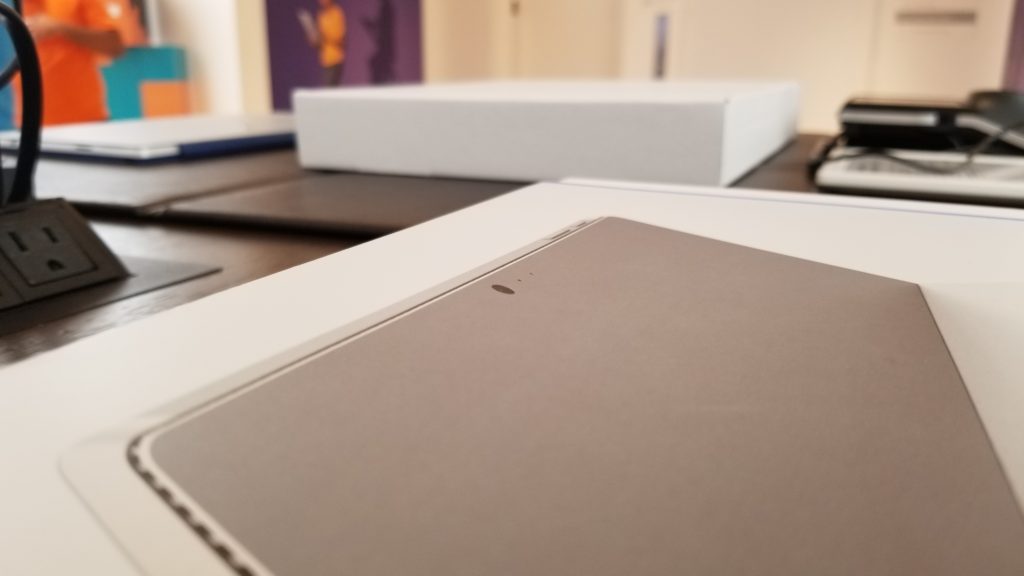
My Surface Pro 4 box on the desk
\n
The actual appointment
\n
Chit chat done, he visually examined at my Surface to make sure it wasn’t damaged and then asked me about my backups, etc. I explained that the device still has my information on it, but that I had already backed it up. I had wanted to keep the Surface preserved in the state it was when I experienced by issues, so I didn’t wipe it or re-install Windows before going to the store. I also mentioned the flickering issue again and told him that while the flicking is an off and on problem, I do have a video for proof. Shockingly, he didn’t need it. He said he believed me.
\n
Finally, after confirming my purchase date, he told me the flickering issue is covered under Microsoft’s repair program. I already knew this, but he also mentioned that there’s not much he could do to fix it, except run some routine diagnostic tests. Once his tests finished, he told me that Microsoft no longer sells the Surface Pro 4 and that he’ll swap out my Surface Pro 4 for a Surface Pro with the same specifications, as covered under Microsoft’s replacement program. I happily agreed.
\n
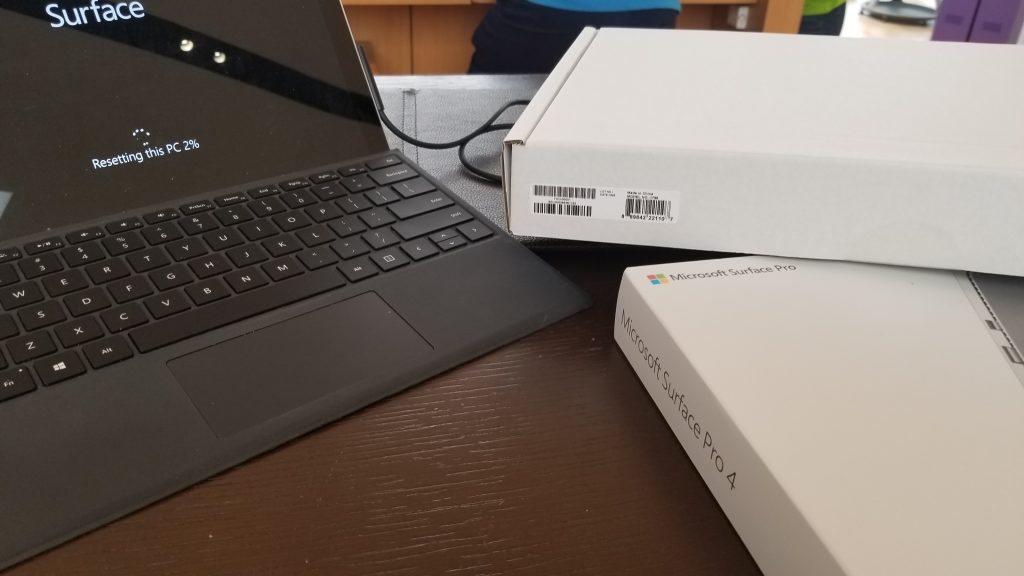
My Surface Pro 4, with the new Surface Pro box
\n
The wrap-up
\n
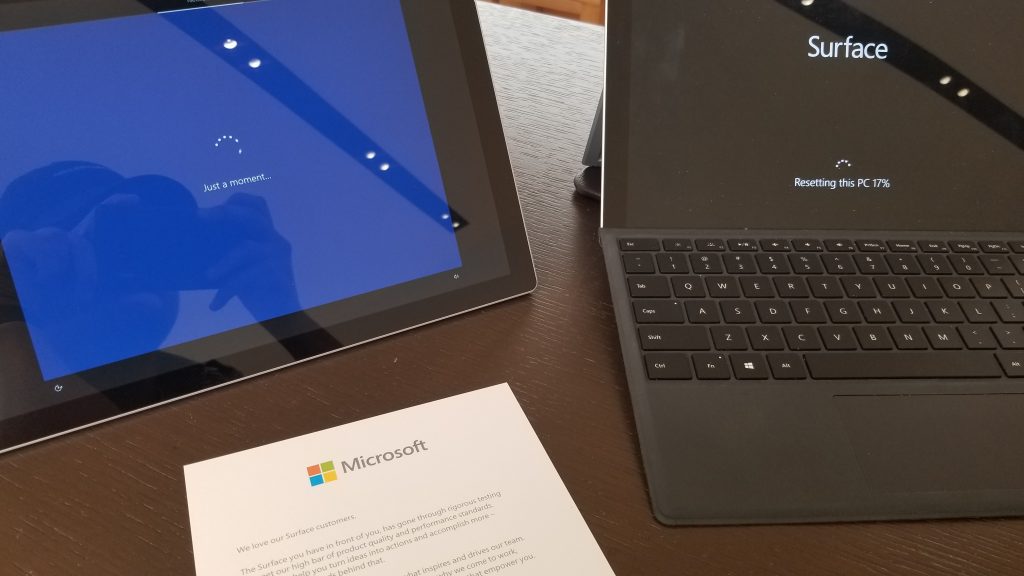
And so, this saga was close to ending. Another employee came up and handed him a generic box with a refurbished Surface Pro 5. My Answer Desk Tech had me sign some more forms again and asked me to reset my Surface in front of him, if I wanted. I asked why, and he said this was to ensure my device wasn’t going back to Microsoft with any personal information. Once the reset finished, he put it away in a box and told me it would be sent off to Microsoft and would be wiped again by the factory as a precaution to ensure that no one can recover my data.
\n
He then took my “new” Surface Pro out and told me I could set it up. When I finished logging in, etc, he asked me if there was anything else I needed. I told him no. He shook my hand, and sent me off and back home, happy with a refurbished Surface Pro device.
\n
\n
The end
\n
Most people would be mad at Microsoft if their Surface had an issue like this. But I’m not. Sure, it might have taken a while for Microsoft to launch the flickergate replacement program, but I am glad they did.
\n
From chat to store, the customer service from Microsoft is unmatched. My experience of getting my Surface exchanged was as smooth as possible. And, trust me, it’s not because I came home with a Surface model that’s one year newer than what I had before. Answer Desk staff are kind, friendly, and make sure you’re satisfied before setting foot outside the store.
\n\nFurther reading: Flickergate, Microsoft, Surface, Surface Pro 4


