How-to
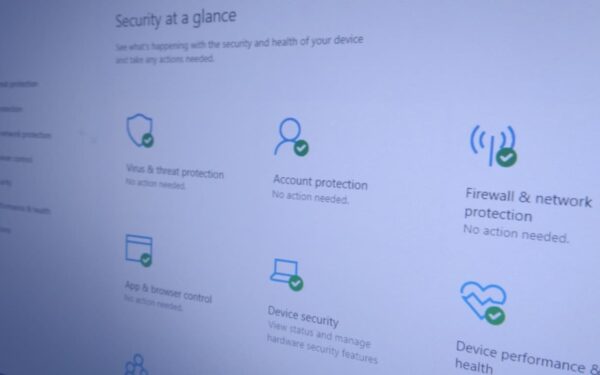
How to scan a folder for threats using Windows Security
How to scan a folder for threats using Windows Security To scan a folder using Windows Security, right-click the folder…
I'm a web developer and technology journalist with a particular interest in Microsoft innovations. I'm the founder of Heron Web (heron-web.com), a UK digital agency for web design and development. When I'm not working, I'm a PC gamer and passionate transport enthusiast.
How-to
How to scan a folder for threats using Windows Security To scan a folder using Windows Security, right-click the folder…
How-to
How to import data from a PDF in Microsoft Excel To import PDF table data into Excel: Click the Data…
How-to
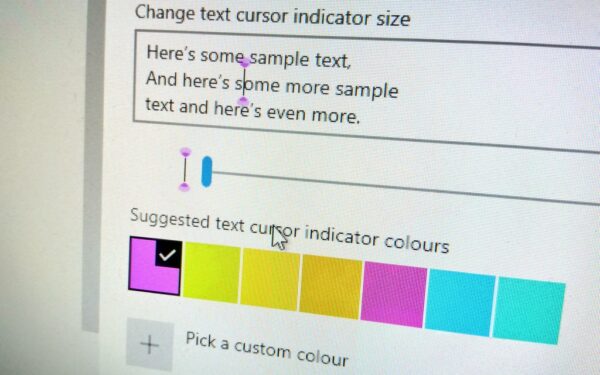
How to customise the text input cursor in Windows 10 To set cursor highlight colour and thickness: Launch Settings. Click…
How-to
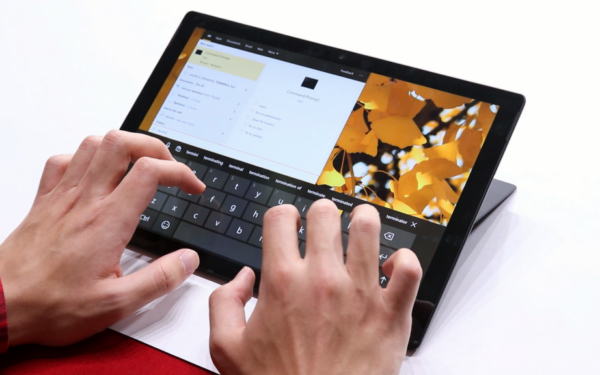
How to dictate text on Windows 10 To dictate text on Windows 10: Focus any text input field. Press the…
How-to
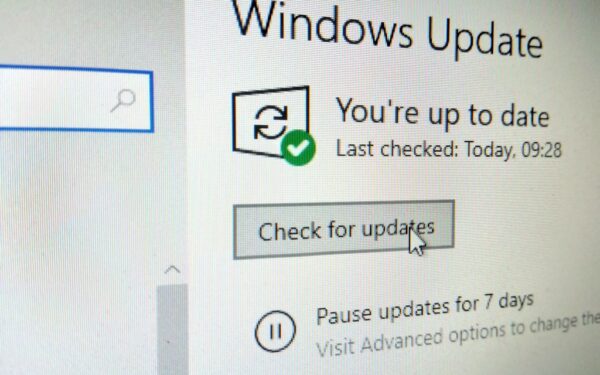
How to set a Windows Update bandwidth cap To set a Windows Update bandwidth cap in the May 2020 update:…
How-to
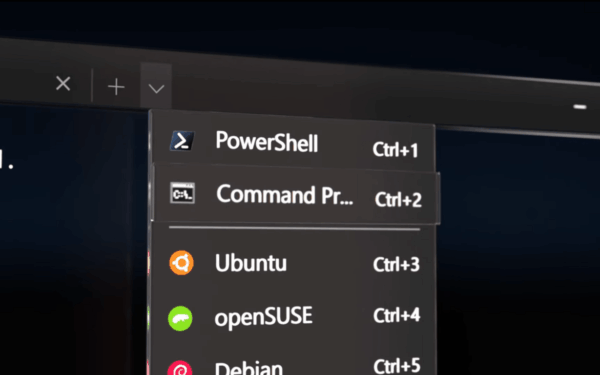
How to install the Windows Terminal today To install Windows Terminal: Launch the Microsoft Store. Search for Windows Terminal. Press…
How to completely uninstall the Cortana app in Windows 10's May 2020 update You can uninstall the Cortana app in…
How-to
How to reset a misbehaving app in Windows 10 To reset an app in Windows 10: Right-click the app in…
How-to
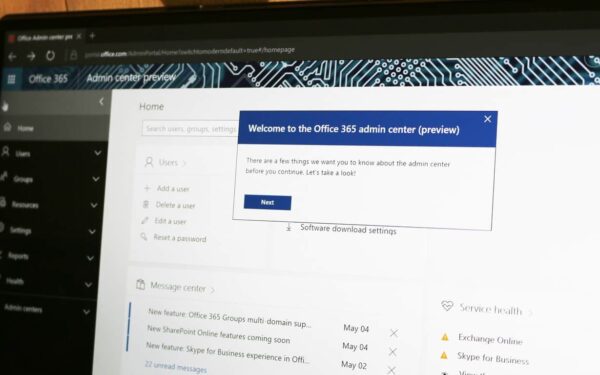
How to customise the Office 365 Admin Centre homescreen To customise the Office 365 Admin Centre homescreen: Add cards by…
How to view and report Office 365 service advisories using the admin centre To view Office 365 service advisories: Login…