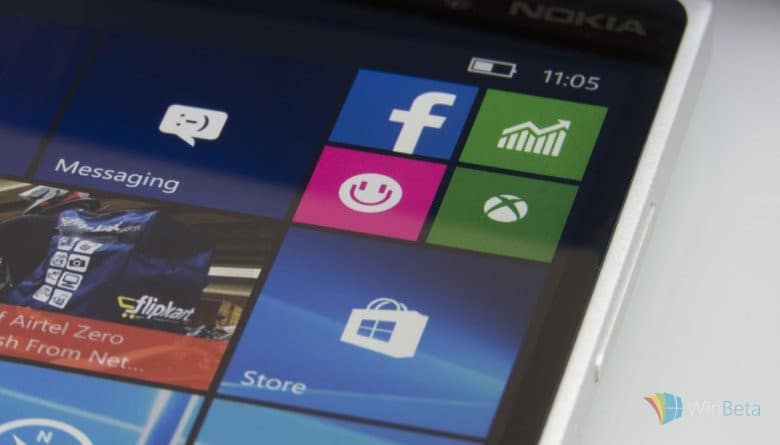
Windows 10 Mobile build 10572 is bringing a host of new improvements to the Windows 10 Mobile experience for Insiders to try before the operating systems gets pushed out to the average consumer over the following months. Some of the noteworthy changes with this update include some updates to the Skype and Photo apps as well as some always appreciated battery life improvements.
This latest build has also made some improvements to the way storage is handled with a new user experience that creates a more consistent visual style between mobile and PC. The option to install apps directly onto an SD card or USB storage device has also been enabled now on both mobile and PC.
Another feature added with Windows 10 Mobile build 10572 is the new ability to save offline maps to an SD card, which may be useful for owners of mobile devices with limited memory or a significant amount of memory already being used by other files and apps on their hardware.
What do you think about the evolution of Windows 10 Mobile? Do you think it’s ready for public usage yet or are there still features that you would like to see enabled? Let us know in the comments below.
New storage and maps management comes to Windows 10 Mobile build 10572 – OnMSFT.com

Share this article:



